Reuse
Build a brand theme from your website
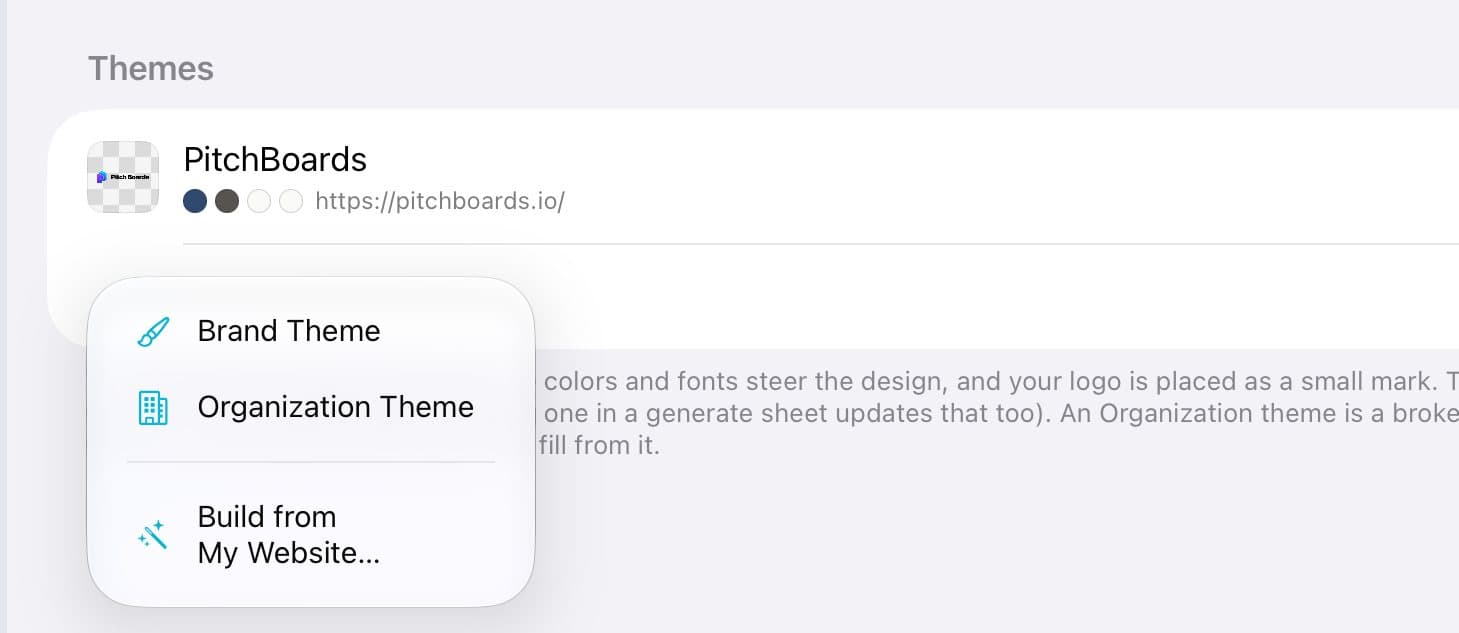
PitchBoards can build a brand theme from your website. Tap Account, then Themes, then New Theme and Build from My Website. Type your site and tap See mine. Check the logos, colors, and fonts it found, say whose brand it is, and tap Save my brand theme.
Updated By Isaac Stalzer
Step 1 of 6
Start a new theme
Tap Account, then Themes. Tap New Theme, then Build from My Website….
Step 2 of 6
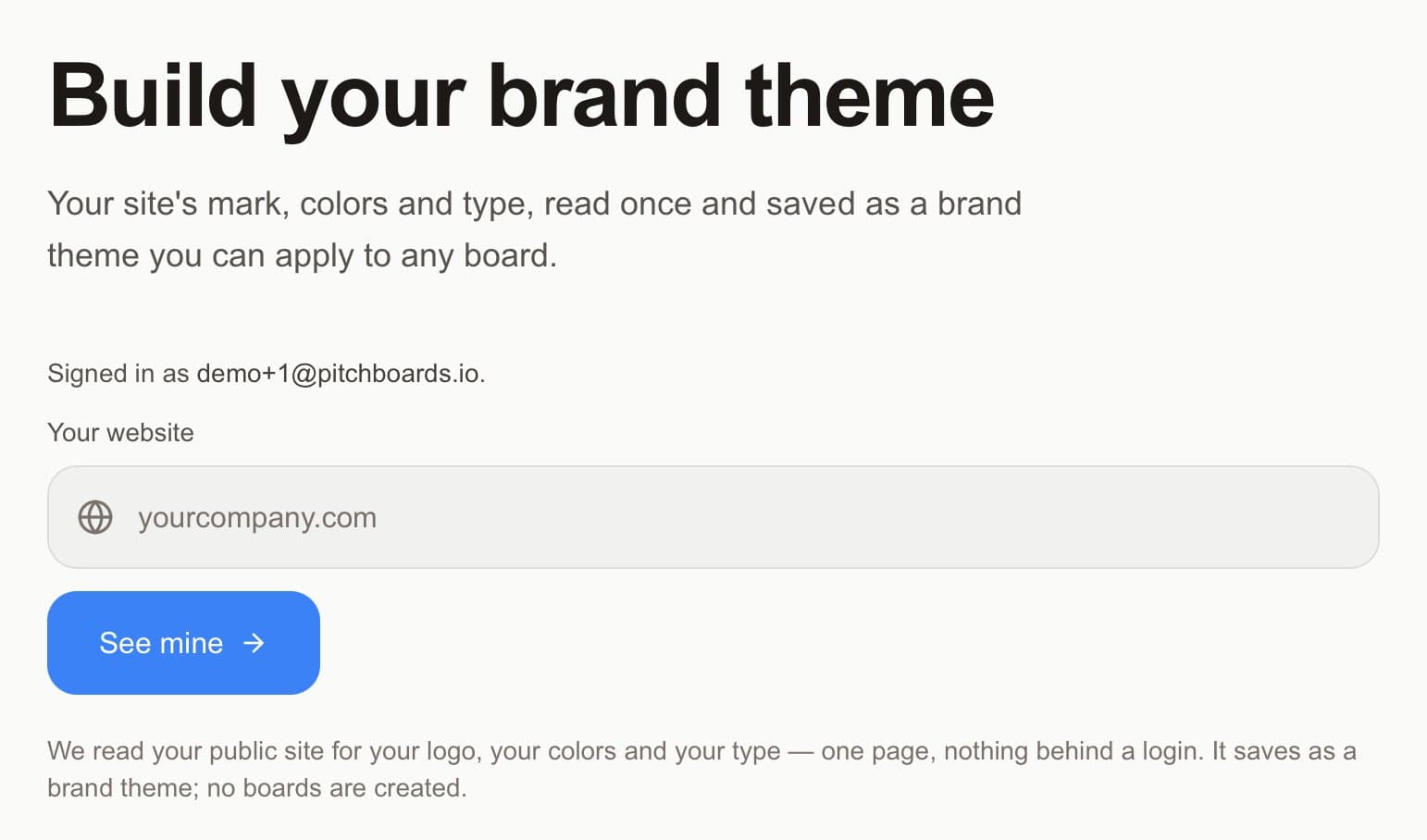
Type your website
Type your website, like yourcompany.com. Tap See mine.
Step 3 of 6
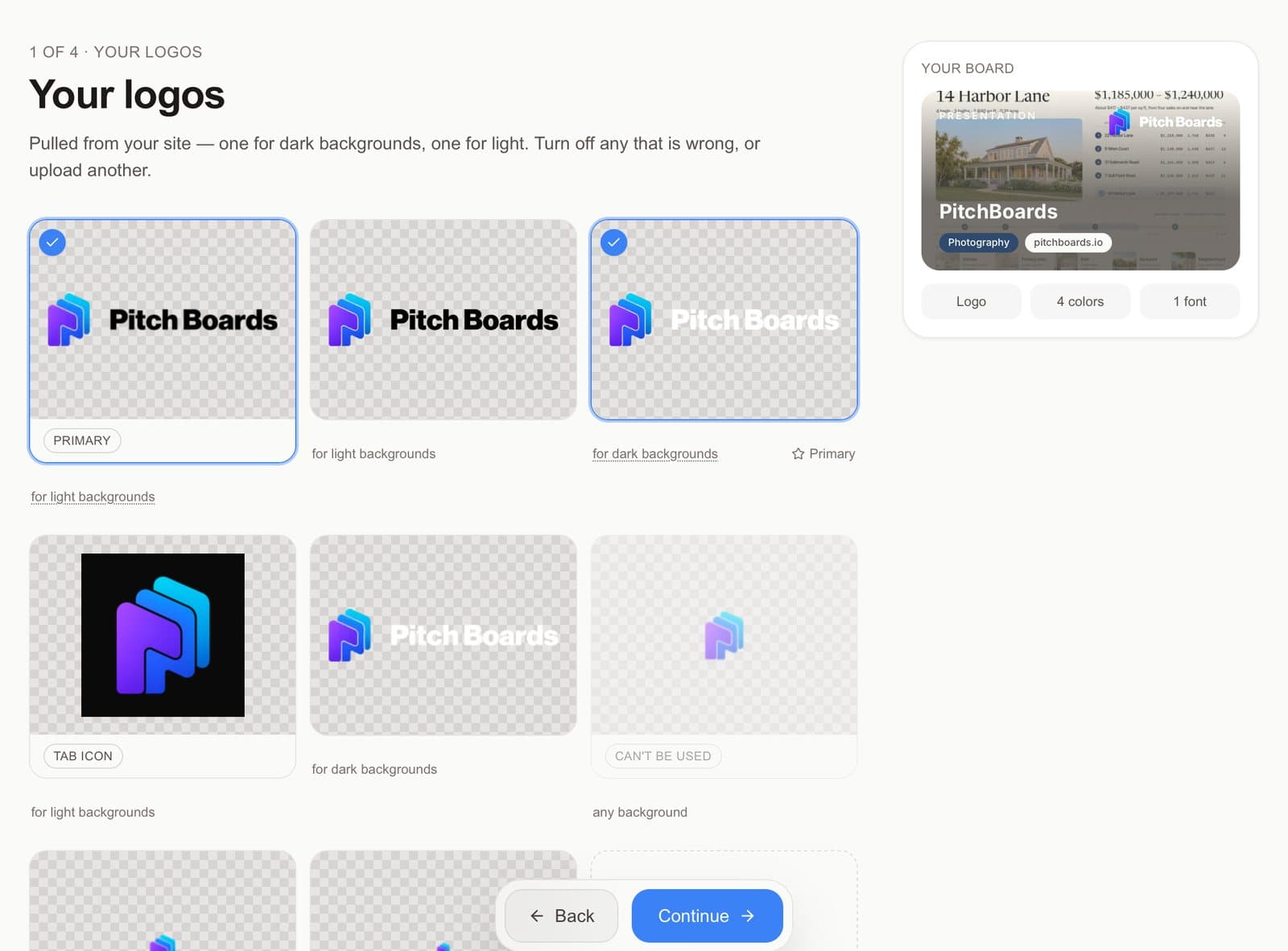
Check your logos
Turn off any logo that's wrong, or upload another. Tap Continue.
Step 4 of 6
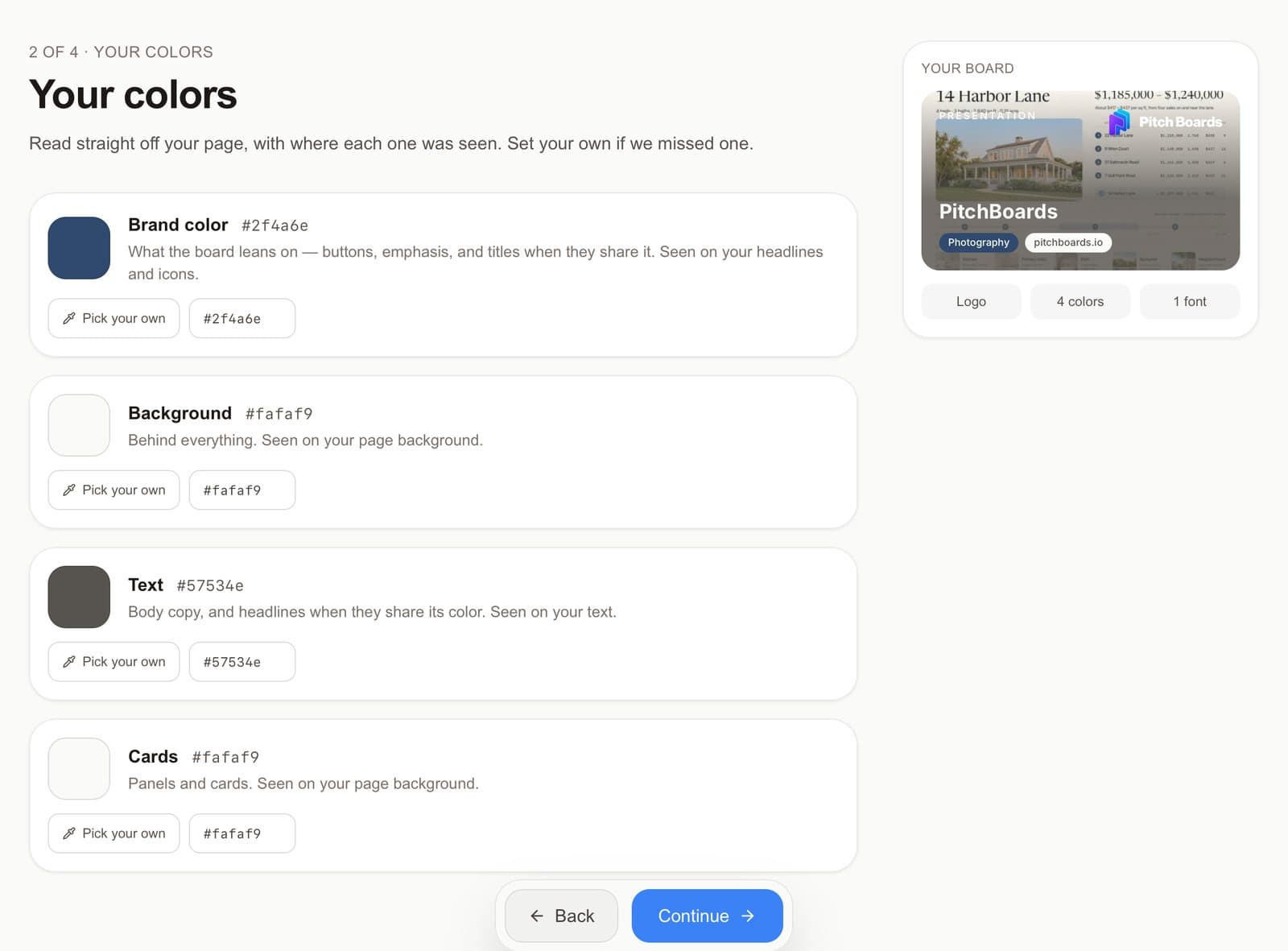
Check your colors and fonts
Tap Pick your own to fix a color. Tap Continue, check your fonts, and tap Continue again.
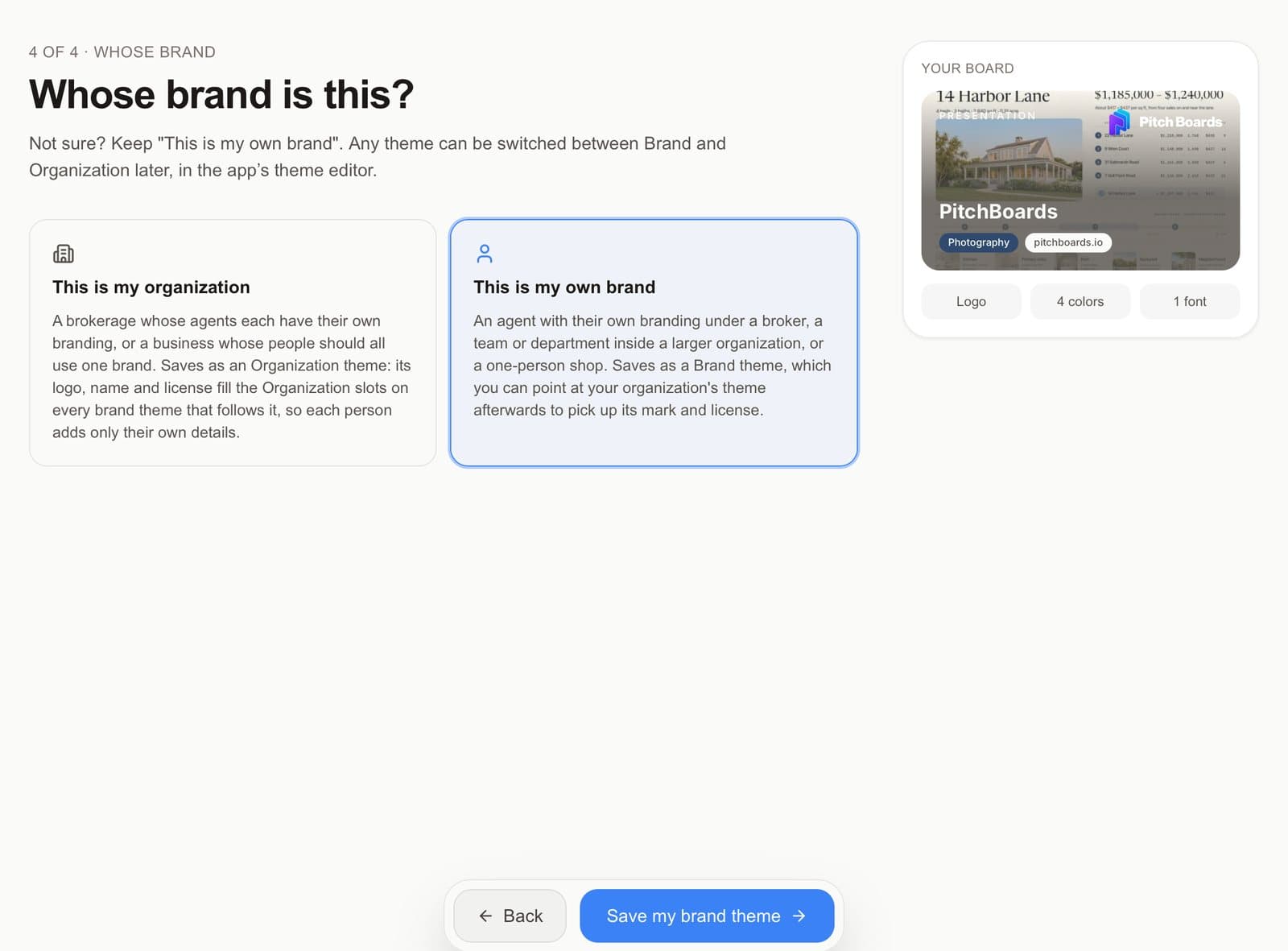
Step 5 of 6
Say whose brand it is
Pick This is my own brand, or This is my organization for a brokerage. Tap Save my brand theme.
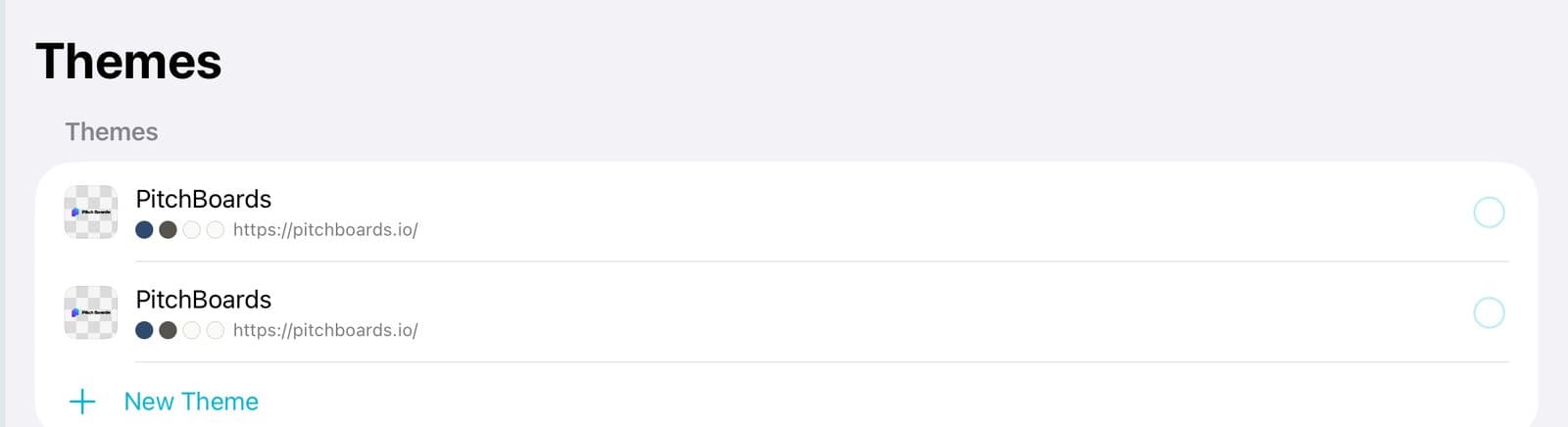
Step 6 of 6
It's saved
Your new theme is in Themes. Now put it on your boards.
Good to know
It reads one public page. Nothing behind a login.
No boards are made. It only saves a theme.
You need to verify your email first.
Already have a theme for that site? You can update it or start a new one.