For the night before the listing meeting
Look like you’ve been doing this for years.
Short walkthroughs for every part of PitchBoards, with the exact screens you’ll tap.
Getting started
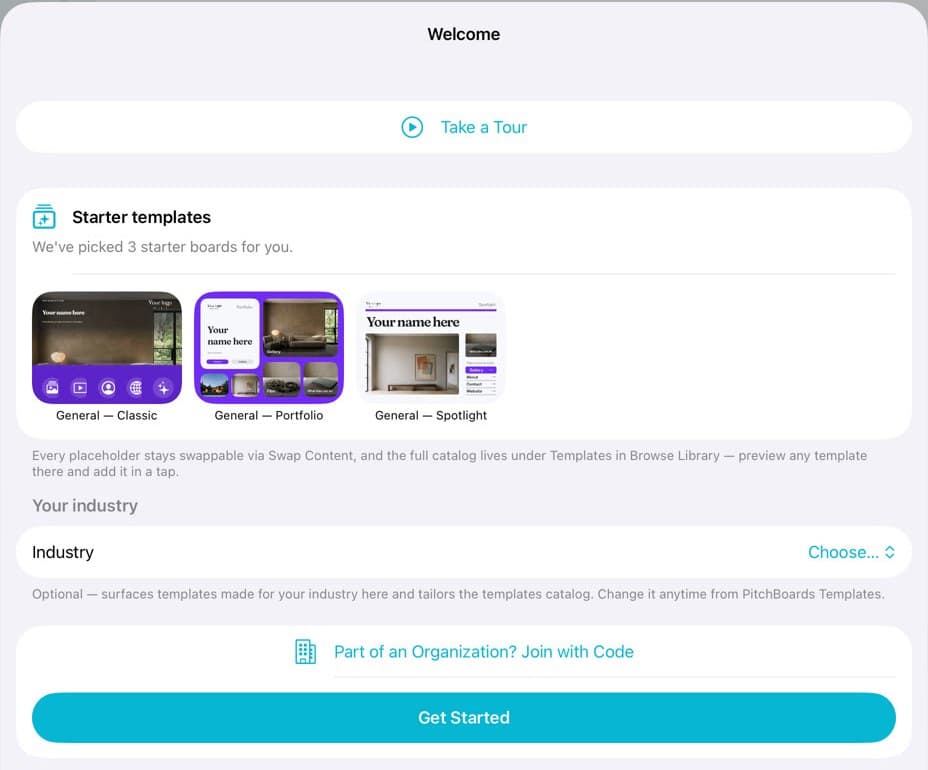
Start from a template
From your first sign-in to your own board in a few taps: the welcome, your industry, and the template catalog.
7 steps
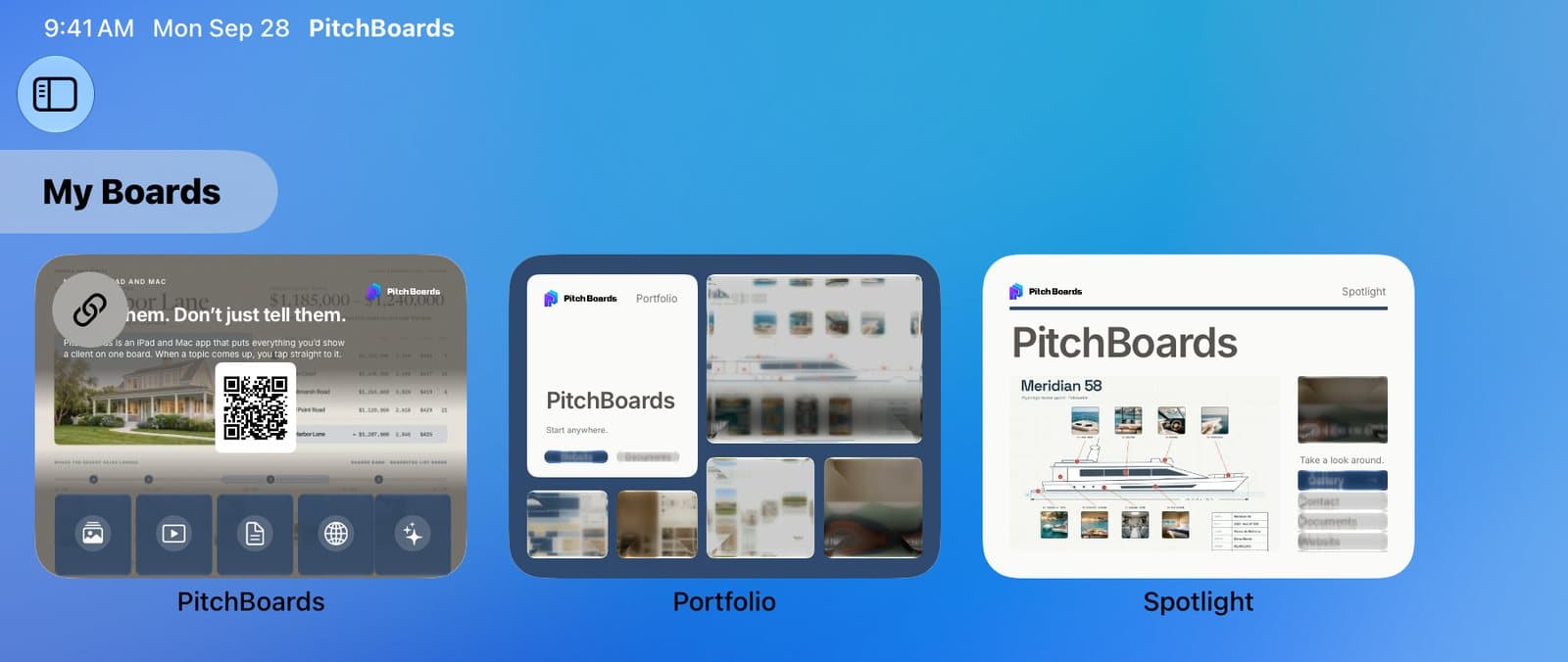
Find your way around the app
Where your boards, tiles, listings, and settings live.
5 steps
Build your first board from your website
Type your website. Get three boards in your brand.
6 steps
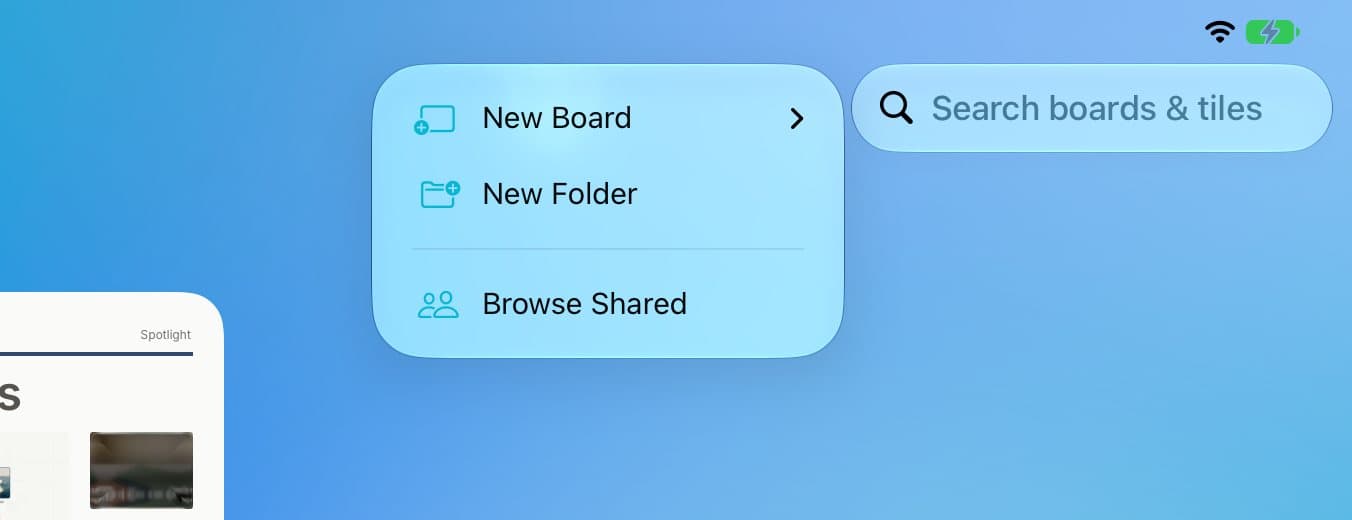
Start a new board from scratch
Grid or Canvas: which to pick, and how to make one.
5 steps
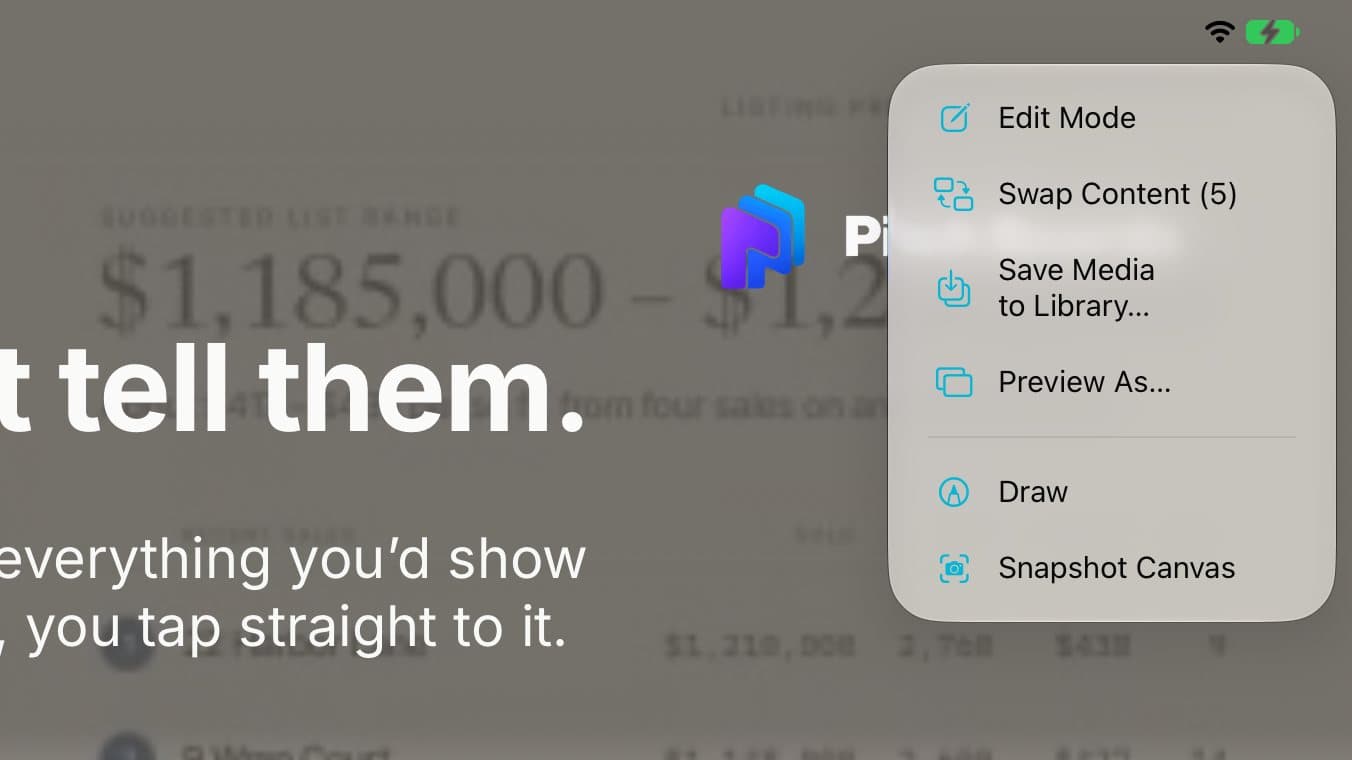
Switch between editing and presenting
Presenting is what your client sees. Edit Mode is where you change things.
4 steps
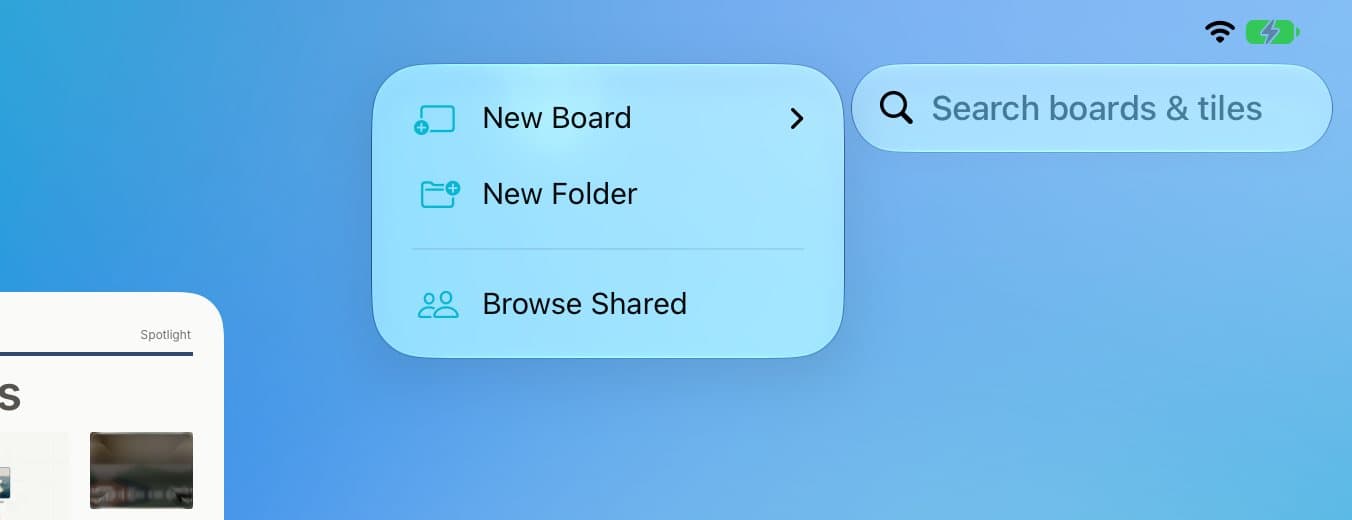
Sort your boards into folders
Make folders, move boards, and find anything with search.
5 steps
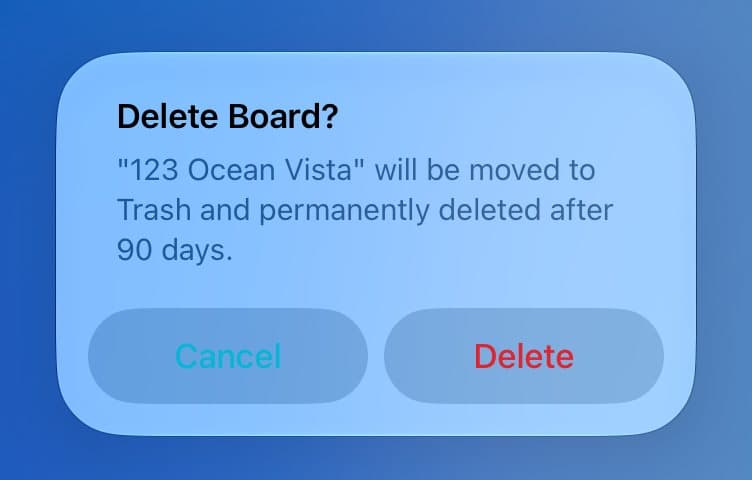
Get back a board you deleted
Deleted boards wait in Trash for 90 days.
4 steps
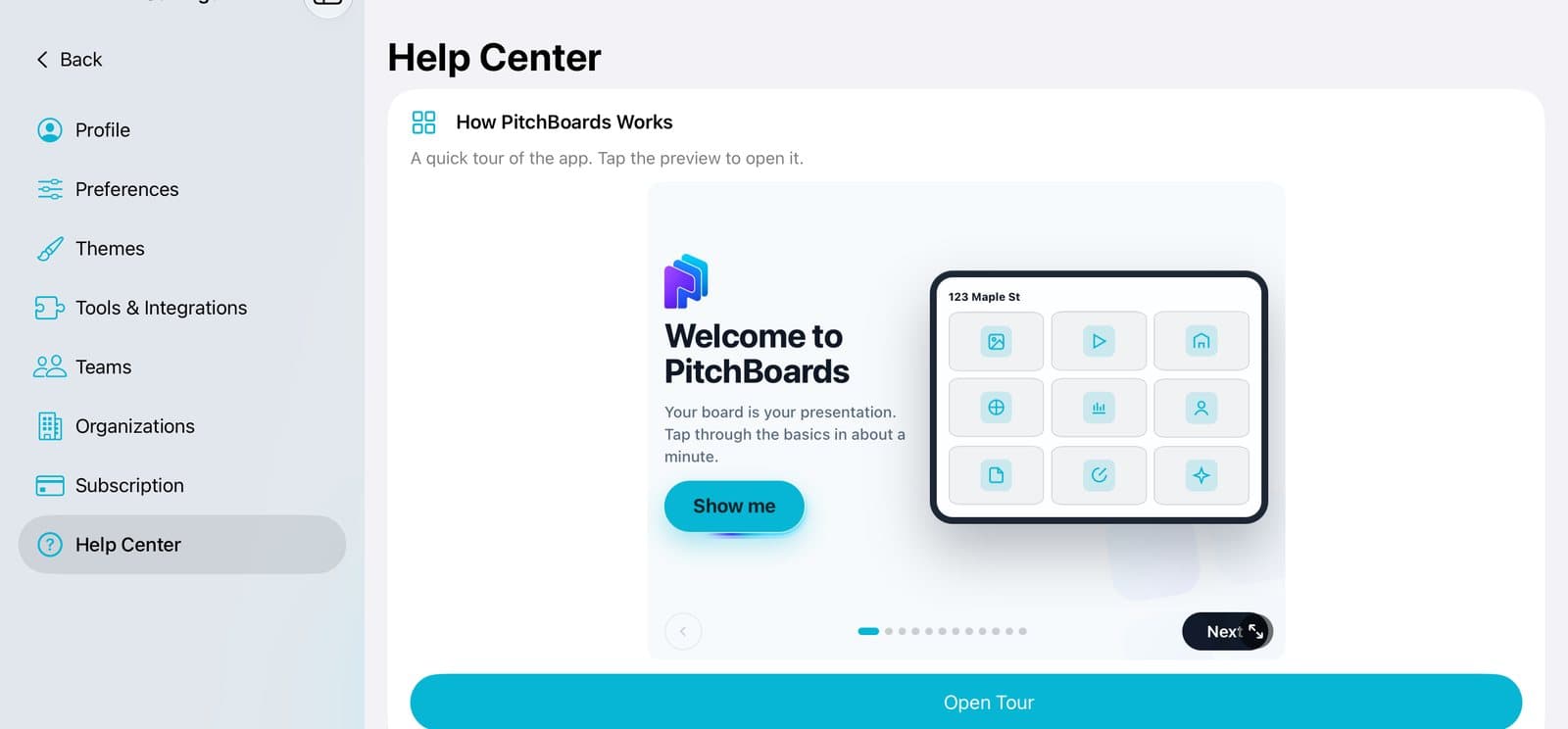
Get help or tell us about a problem
The Help Center has a tour, the FAQs, and a way to send us a screen recording.
4 steps
Build
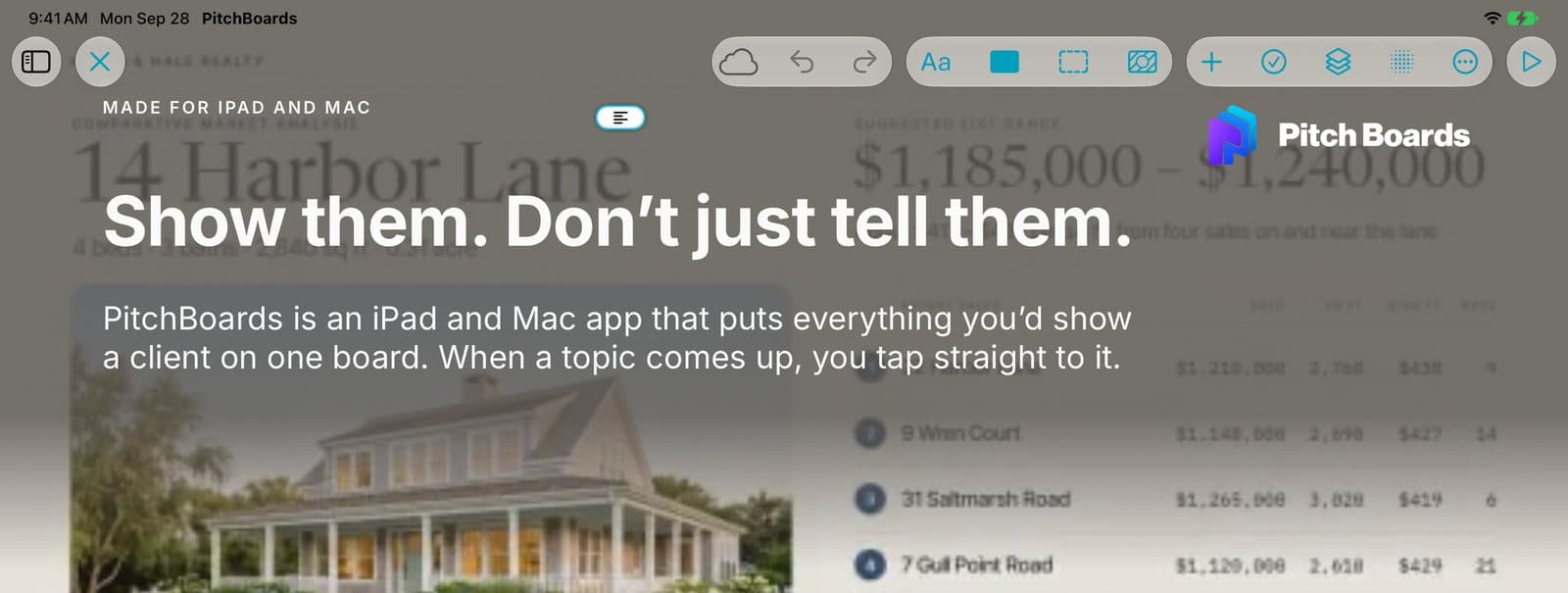
What the canvas buttons do
A quick tour of the tools at the top of a canvas in Edit Mode.
7 steps

Add text, photos, shapes, and QR codes to a canvas
Everything in the + menu, and how to place it.
6 steps

Line things up on a canvas
Center, align, put in front or behind, set a size, and lock in place.
6 steps
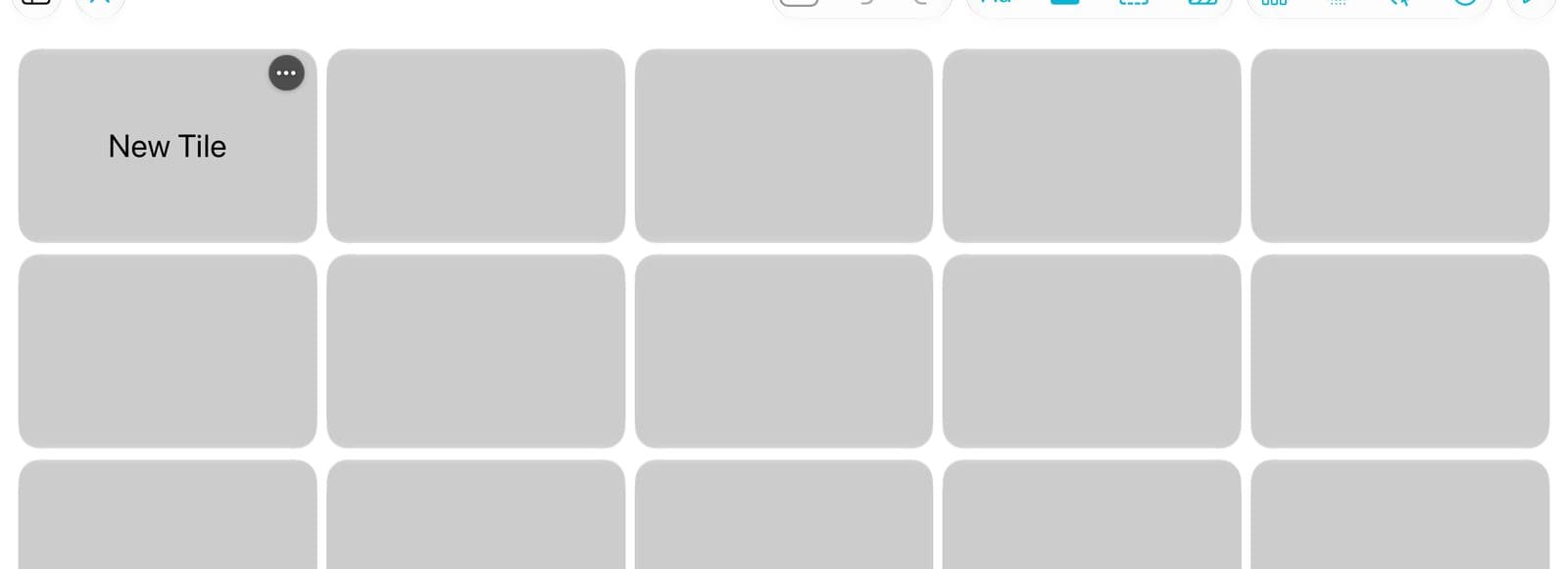
Add a tile and choose what it opens
Every tile opens something: photos, a video, a PDF, a website, or another board.
6 steps
Share
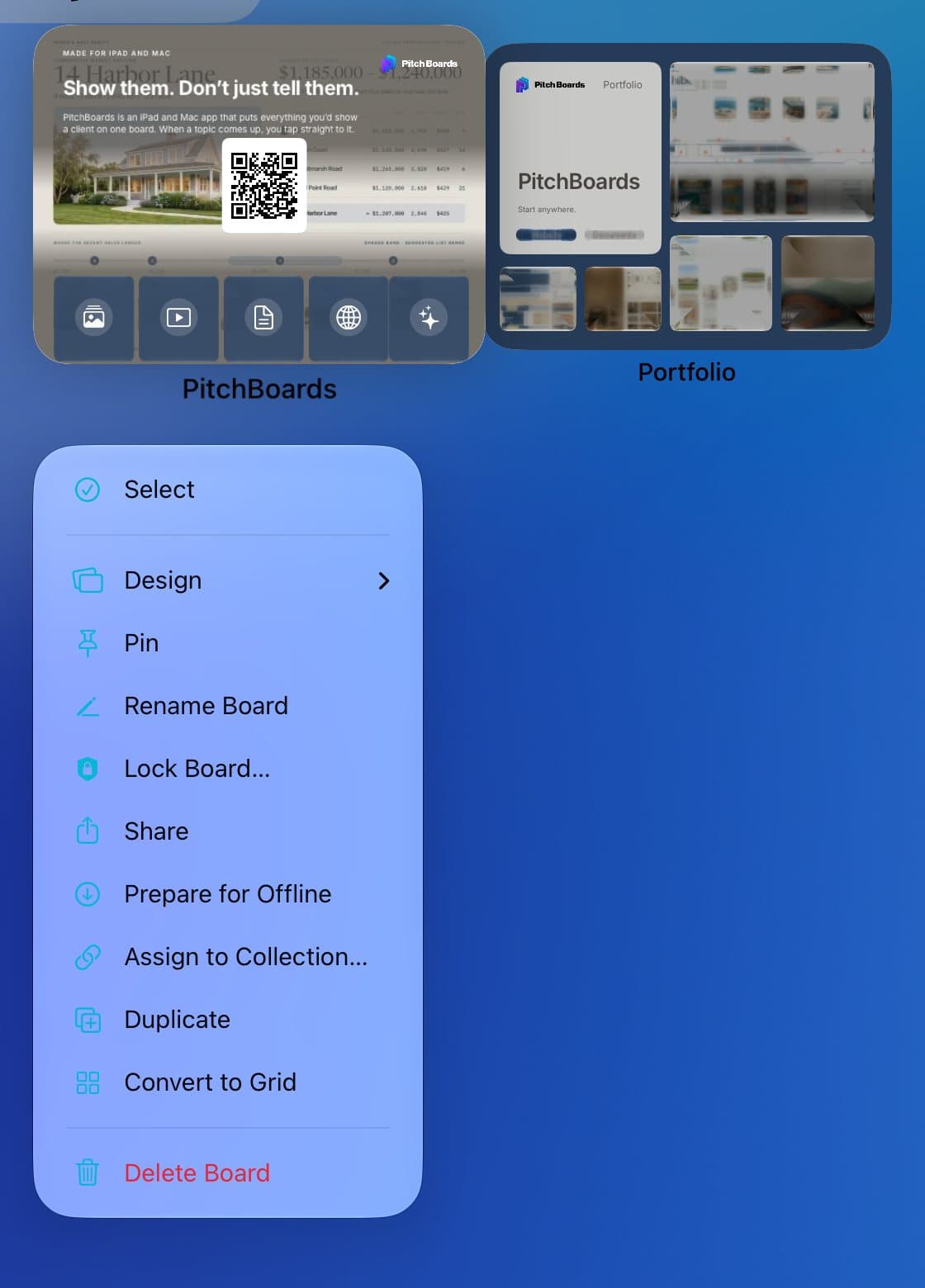
Team
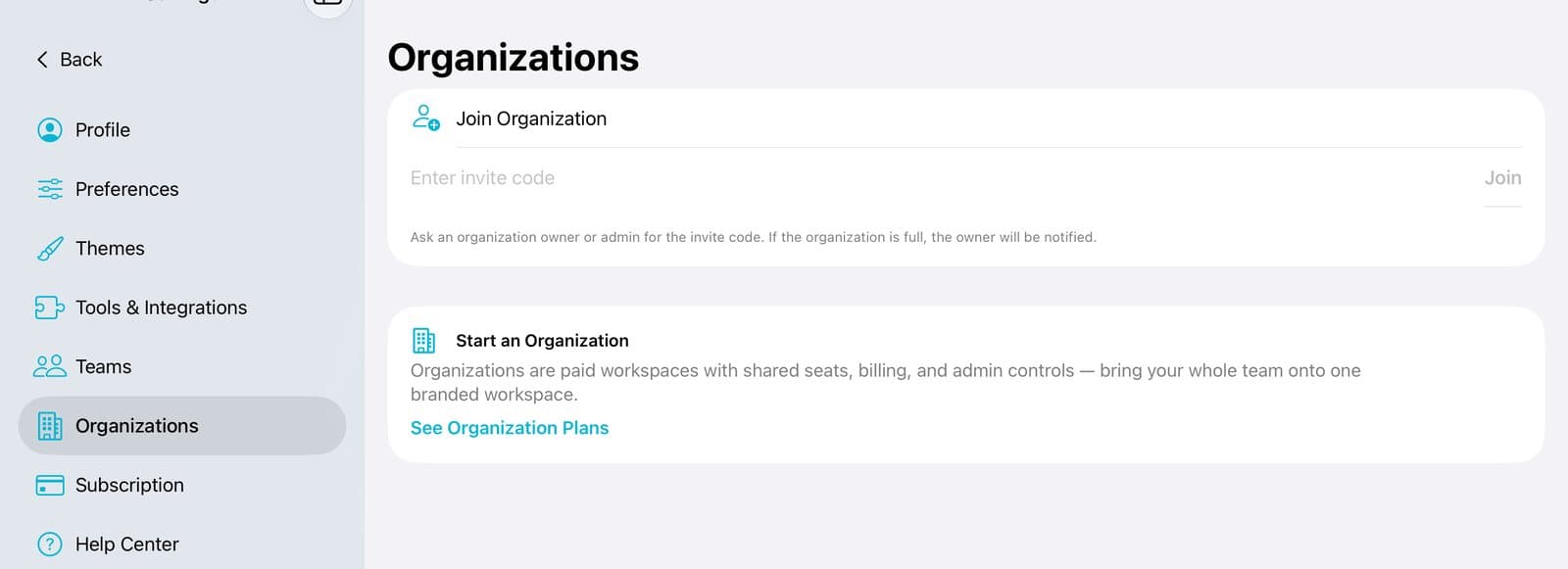
Your account
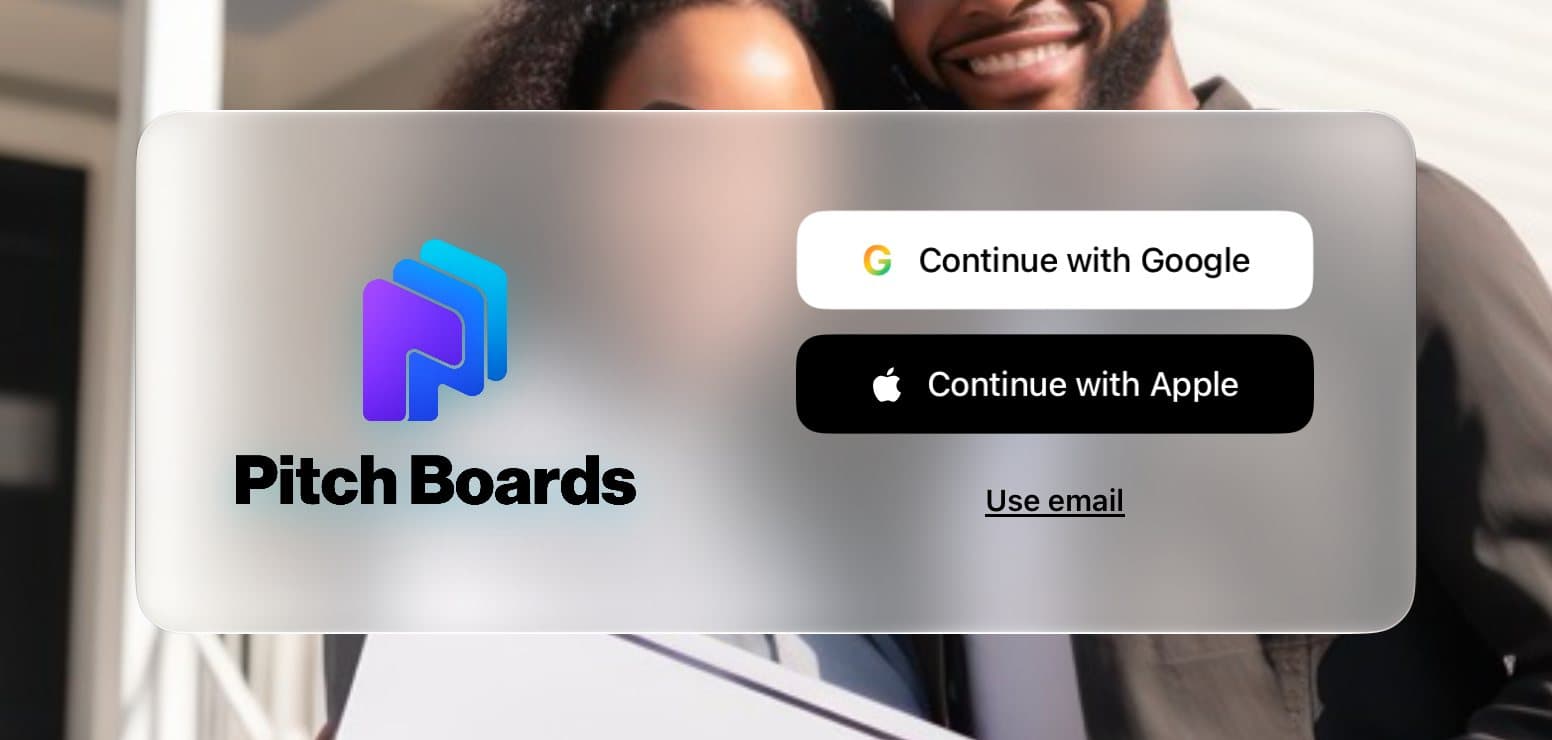
Sign in to PitchBoards
Google, Apple, or a link in your email. Pick one and keep using it.
3 steps
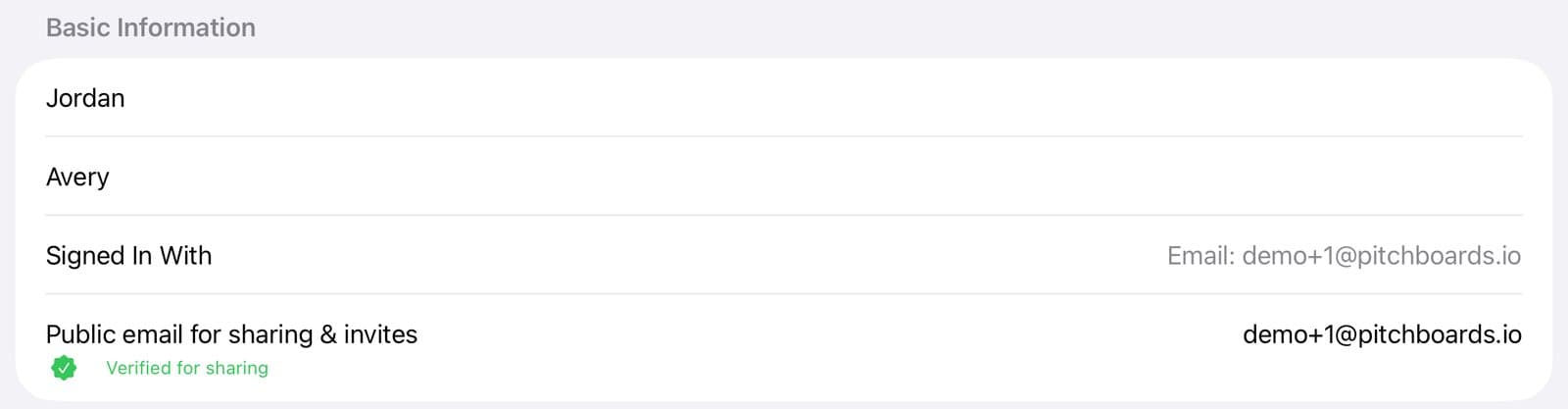
My boards are missing on my other device
You probably signed in a different way. Here's how to get back to your boards.
3 steps

Can I change my email?
What you can change on your Profile, and what stays the same.
5 steps
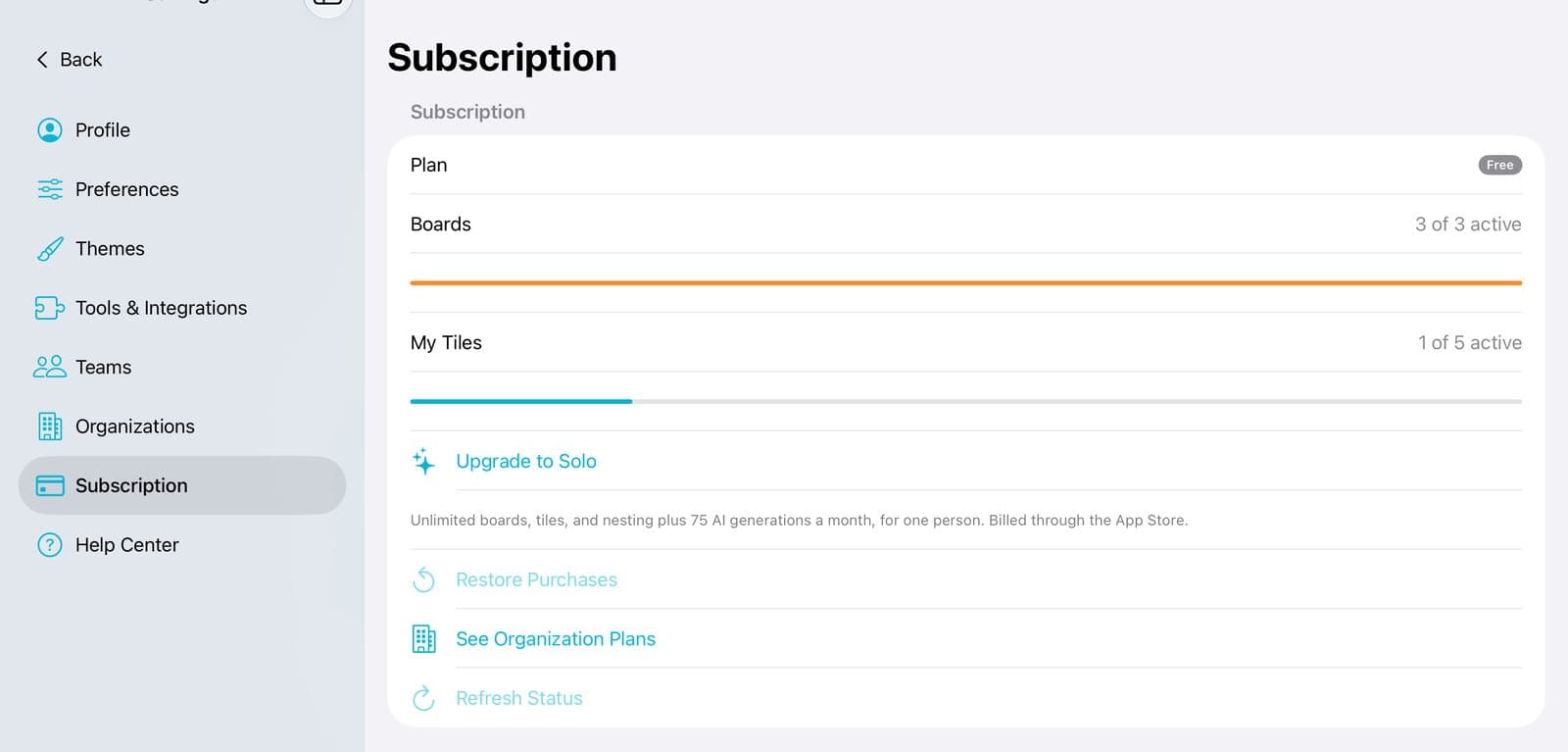
Upgrade to Solo
The plan for one person. You buy it right in the app.
4 steps
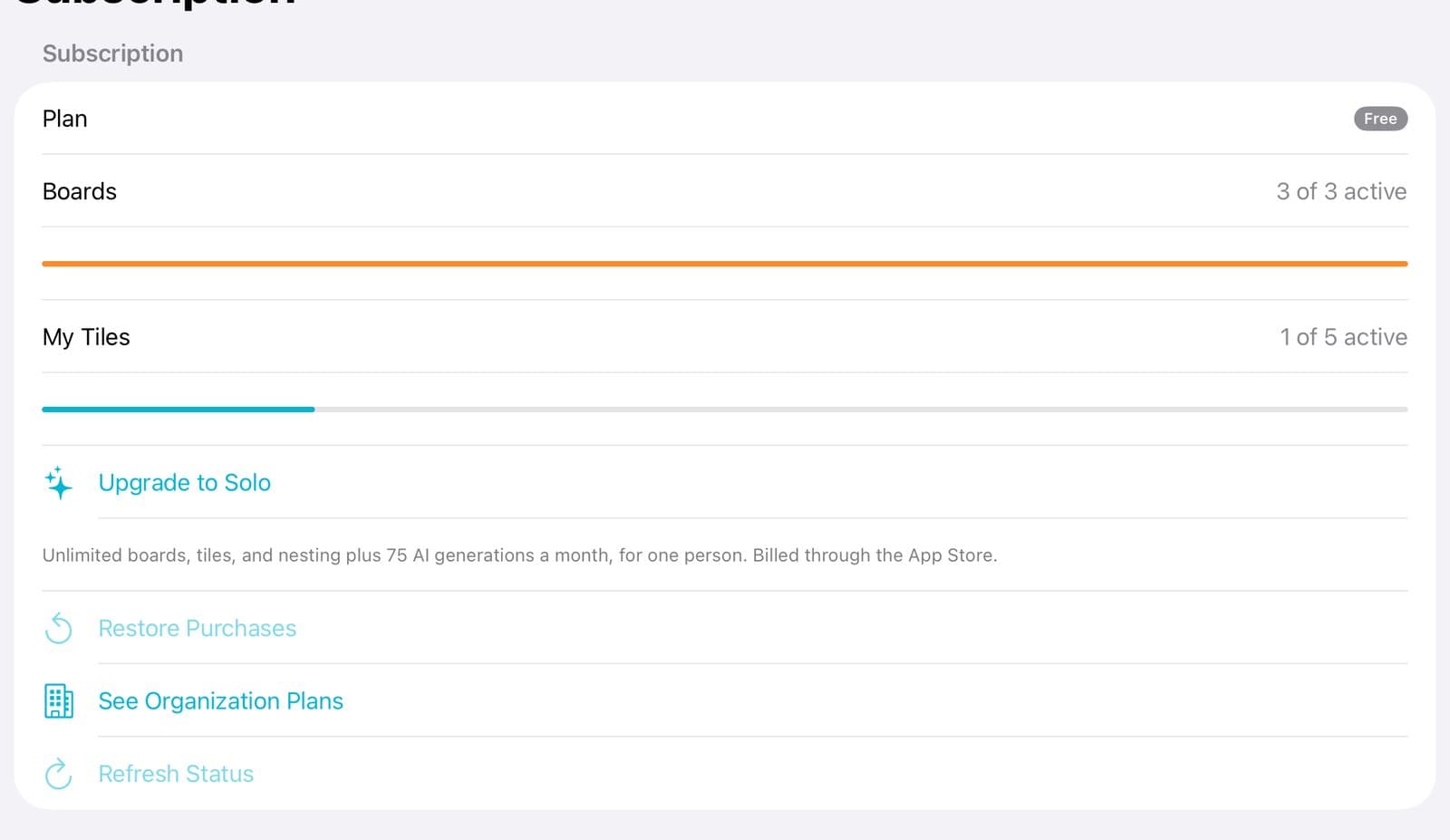
Get a plan for your team or office
Organization plans are bought on pitchboards.io, with the same sign-in.
3 steps

Why does my board have a lock?
The free plan keeps {free_active_boards} boards open. Nothing is ever deleted.
4 steps
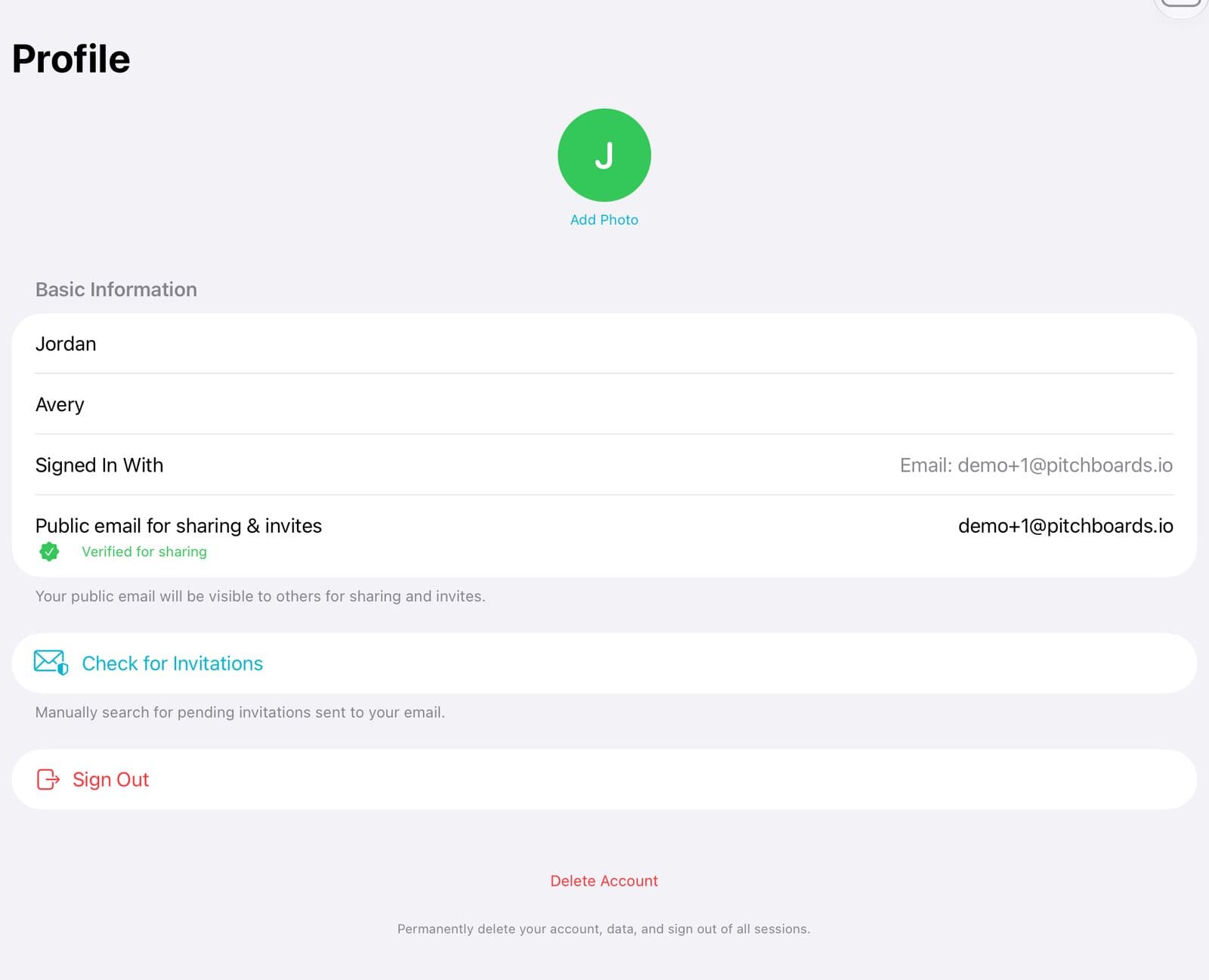
Sign out or delete your account
Both are on your Profile page. Deleting can't be undone.
4 steps