Getting started
Get help or tell us about a problem
Open Account, then Help Center. You can take a quick tour, read the FAQs, or email us. Stuck on something hard to explain? Tap Send Feedback with a Screen Recording. It shows you how to record your screen while you talk, then sends the video to us.
Updated By Isaac Stalzer
Step 1 of 4
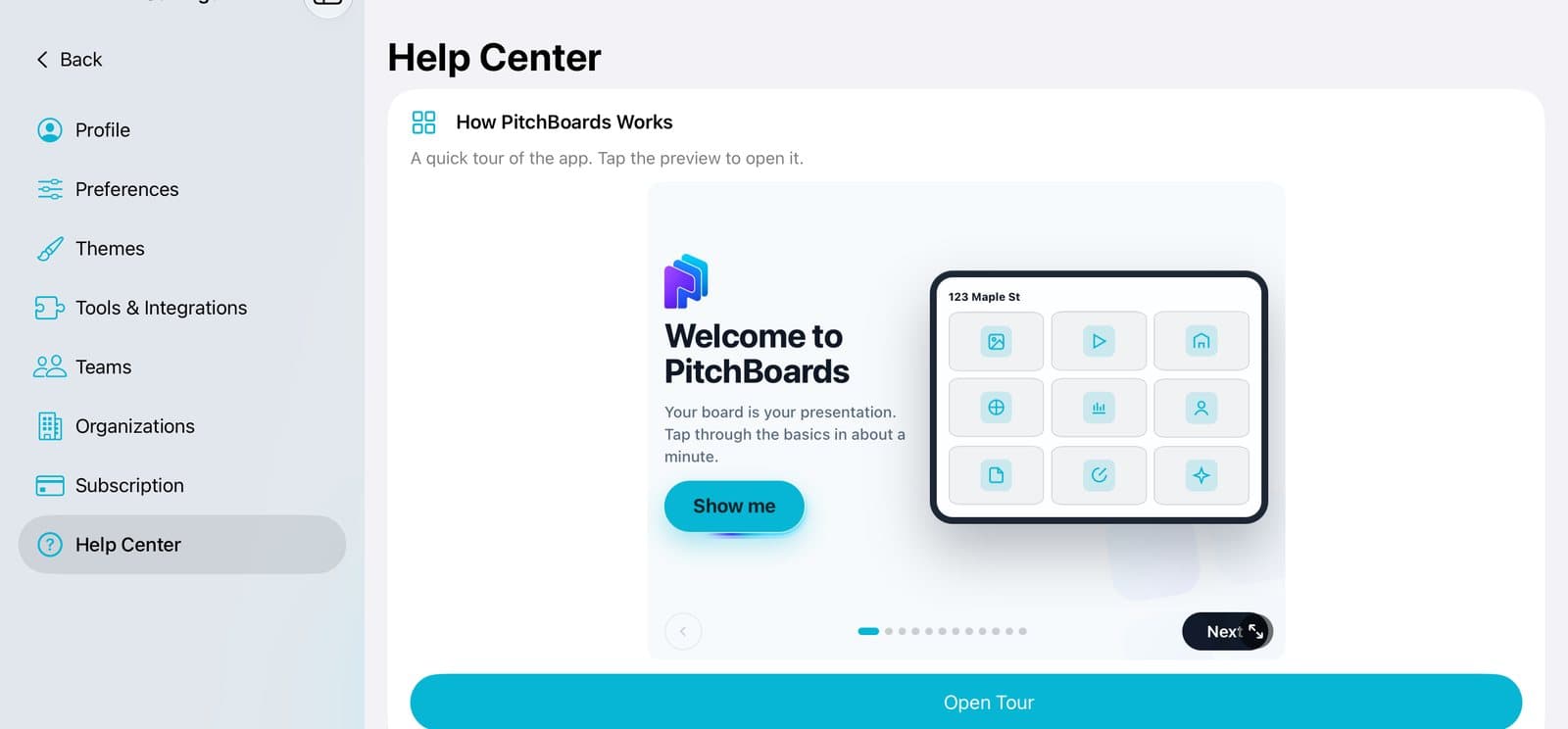
Open Help Center
Tap Account at the bottom of the sidebar. Then tap Help Center.
Step 2 of 4
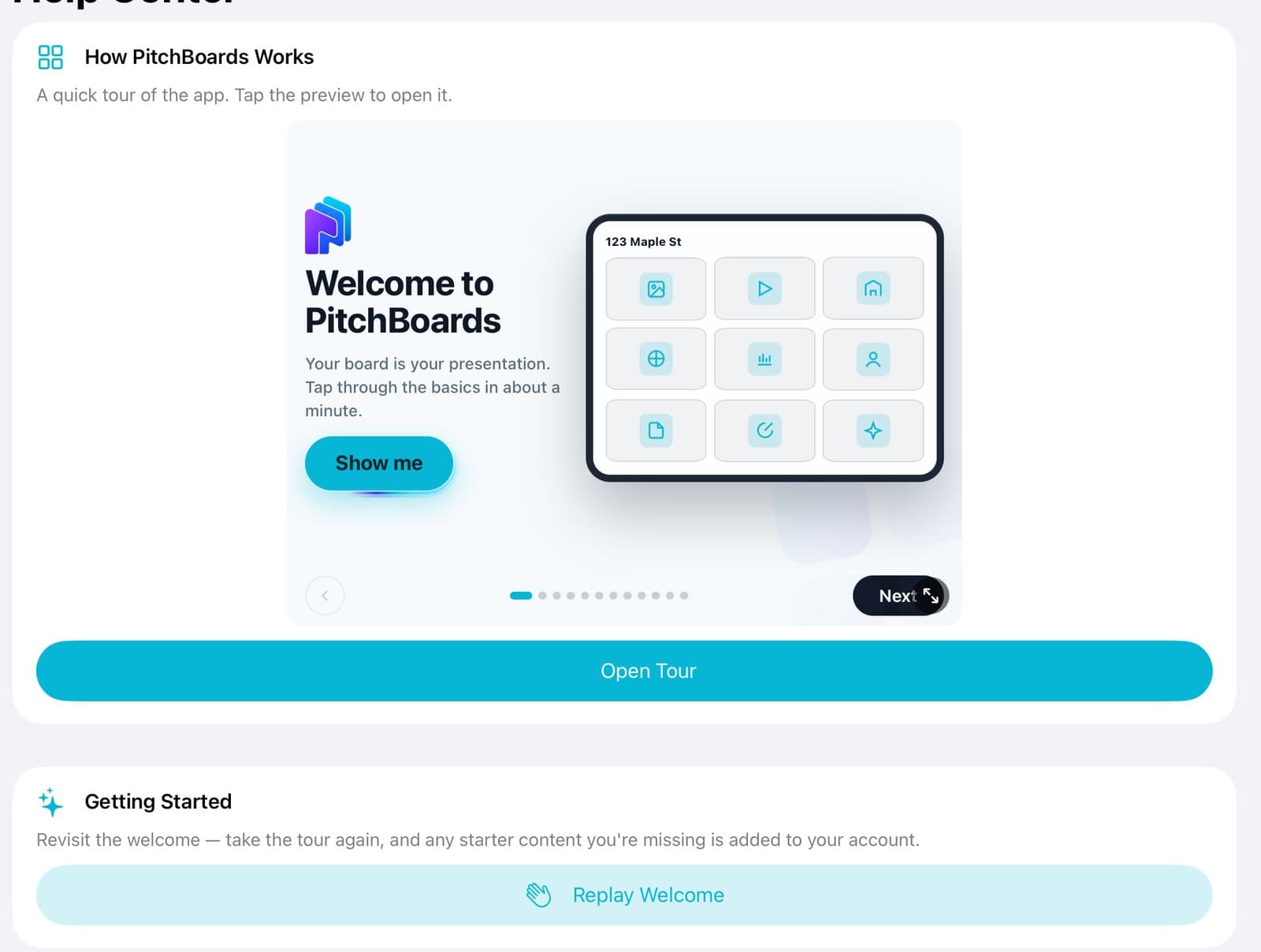
Take the tour
Tap Open Tour for a one-minute tour. Replay Welcome shows the Welcome again.
Step 3 of 4
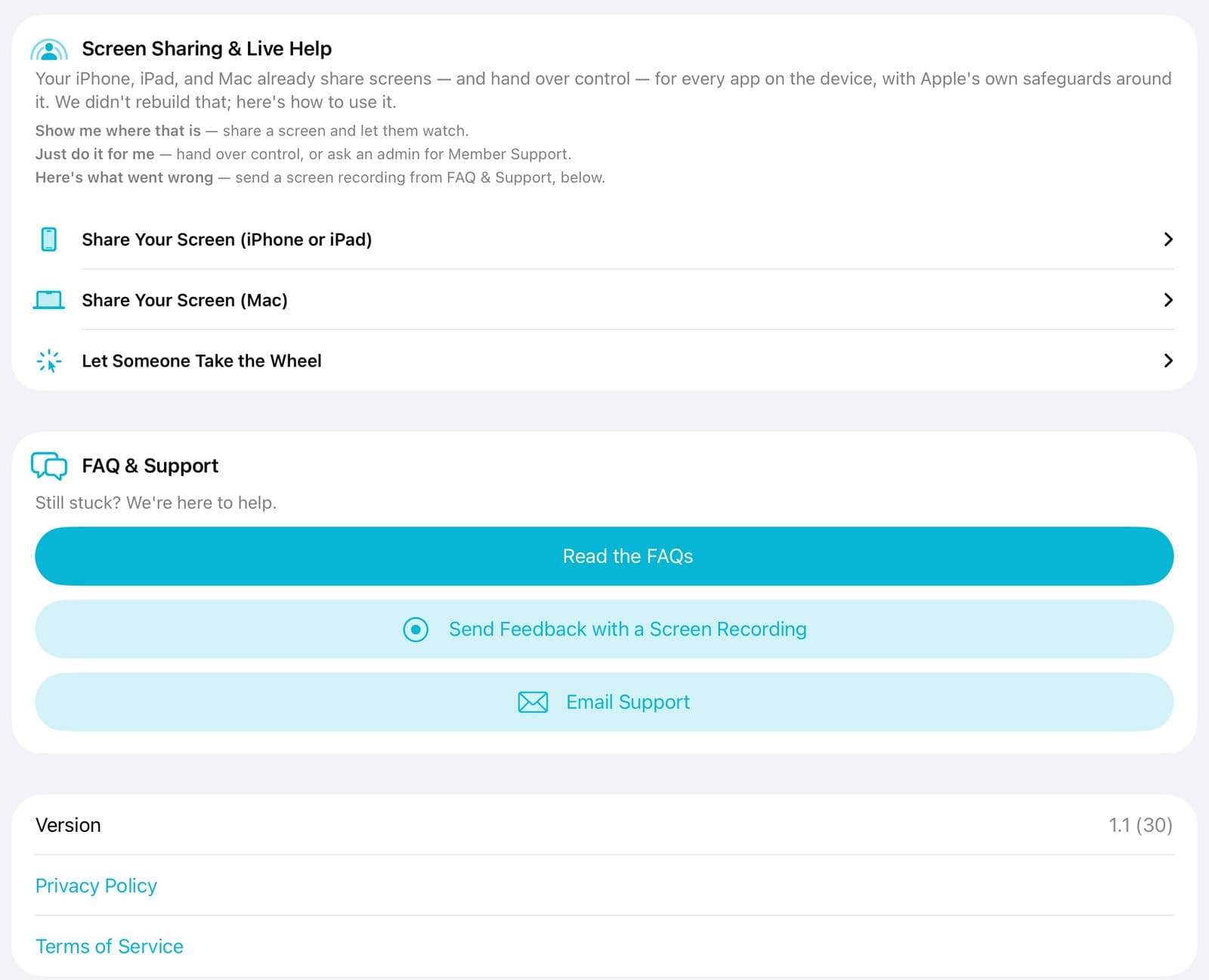
Read the FAQs or email us
Tap Read the FAQs or Email Support.
Step 4 of 4
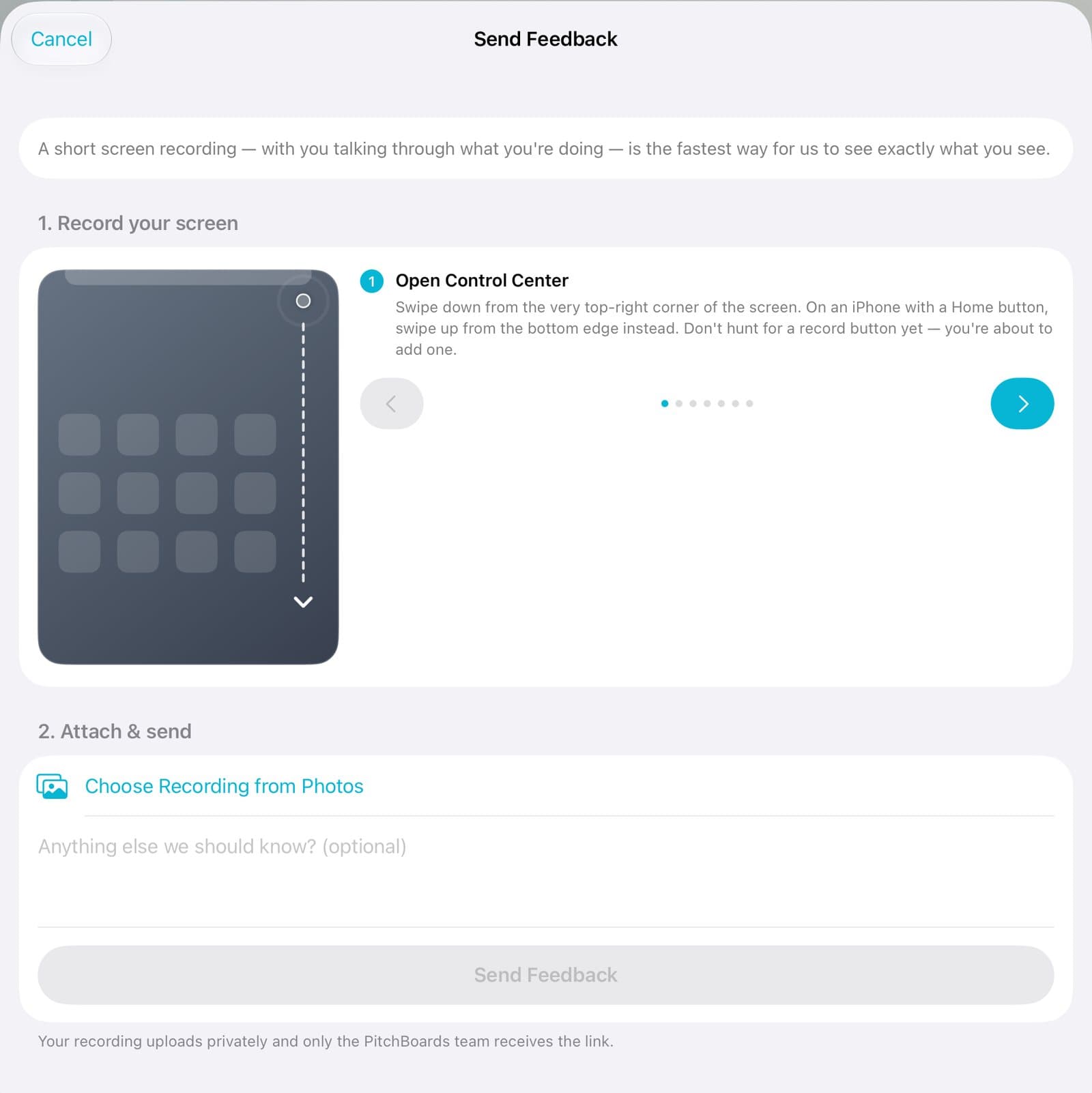
Show us with a recording
Tap Send Feedback with a Screen Recording. Follow the steps to record. Then tap Choose Recording from Photos and Send Feedback.
Good to know
Talk while you record. It helps us see what you mean.
Want someone to watch your screen live? See Screen Sharing & Live Help in the Help Center.