Getting started
Find your way around the app
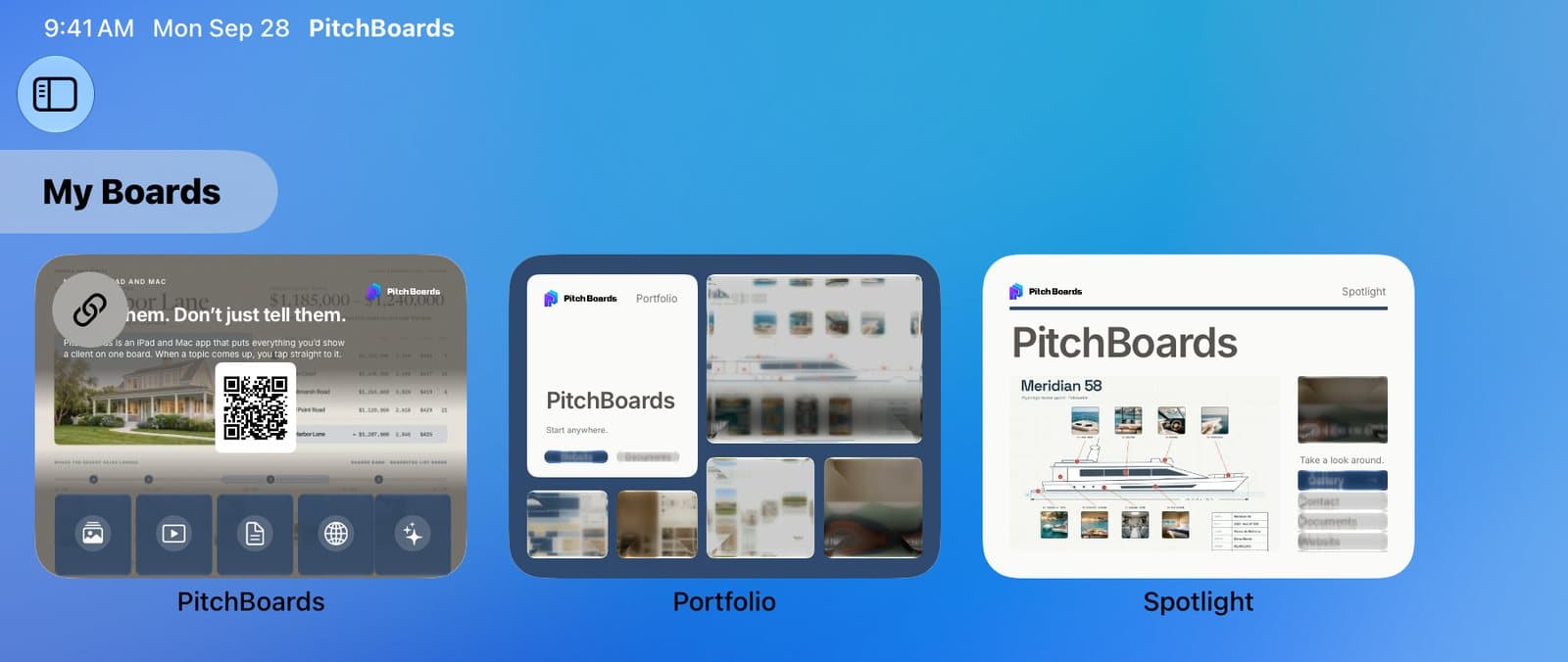
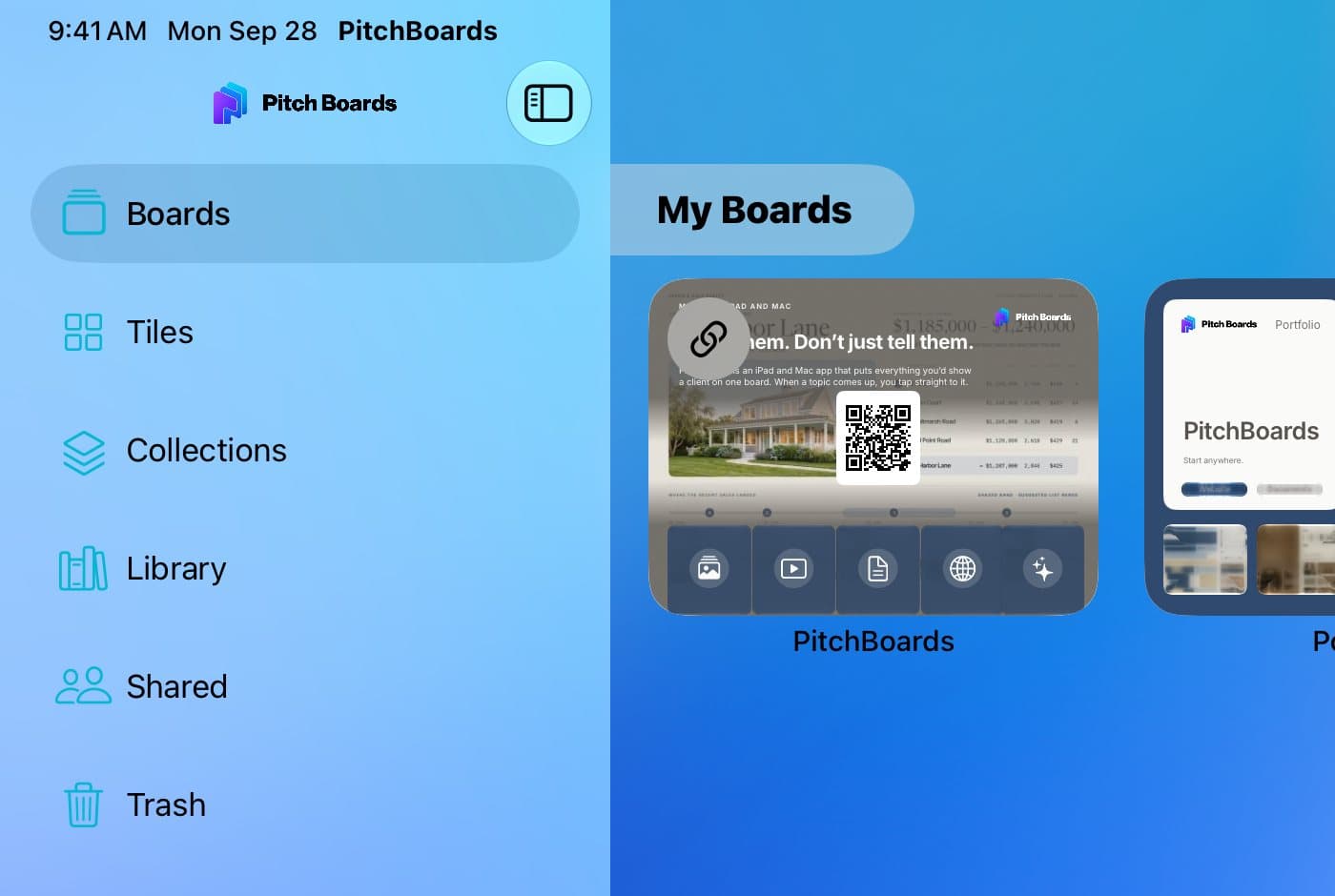
PitchBoards opens on My Boards. Tap the sidebar button at the top left to see everything else: Boards, Tiles, Collections, Library, Shared, and Trash. Account, at the bottom, holds your settings and help. The + button makes new boards and folders, and Search finds anything.
Updated By Isaac Stalzer
Step 1 of 5
Open the sidebar
Tap the sidebar button at the top left.
Step 2 of 5
Everything is here
Boards holds your boards. Tiles holds tiles you saved. Collections holds your listings. Library holds photos, videos, and files. Shared holds what people share with you. Trash holds what you deleted.

Step 3 of 5
Tap Account for settings
Account holds your profile, your plan, and the Help Center.
Step 4 of 5
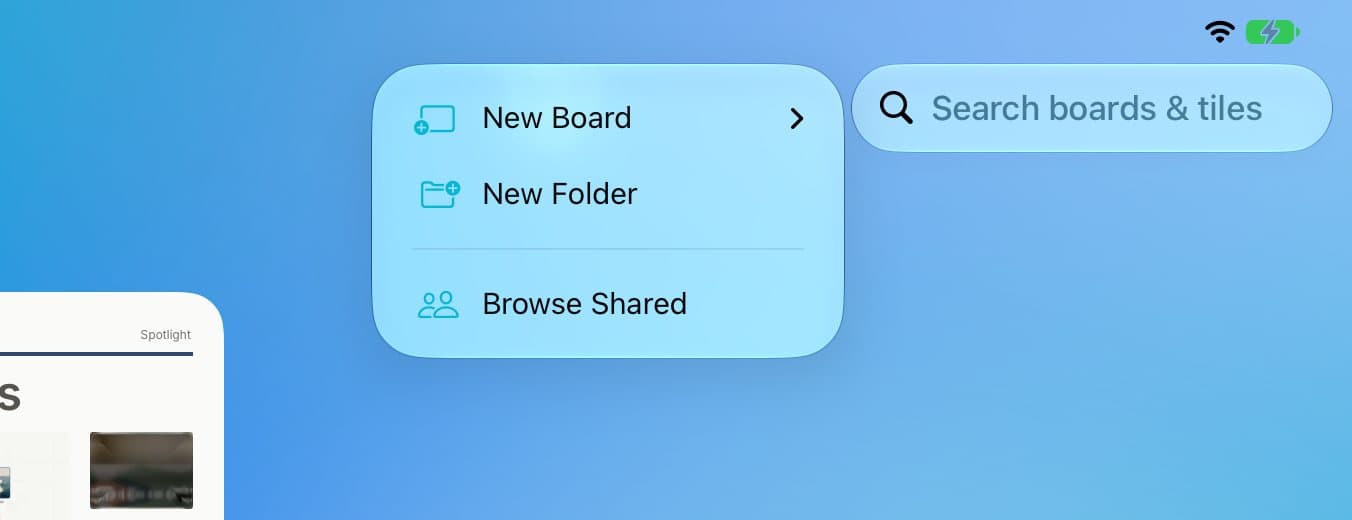
Tap + to make something new
Tap + for a New Board or a New Folder.

Step 5 of 5
Search for anything
Type in Search boards & tiles at the top right.
Good to know
Templates live in Shared → Browse Templates.
On iPhone, the sidebar is its own screen. Tap Back to return.