Team
Invite an agent by email
Admins can invite one person by email with their role set ahead of time. Open your organization and tap Invite Member. Type their email and name, pick a member type like Agent, and pick Viewer, Editor, or Admin. Tap Send Invite. They get an email and accept it in the app.
Organization plansUpdated By Isaac Stalzer
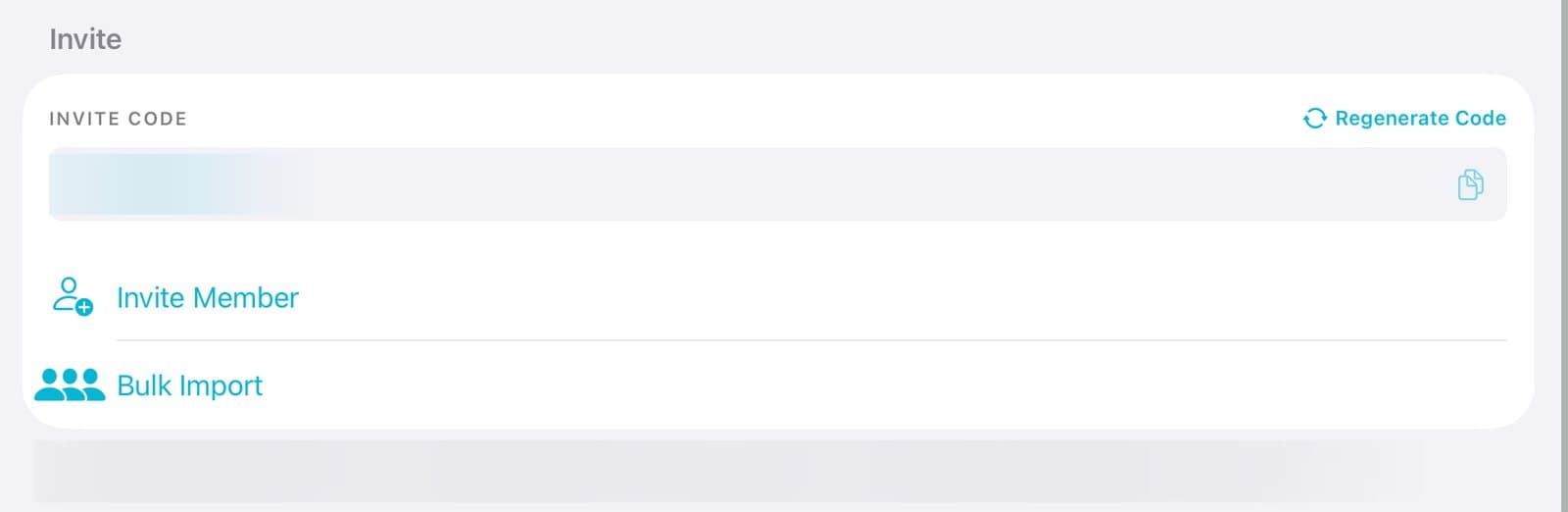
Step 1 of 3
Tap Invite Member
Open your organization. Under Invite, tap Invite Member.
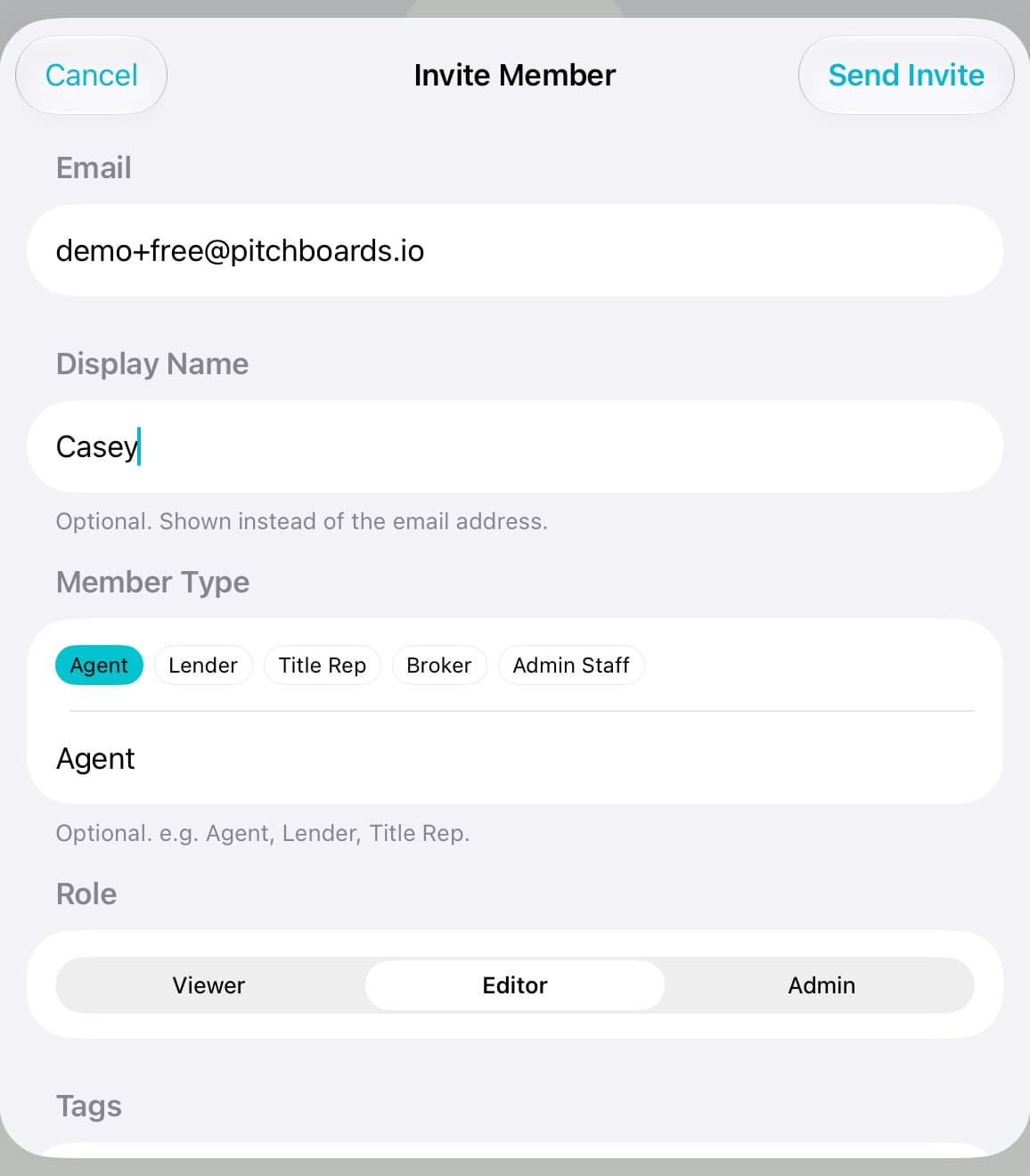
Step 2 of 3
Fill it in
Type their email. Add their name if you like. Pick a Member Type, like Agent.
Step 3 of 3
Pick a role and send
Pick Viewer, Editor, or Admin. Tap Send Invite.
Good to know
They need to accept the invite before they use a seat.
Changed your mind? Tap their role icon, then Revoke Invite.
Didn't get it? Tap Resend Invite in the same place.