Build
Make your own widget with ChatGPT or Claude
You can make any widget with your own AI tool. In the AI Widget sheet, tap Don't have code yet, then Copy prompt & open an AI tool, and pick ChatGPT or Claude. Our prompt is already in the chat box. Say what you want and send it. Copy the code, tap Use in Widget, then Add widget.
Updated By Isaac Stalzer
Step 1 of 7
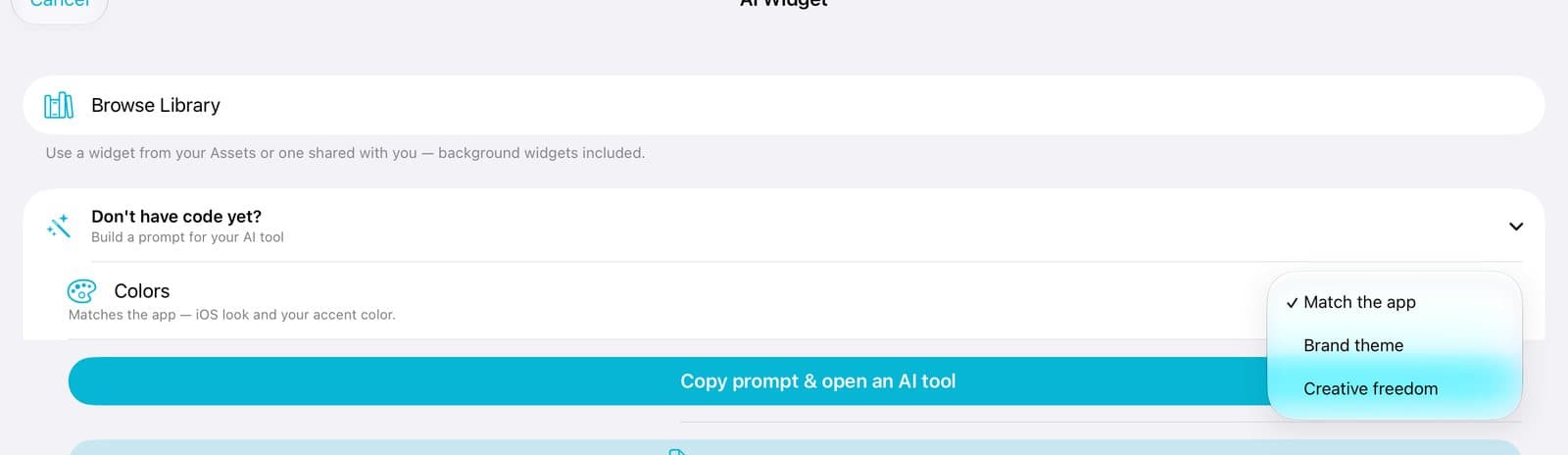
Open the prompt builder
Open the AI Widget sheet on a tile. Tap Don't have code yet? Pick your Colors: Match the app, Brand theme, or Creative freedom.
Step 2 of 7
Open an AI tool
Tap Copy prompt & open an AI tool.
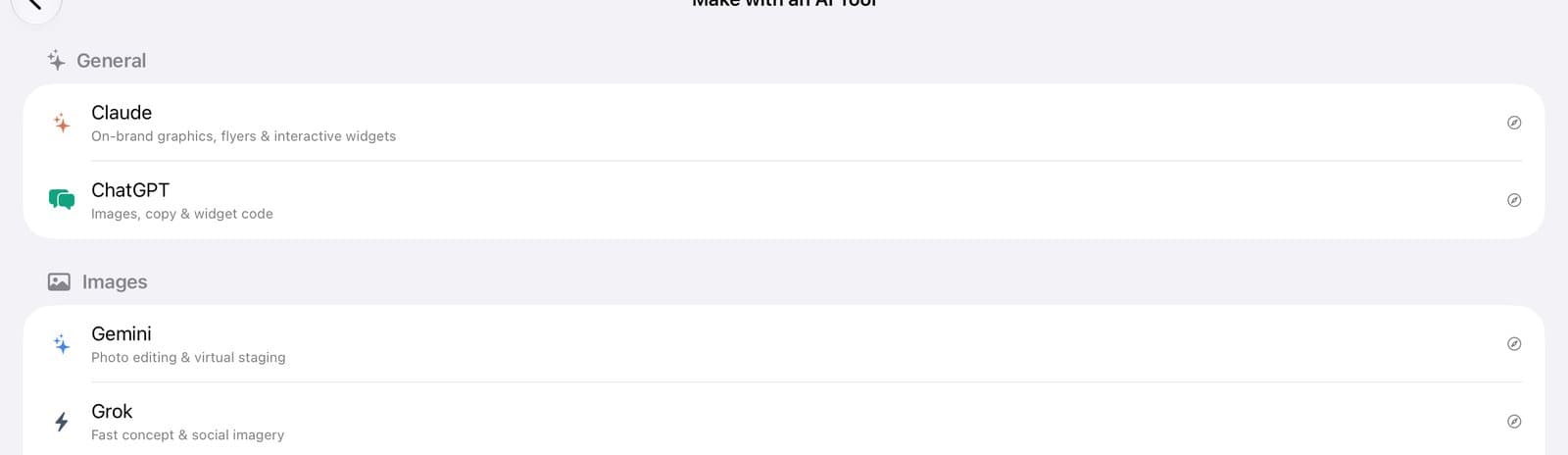
Step 3 of 7
Pick ChatGPT or Claude
Pick ChatGPT or Claude. The others make pictures and video, not widgets.
Step 4 of 7
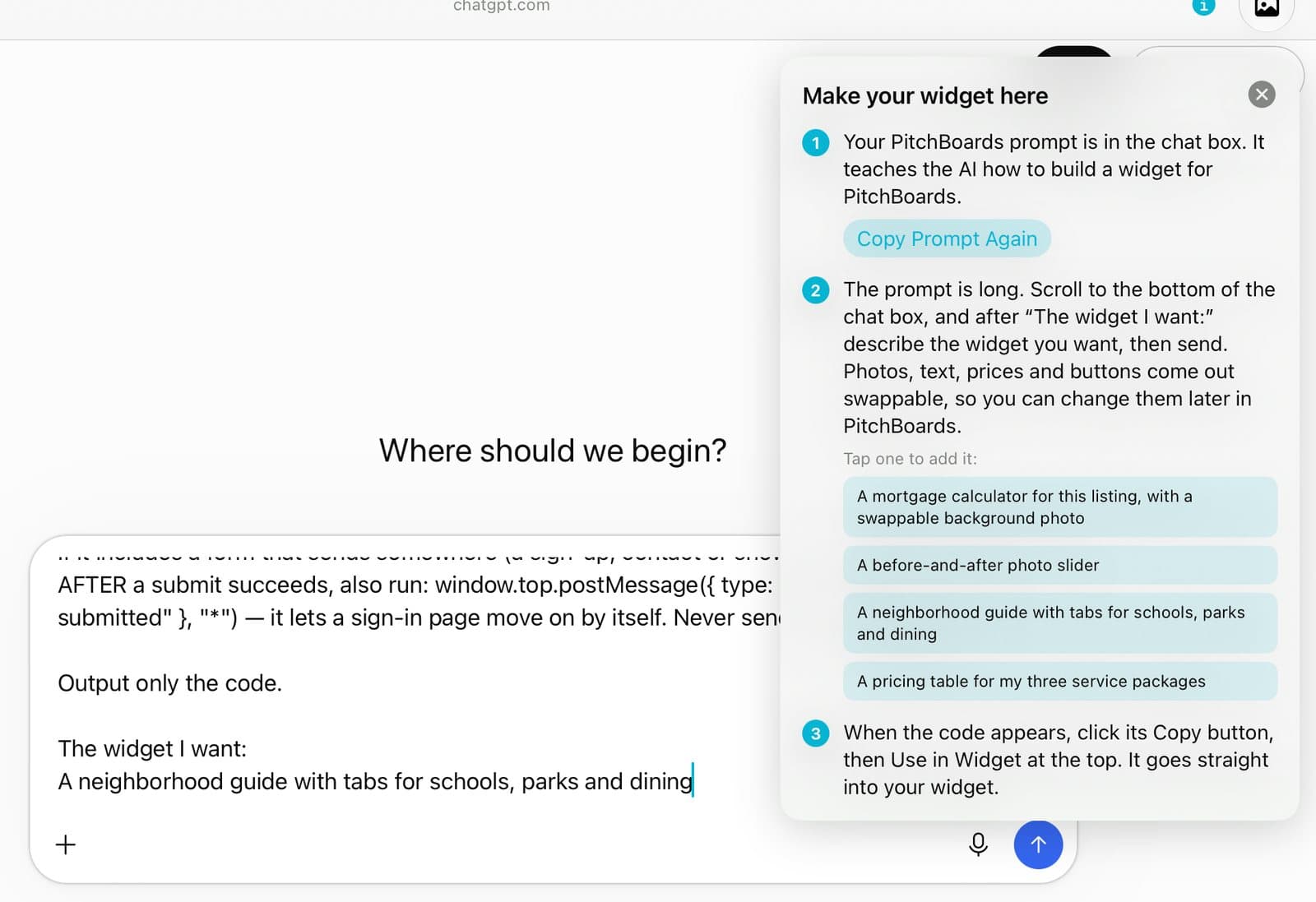
Say what you want
Our prompt is already in the chat box. After The widget I want:, type your idea or tap one of ours. Then send it.

Step 5 of 7
Bring the code back
When the code is done, tap its copy button. Then tap Use in Widget at the top.

Step 6 of 7
Tap Add widget
The code is pasted in for you. Tap Add widget.
Step 7 of 7
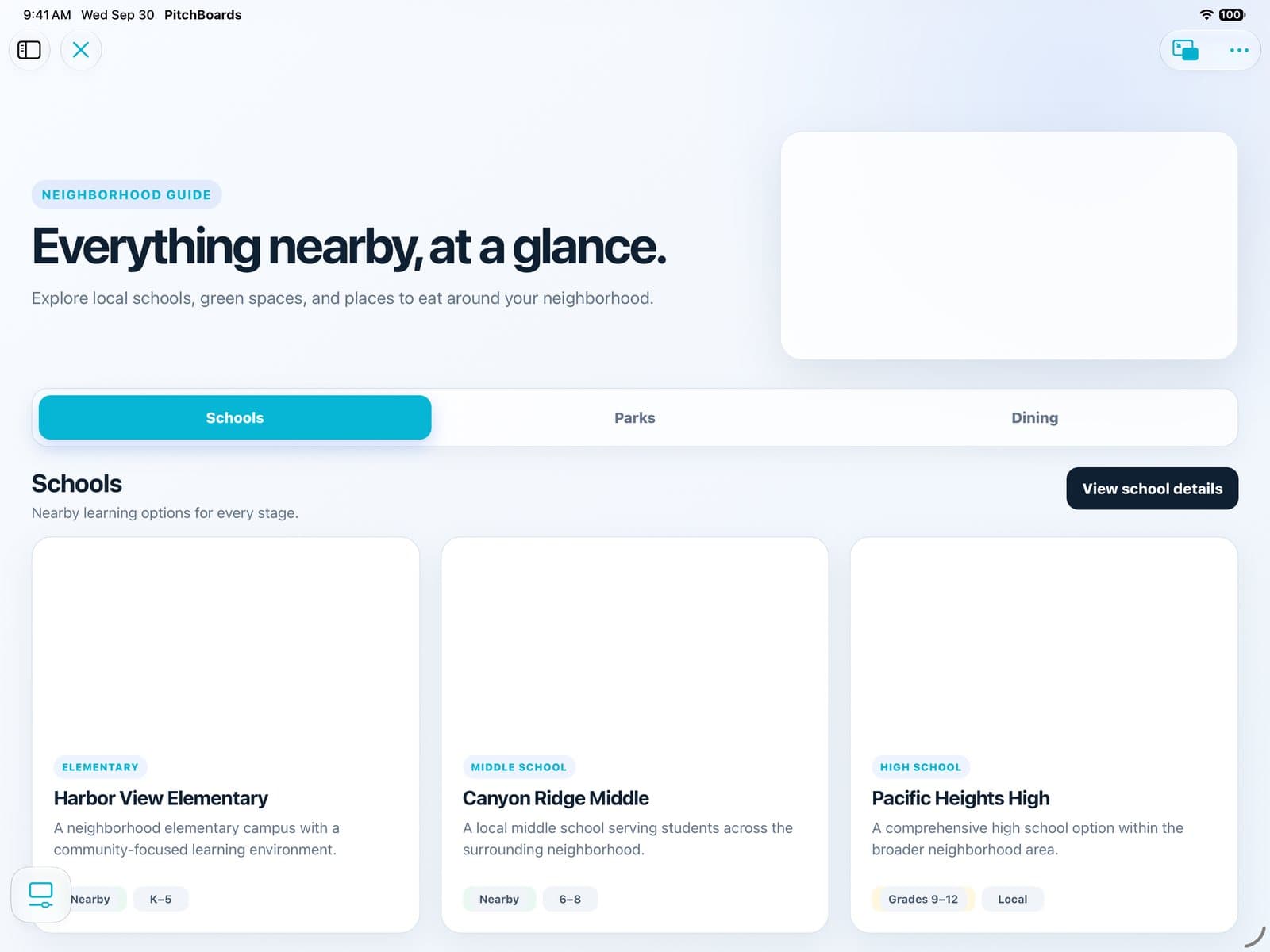
It's on your tile
Your new widget is ready. Fill in its photos with Swap Content.
Good to know
You may need to sign in to the AI tool. Any account or cost is with that tool.
Your AI tool writes the widget. PitchBoards doesn't.
Photos, words, and buttons come out ready to swap in PitchBoards.