Share
Send someone their own copy
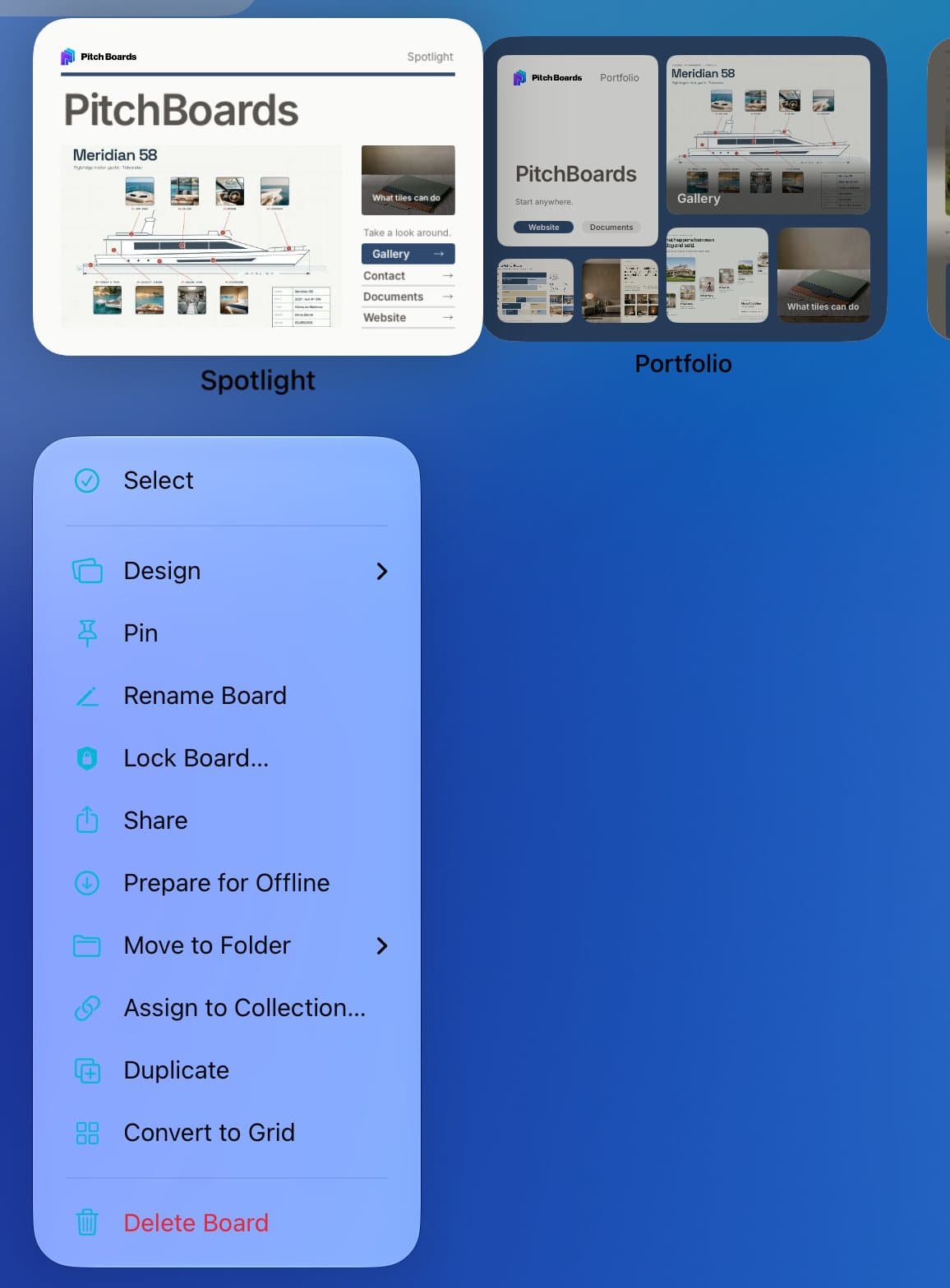
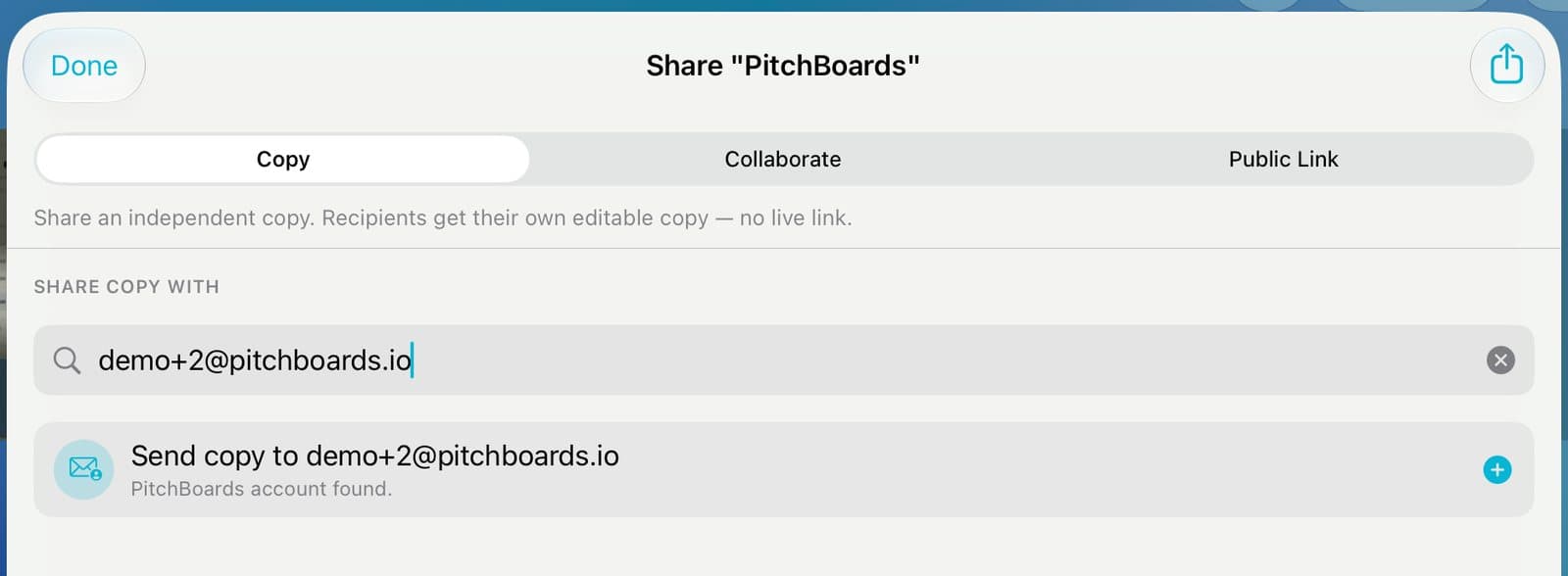
Share a copy to give someone their own version of a board. Press and hold the board, tap Share, and stay on the Copy tab. Type their email and tap Share Copy. It shows up under Shared in their app. To edit it, they tap Make a Copy. They need a PitchBoards account.
Updated By Isaac Stalzer
Step 1 of 4
Open Share
On My Boards, press and hold the board. Tap Share.
Step 2 of 4
Type their email
Stay on Copy. Type their email. Tap the row that shows up.
Step 3 of 4
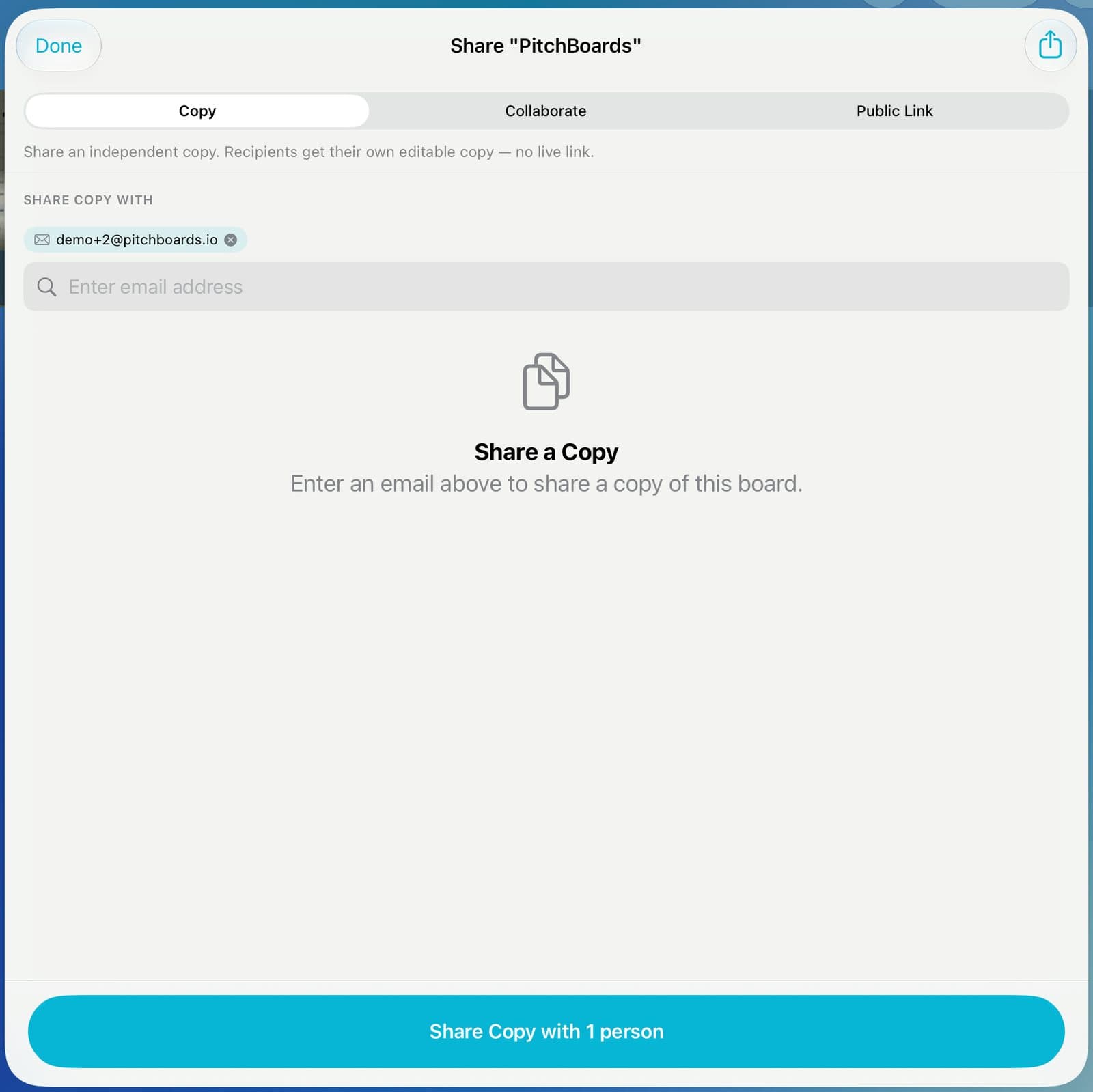
Send it
Tap Share Copy with 1 person.
Step 4 of 4
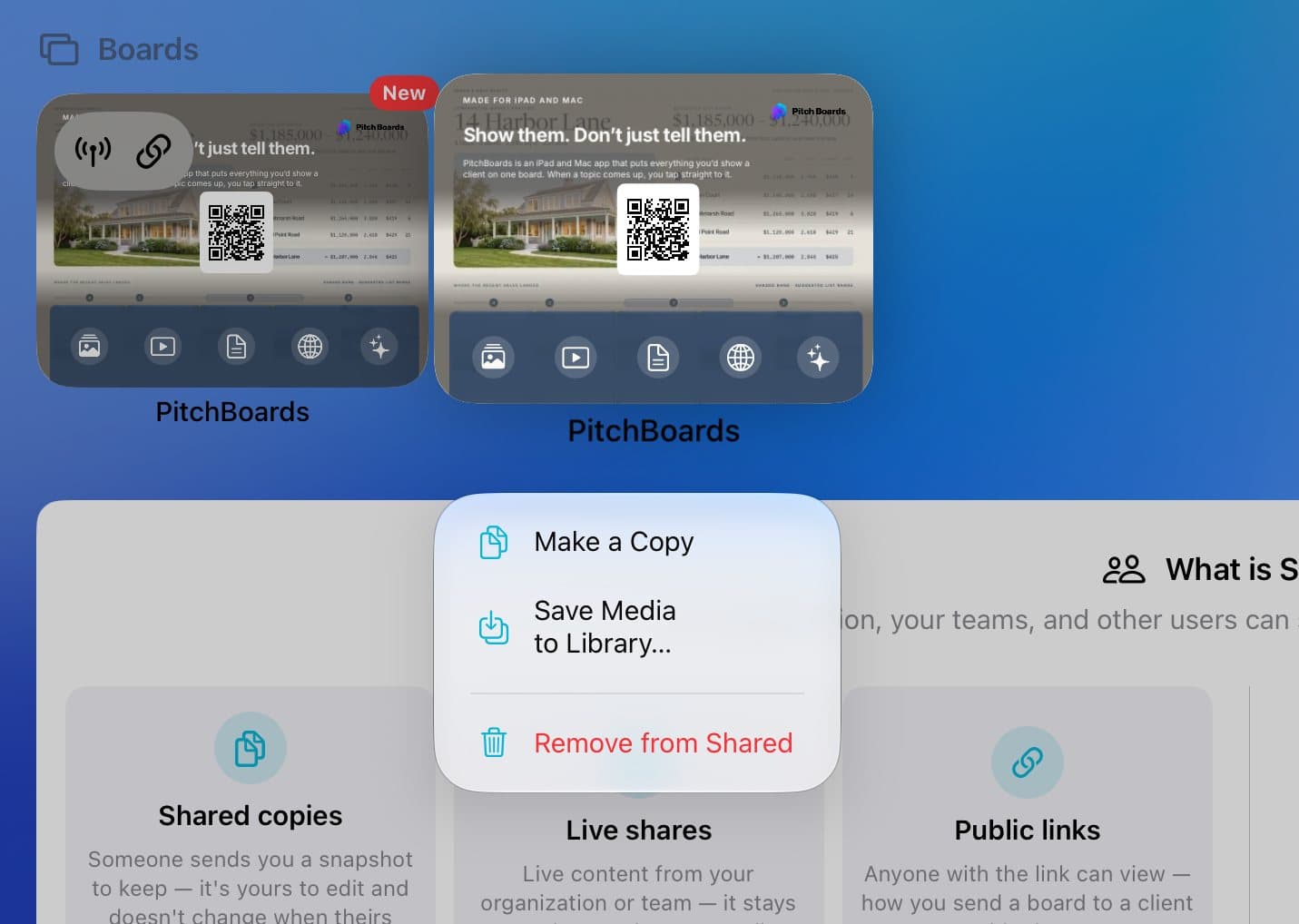
They find it in Shared
It shows up under Shared in their sidebar. To edit it, they press and hold it and tap Make a Copy.
Good to know
The other person needs a PitchBoards account.
It's a snapshot. Changes you make later don't reach them.
Want them to see your changes? See Work on a board together.