Your account
Sign in to PitchBoards
Open the app and pick one way to sign in: Google, Apple, or your email. The first time you sign in, PitchBoards makes your account for you. You don't need a password. Use the same way every time, on every device, so you always land in the same account with the same boards.
Updated By Isaac Stalzer
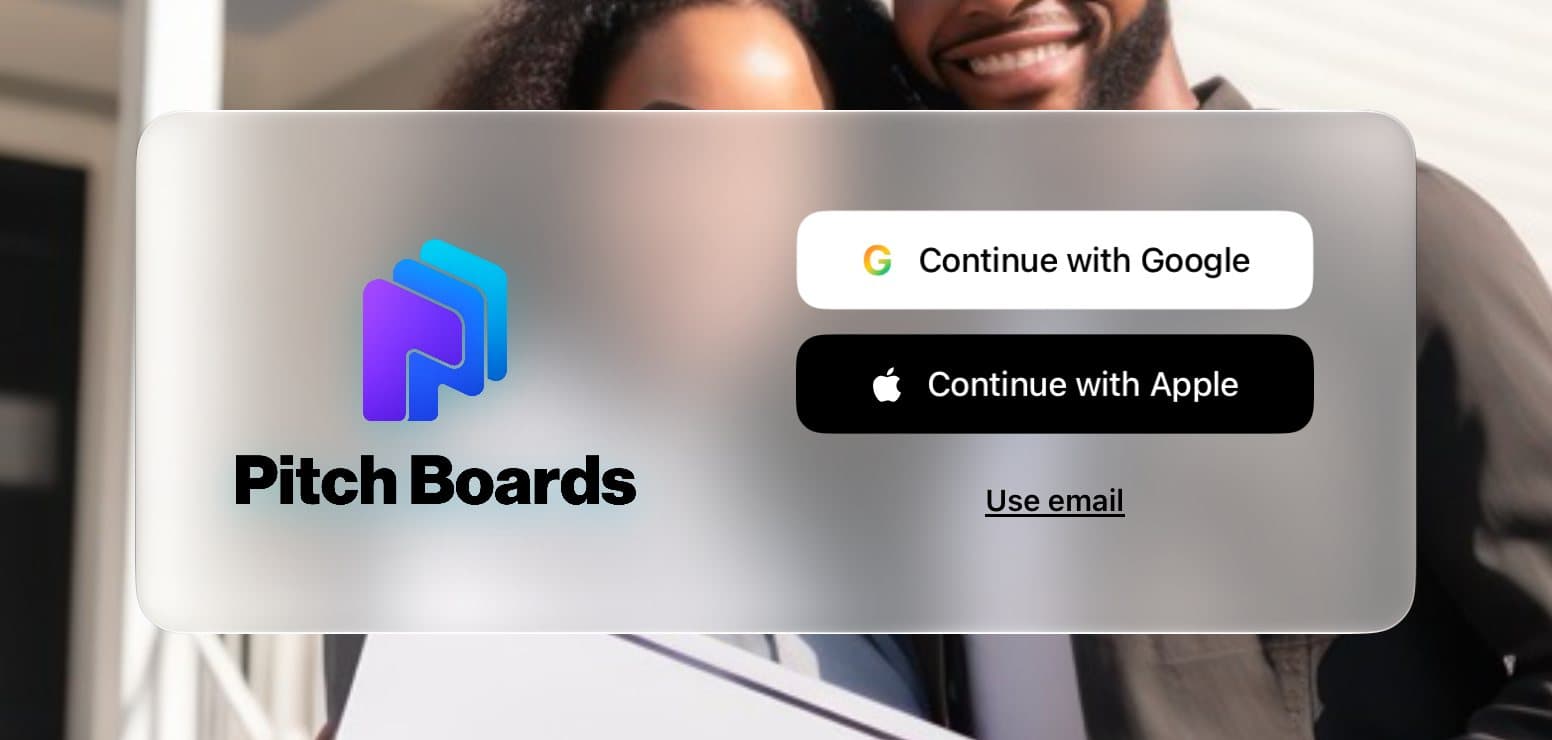
Step 1 of 3
Pick how to sign in
Tap Continue with Google or Continue with Apple. Or tap Use email to get a sign-in link.
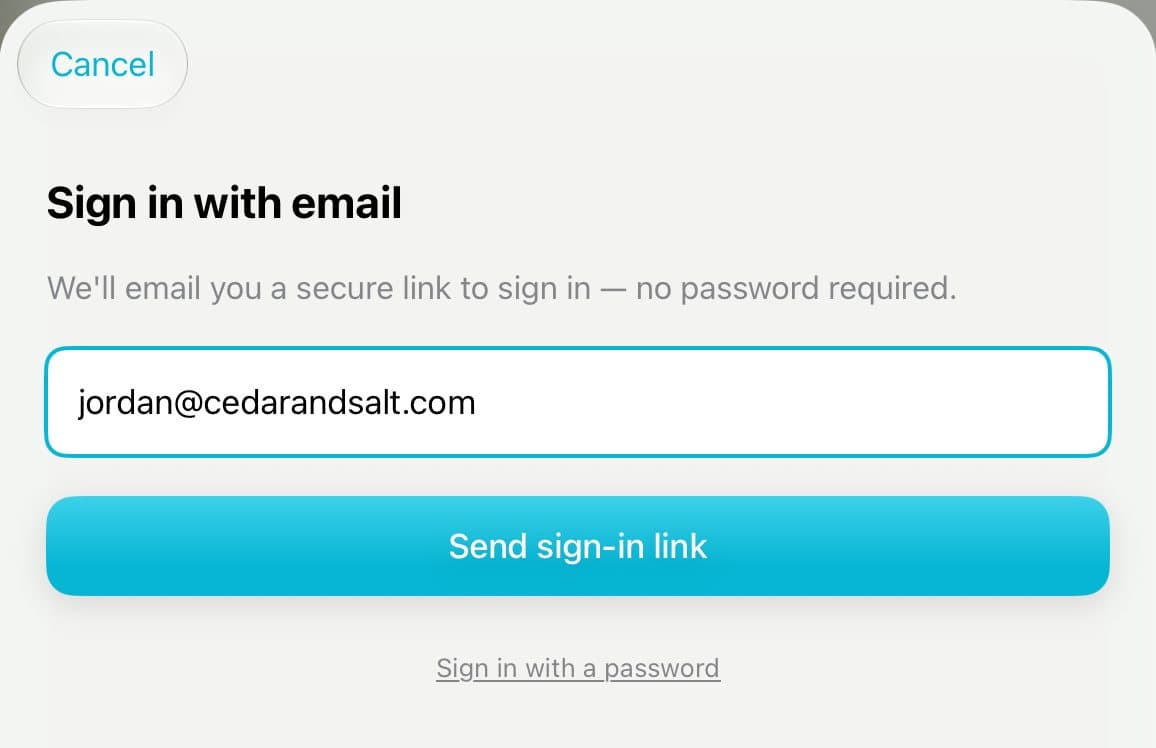
Step 2 of 3
Or use your email
Type your email and tap Send sign-in link. Open the email on this same iPad and tap the link. That's it.

Step 3 of 3
New here? You'll see a Welcome
The first time you sign in, a Welcome opens. Tap Build My First Board to make a board from your website.
Good to know
Can't find the email? Look in your spam or junk folder.
Link too old? Tap Use email again to get a new one.
Always sign in the same way. A different way can make a second, empty account.
On a new device, Welcome back shows how you signed in last time.