Team
Use your office's brand theme
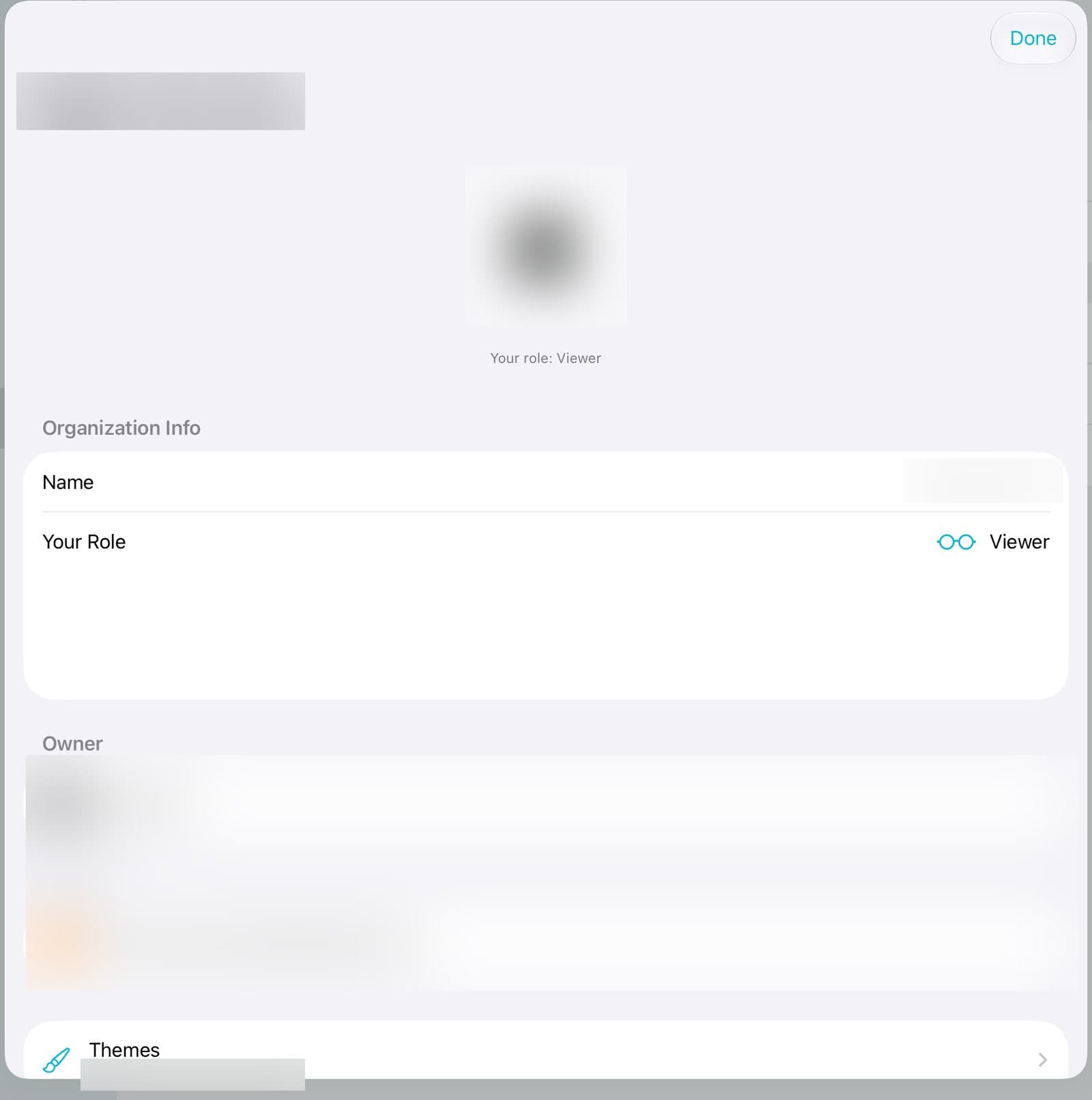
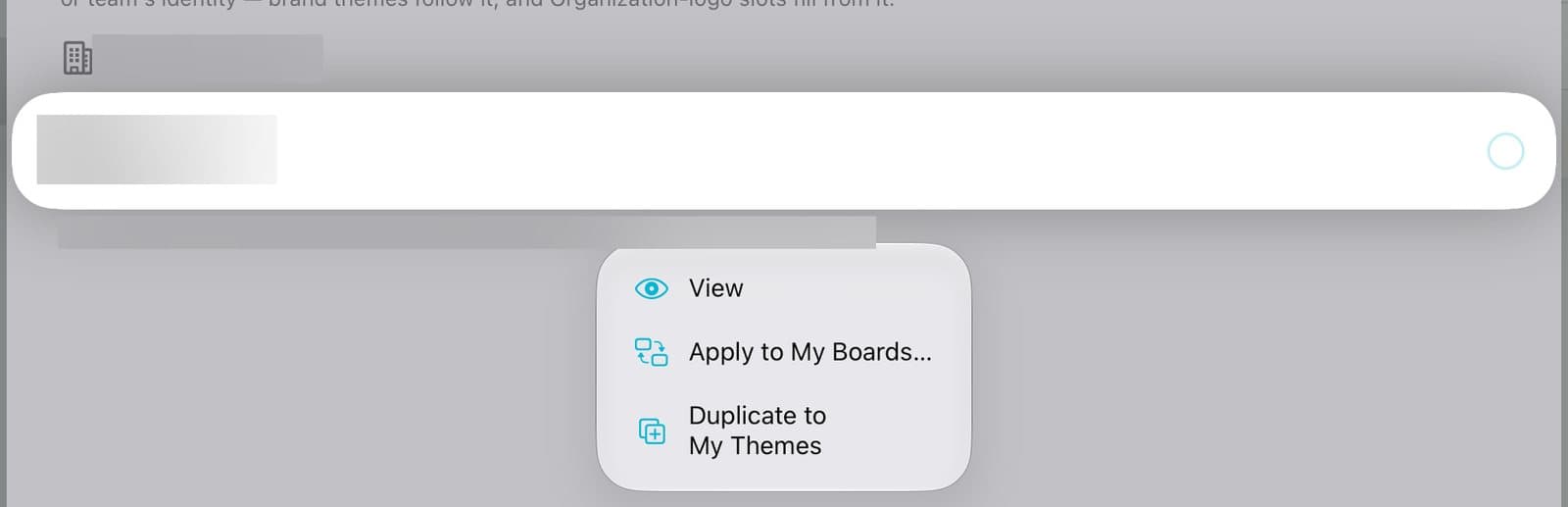
If your office shares a brand theme, you can put it on your boards. Tap Account, then Organizations, then your organization's name, then Themes. Press and hold the office theme and tap Apply to My Boards. To change it, tap Duplicate to My Themes and edit your own copy.
Organization plansUpdated By Isaac Stalzer
Step 1 of 4
Open your office's themes
Tap Account, then Organizations, then your organization. Tap Themes.
Step 2 of 4
Apply it
The office theme is under your organization's name. Press and hold it. Tap Apply to My Boards….

Step 3 of 4
Check and apply
See which boards change. Tap the Apply button.
Step 4 of 4
Want to change it?
Only office admins can edit the office theme. Tap Duplicate to My Themes for your own copy you can edit.
Good to know
When the office updates its theme, apply it again to update your boards.
Anything you set by hand keeps your version.