Build
Add an AI widget to a tile
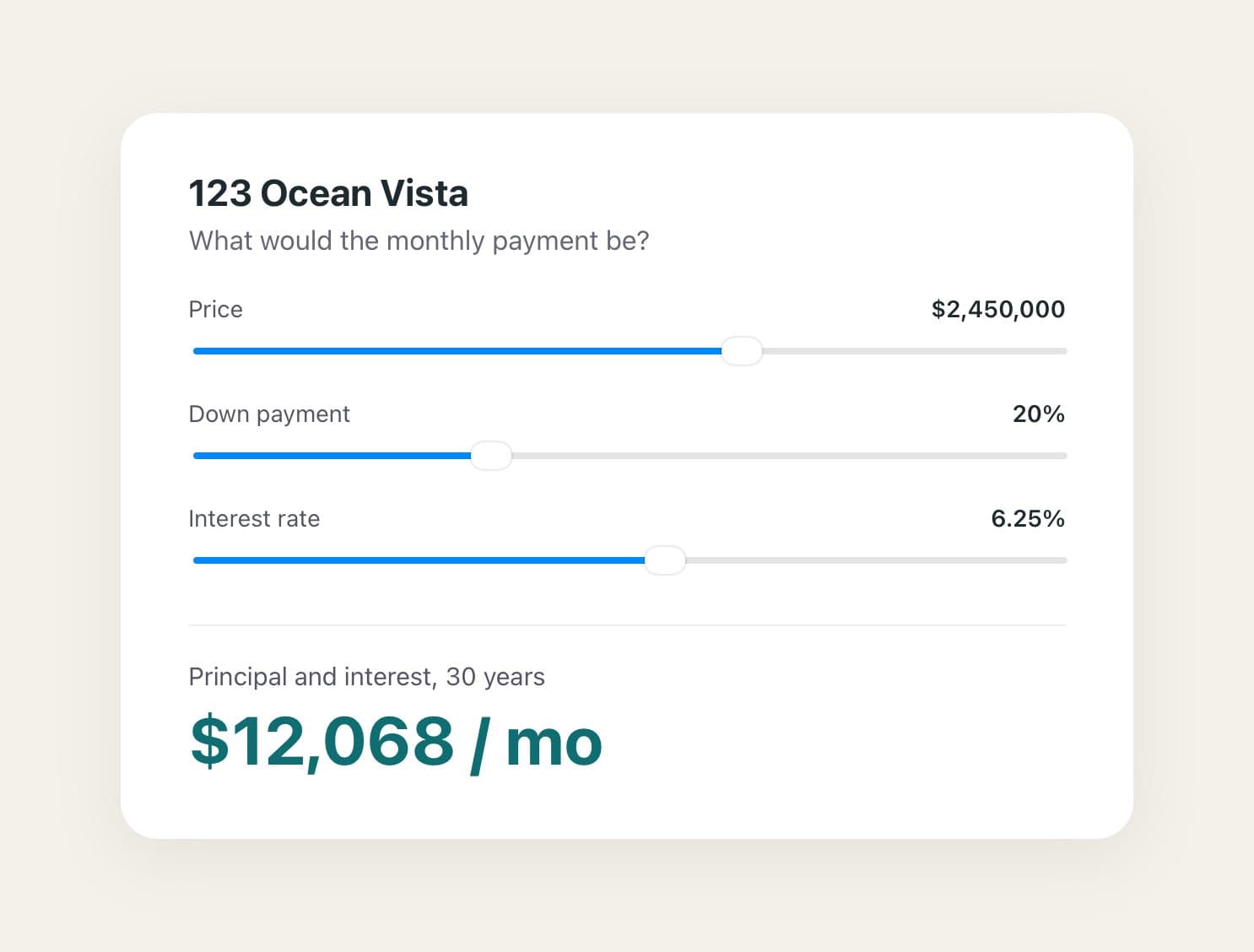
An AI widget is a small live tool on a tile, like a payment calculator. In edit mode, tap ⋯, then Add destination and AI Widget. Pick one from Templates, or copy our prompt into your own AI tool, paste back the code it makes, and tap Add widget. PitchBoards doesn't write the widget for you.
Updated By Isaac Stalzer
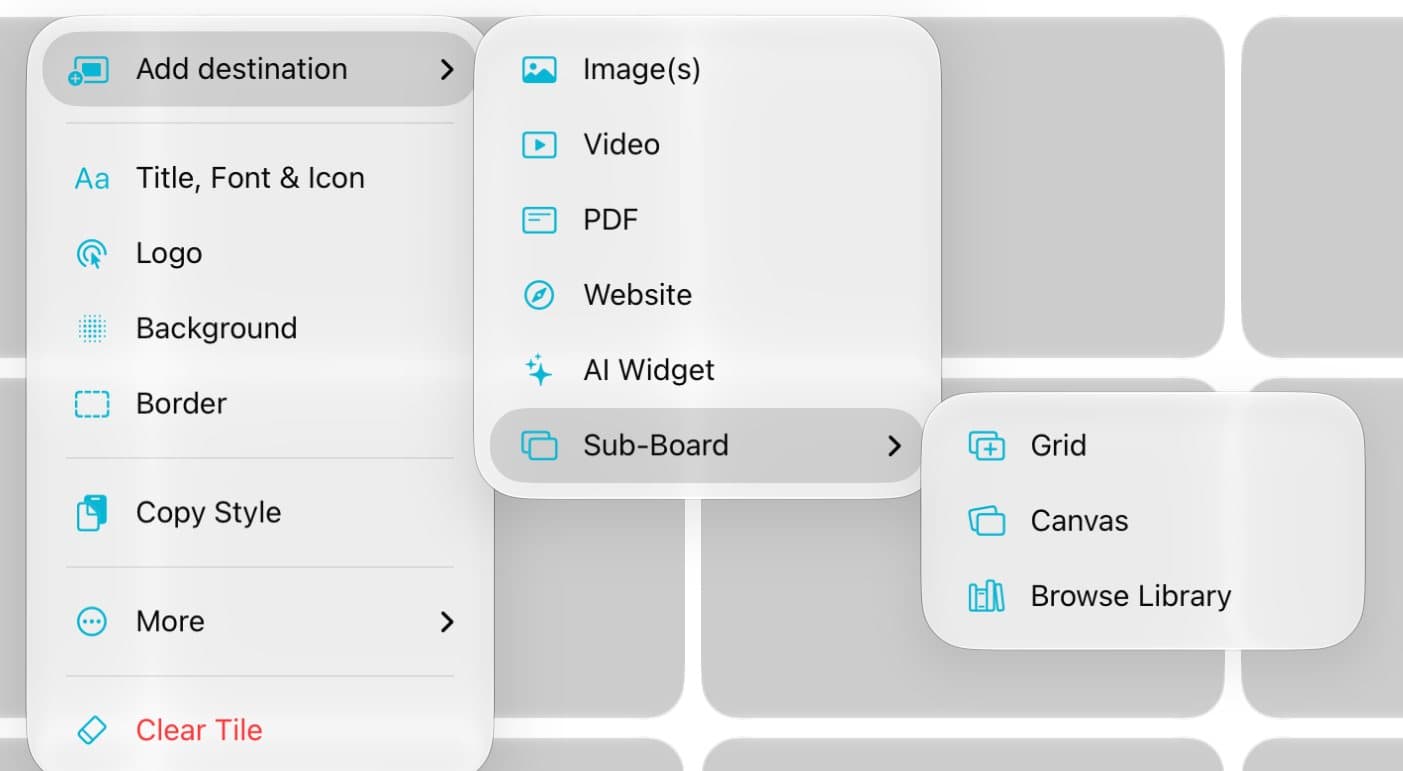
Step 1 of 5
Open the widget sheet
In edit mode, tap ⋯ on a tile. Tap Add destination, then AI Widget.
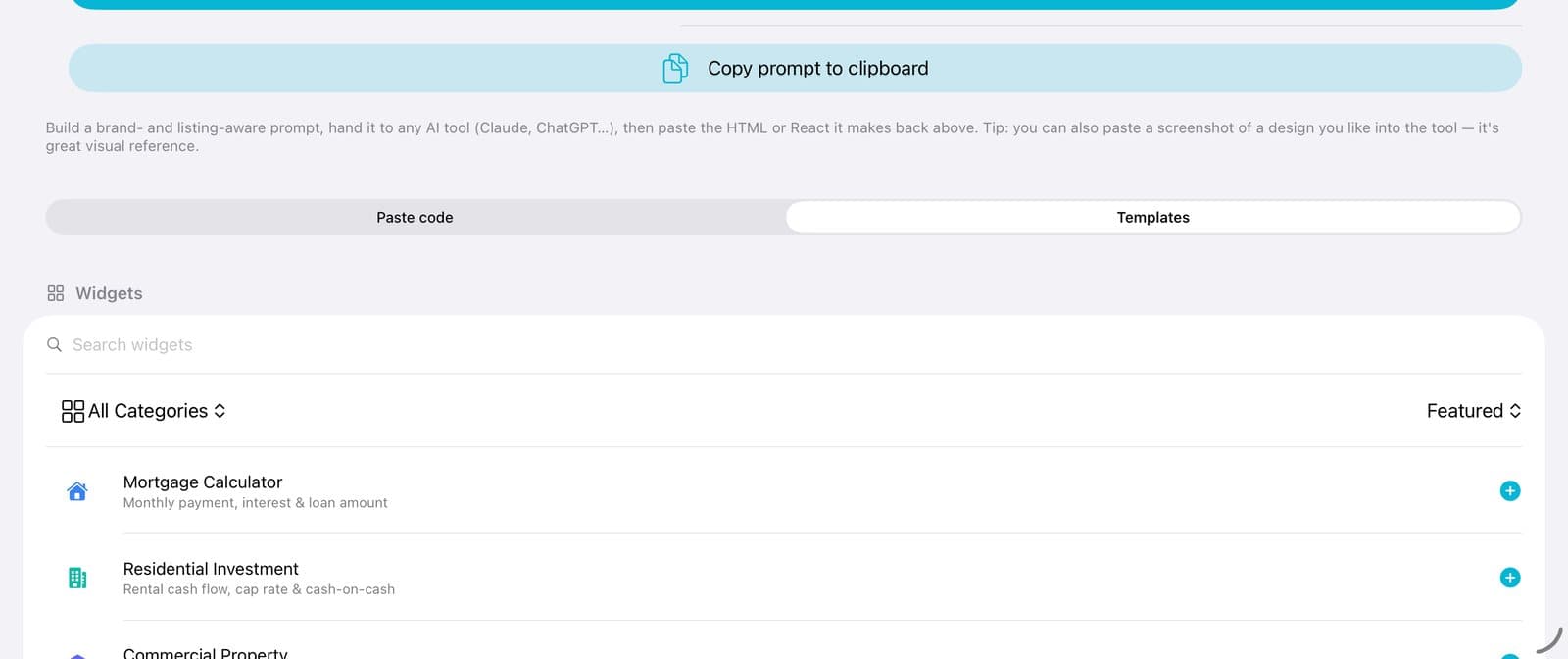
Step 2 of 5
Quickest: pick a template
Tap Templates. Tap a widget, like Mortgage Calculator. It goes right onto the tile.
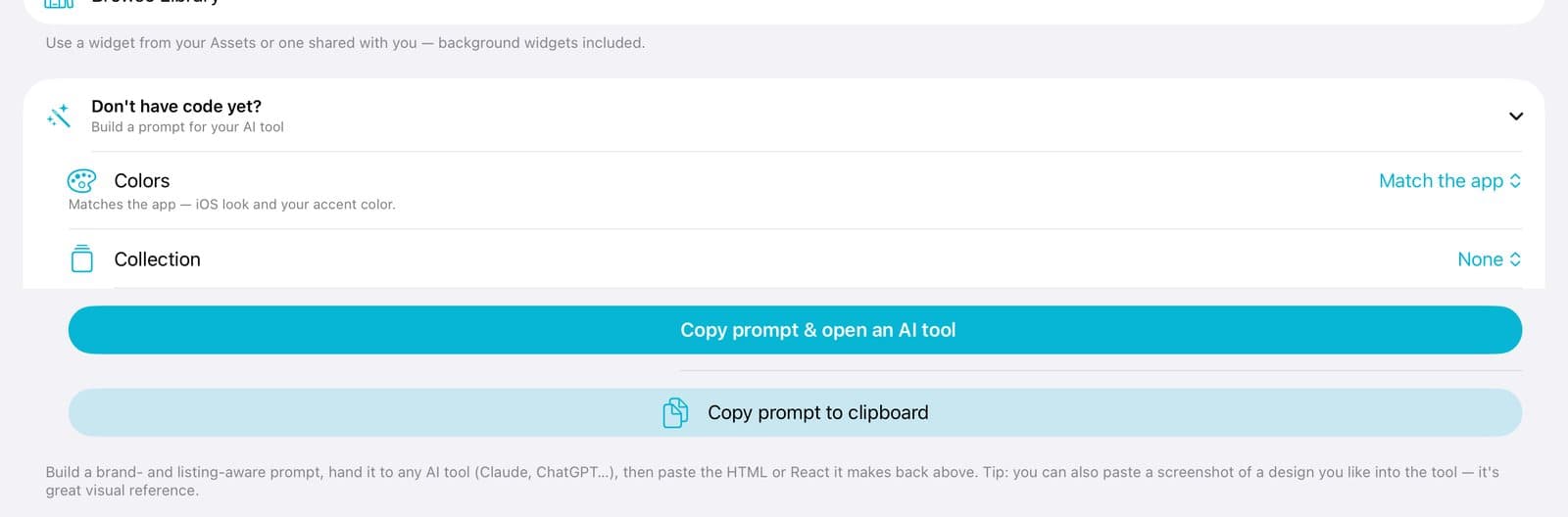
Step 3 of 5
Or make your own
Tap Don't have code yet? Then tap Copy prompt to clipboard. Paste it into your AI tool, like ChatGPT or Claude, and say what you want.
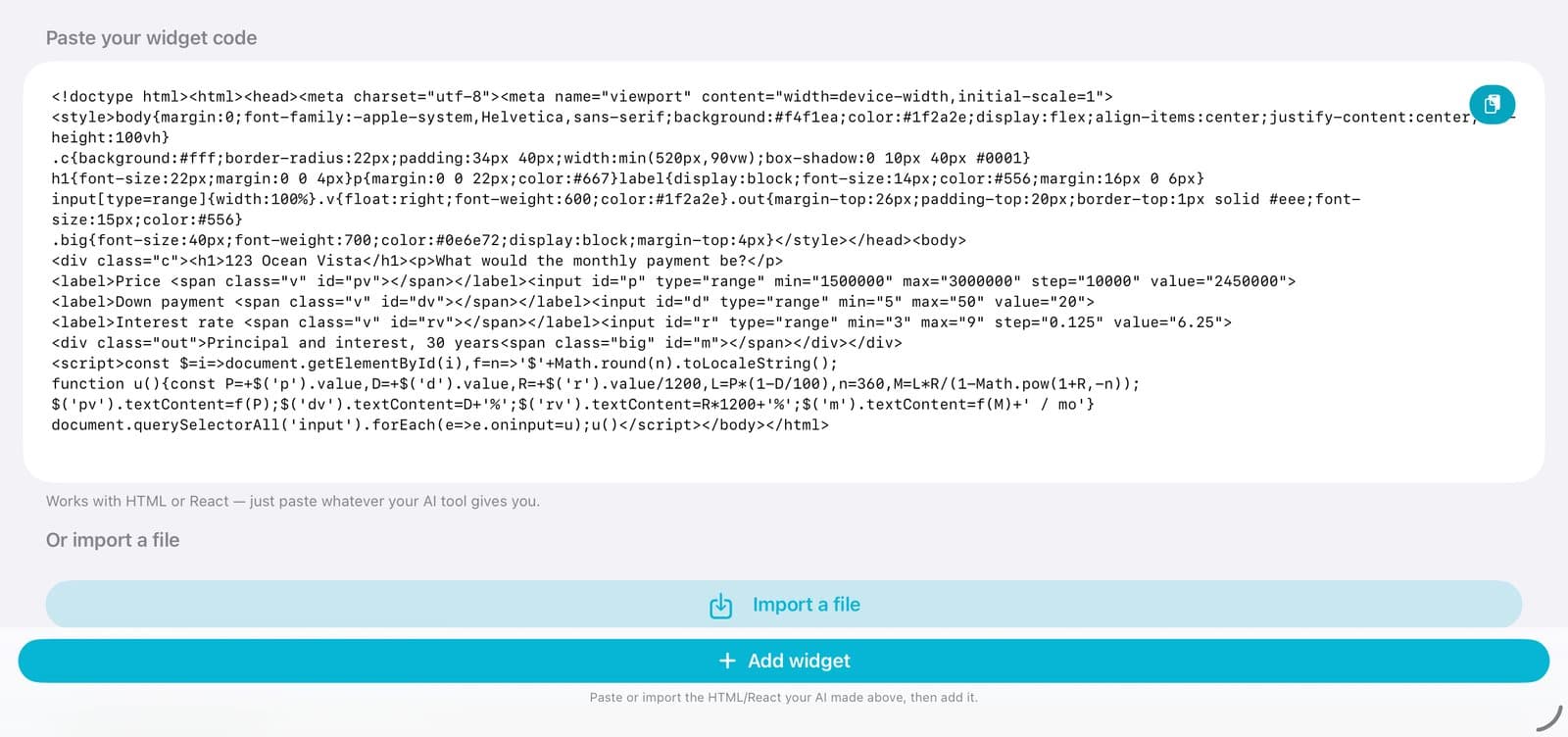
Step 4 of 5
Paste the code back
Copy the code your AI tool made. Come back and tap the paste button. Then tap Add widget.
Step 5 of 5
Use it
Tap the tile. Your widget works right on the board.
Good to know
HTML or React both work. You can also tap Import a file.
Copy prompt & open an AI tool opens the AI tool inside PitchBoards.
To change a widget later, open the sheet again and tap Edit AI Widget.
Widgets are saved in your Library, so you can use them on other boards.