Share
Ask to edit a board shared with you
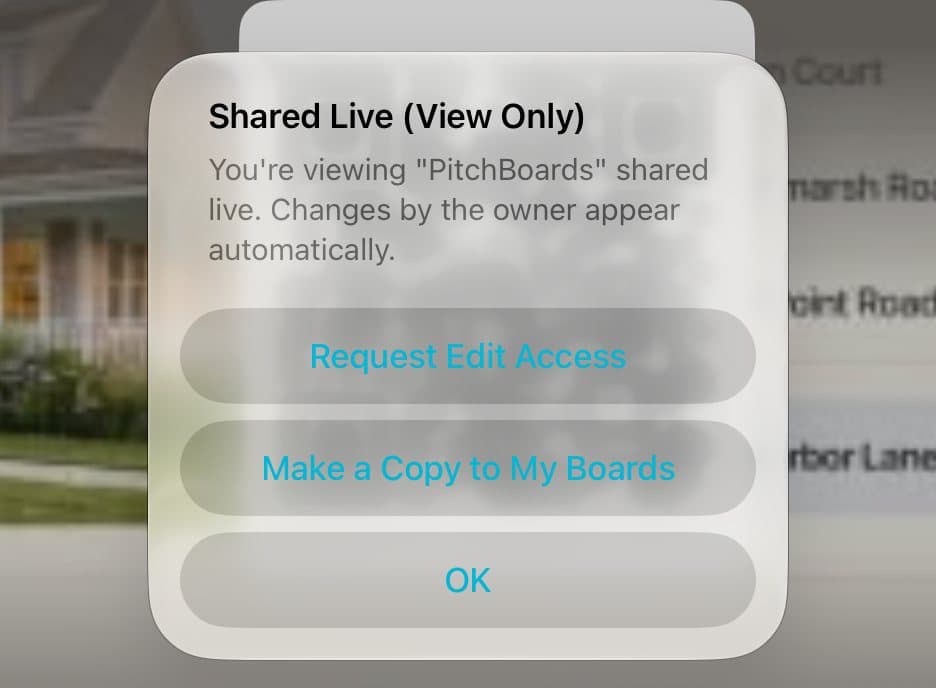
If someone shared a board with you as a viewer, you can ask to edit it. Open the board from Shared, tap the View Only button at the top, and tap Request Edit Access. The owner gets your request and can approve it. Or tap Make a Copy to My Boards to edit your own copy.
Updated By Isaac Stalzer

Step 1 of 3
Tap View Only
Open the board from Shared. Tap the View Only button at the top right.
Step 2 of 3
Ask the owner
Tap Request Edit Access.
Step 3 of 3
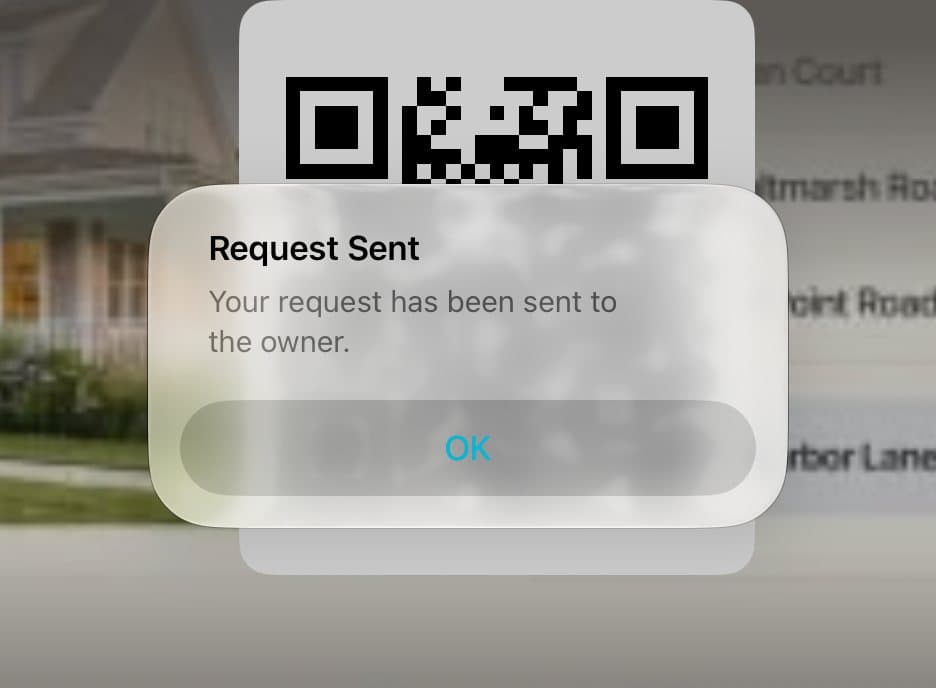
Wait for a yes
Your request is sent. When the owner approves it, you can edit.
Good to know
Want your own version now? Tap Make a Copy to My Boards.
The owner sees your request at the top of their sidebar and taps Approve.