Team
Check how many seats you're using
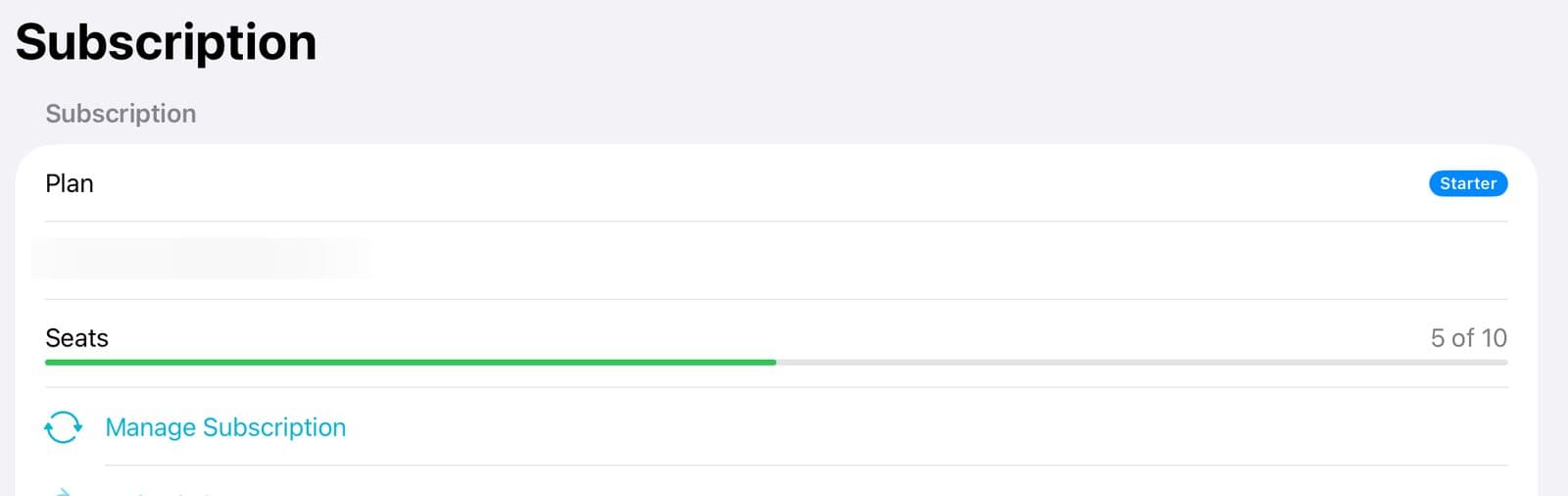
Admins and owners can see seats in the app. Tap Account, then Subscription. Seats shows how many are in use out of your total. To add seats or change your plan, tap Manage Subscription, which opens billing on the web. To free a seat, remove someone you no longer need.
Organization plansUpdated By Isaac Stalzer
Step 1 of 3
Open Subscription
Tap Account, then Subscription. Seats shows how many you use out of your total.
Step 2 of 3
Add seats
Tap Manage Subscription. Billing opens on the web, where you can add seats.
Step 3 of 3
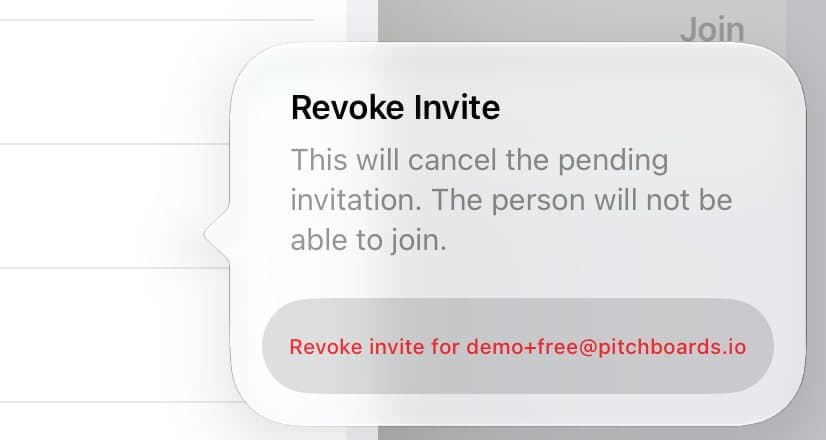
Or free one up
Out of seats? Remove someone you no longer need from the member list.
Good to know
A seat is used when someone accepts an invite.
No seat left? You can still Share a Copy with anyone. It doesn't use a seat.