Your account
Get a plan for your team or office
Plans for a team or an office are bought on our website, not in the app. In the app, go to Account, then Subscription, and tap See Organization Plans. Pick a plan and check out, signed in the same way you use in the app. Your account upgrades the moment you pay. Your boards stay right where they are.
Updated By Isaac Stalzer
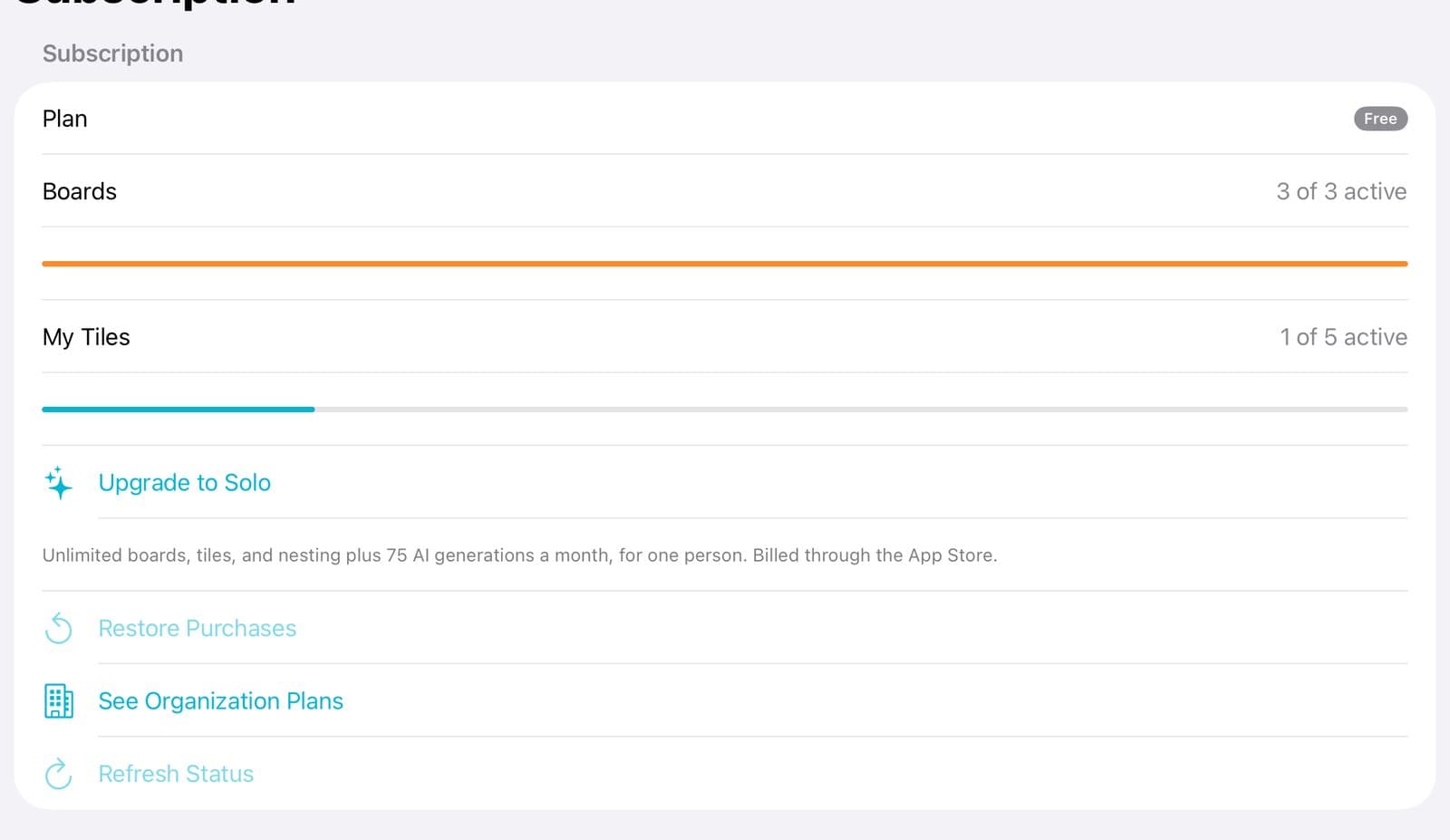
Step 1 of 3
Tap See Organization Plans
In Account → Subscription, tap See Organization Plans. Our website opens.
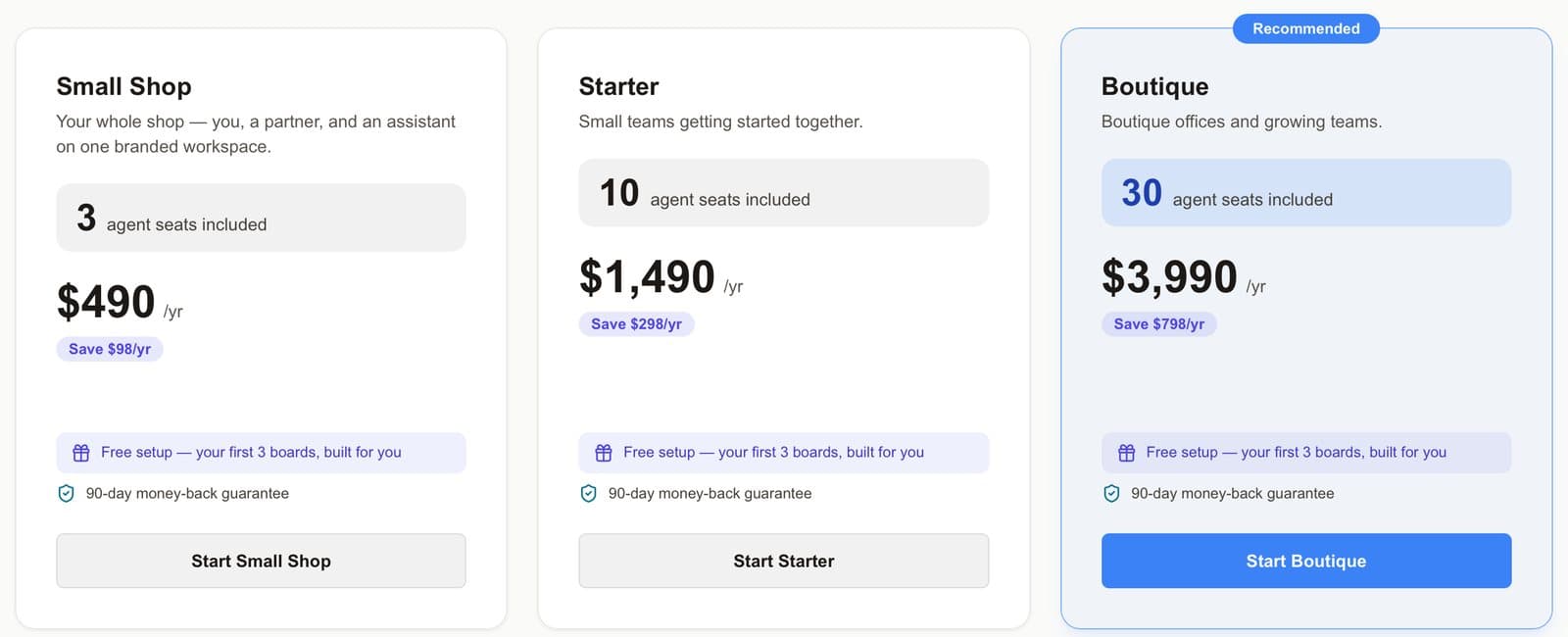
Step 2 of 3
Pick a plan with enough seats
Each plan says how many people it covers. Tap Start on the one you want.
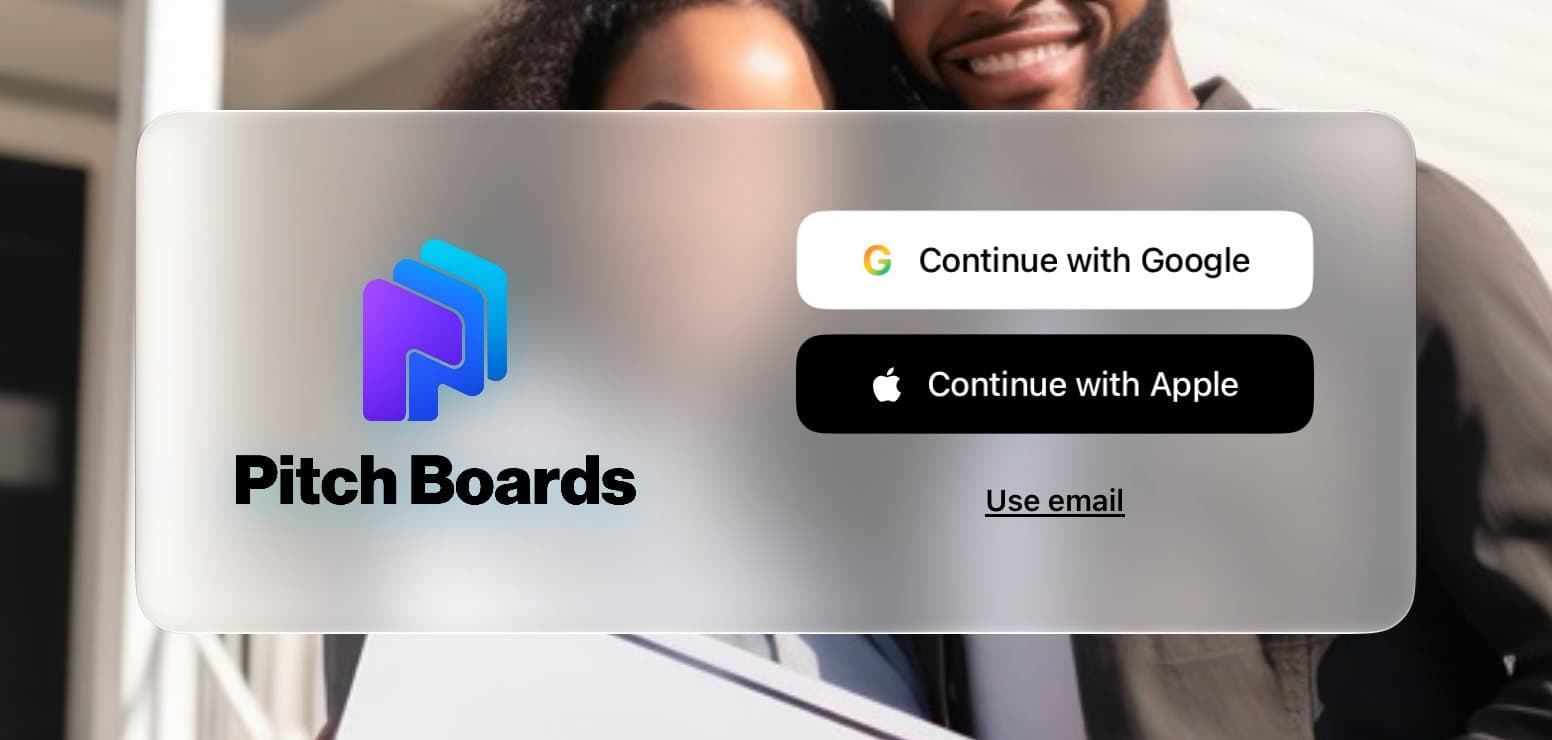
Step 3 of 3
Sign in the same way
On the website, sign in with the same Google, Apple, or email you use in the app. Then check out.
Good to know
Your office already has a plan? Don't buy another. Ask for the invite code instead.
Every organization plan comes with a 90-day money-back guarantee.
Tap ◀ PitchBoards at the top left to go back to the app.