Team
Help an agent by seeing their screen
Admins can help agents two ways. In the sidebar, tap Member Support. Tap a name to open their account and fix things for them; these sessions are logged. To watch what they're doing instead, tap the SharePlay button beside their name, send them the steps, and join a FaceTime call.
Organization plansUpdated By Isaac Stalzer
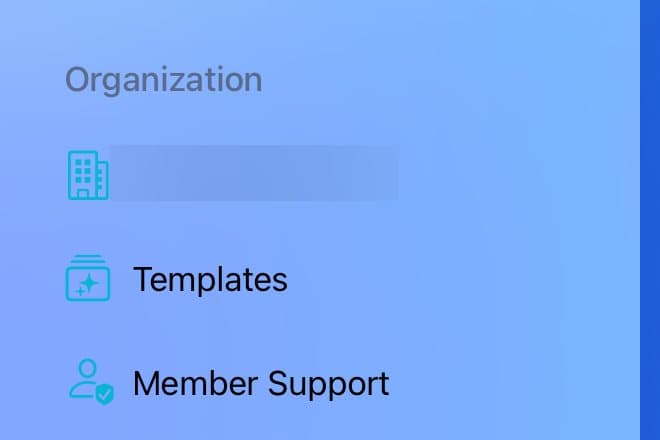
Step 1 of 4
Open Member Support
Open the sidebar. Under Organization, tap Member Support.
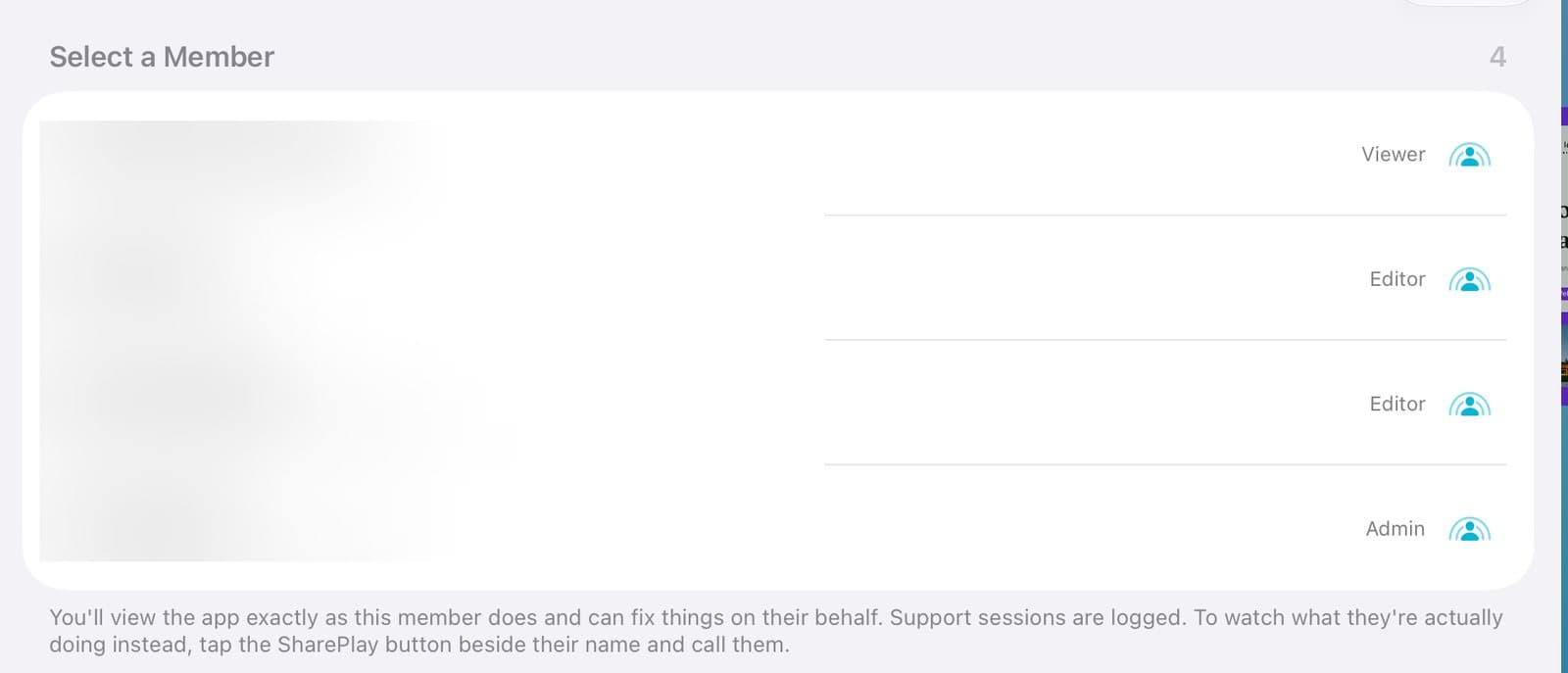
Step 2 of 4
Pick the person
Tap a name to open their account and fix things for them. To see their screen instead, tap the SharePlay button beside their name.
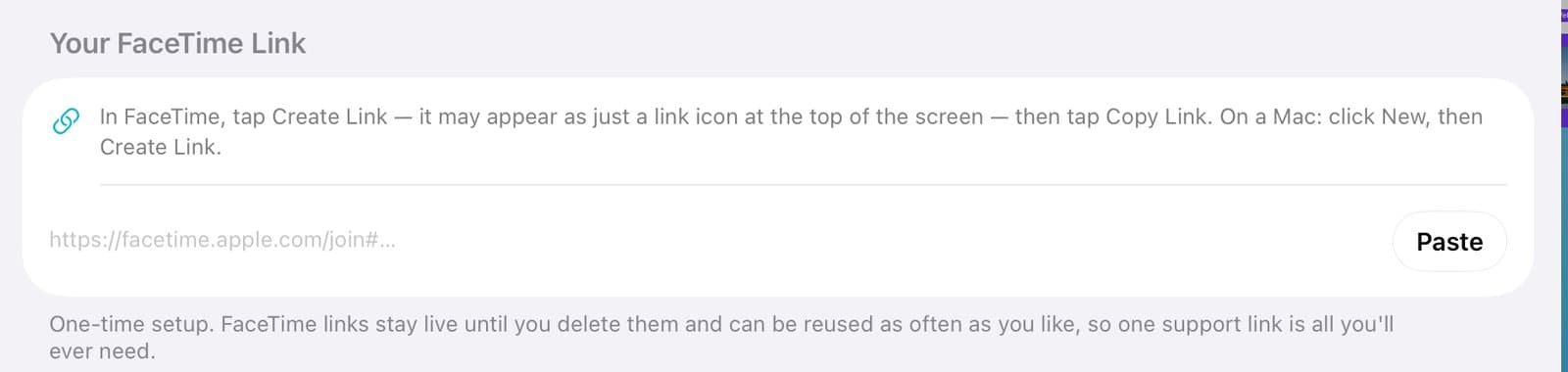
Step 3 of 4
Add your FaceTime link once
In FaceTime, tap Create Link and copy it. Paste it here. You only do this once.
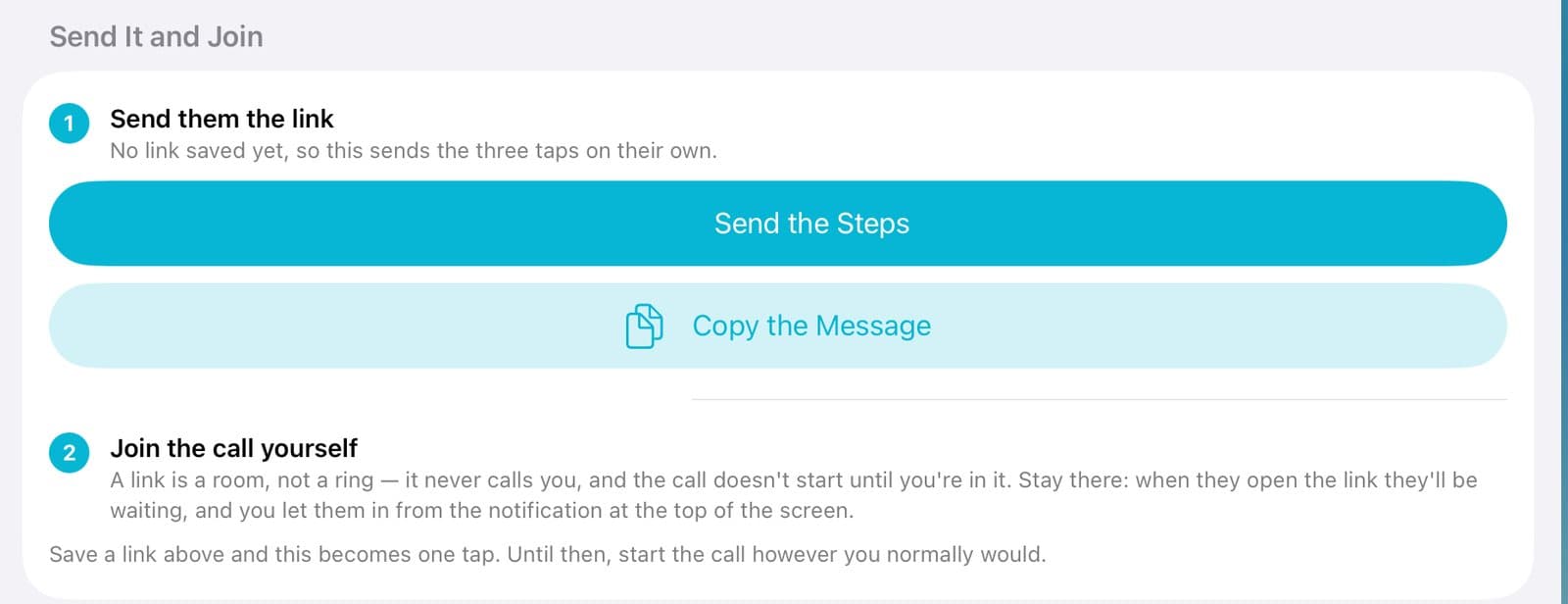
Step 4 of 4
Send it and join
Tap Send the Steps. Then join the call. When they share their screen, you see what they see.
Good to know
Only admins see Member Support.
Opening someone's account is logged.