Team
Leave your organization
You can leave an organization anytime. Tap Account, then Organizations, then Leave Organization. PitchBoards shows what you keep: your own boards, files, tiles, and account. You lose the office's shared boards and branding. Tap Leave Organization to finish. The office can invite you back later.
Organization plansUpdated By Isaac Stalzer

Step 1 of 3
Open Organizations
Tap Account, then Organizations. Tap Leave Organization.
Step 2 of 3
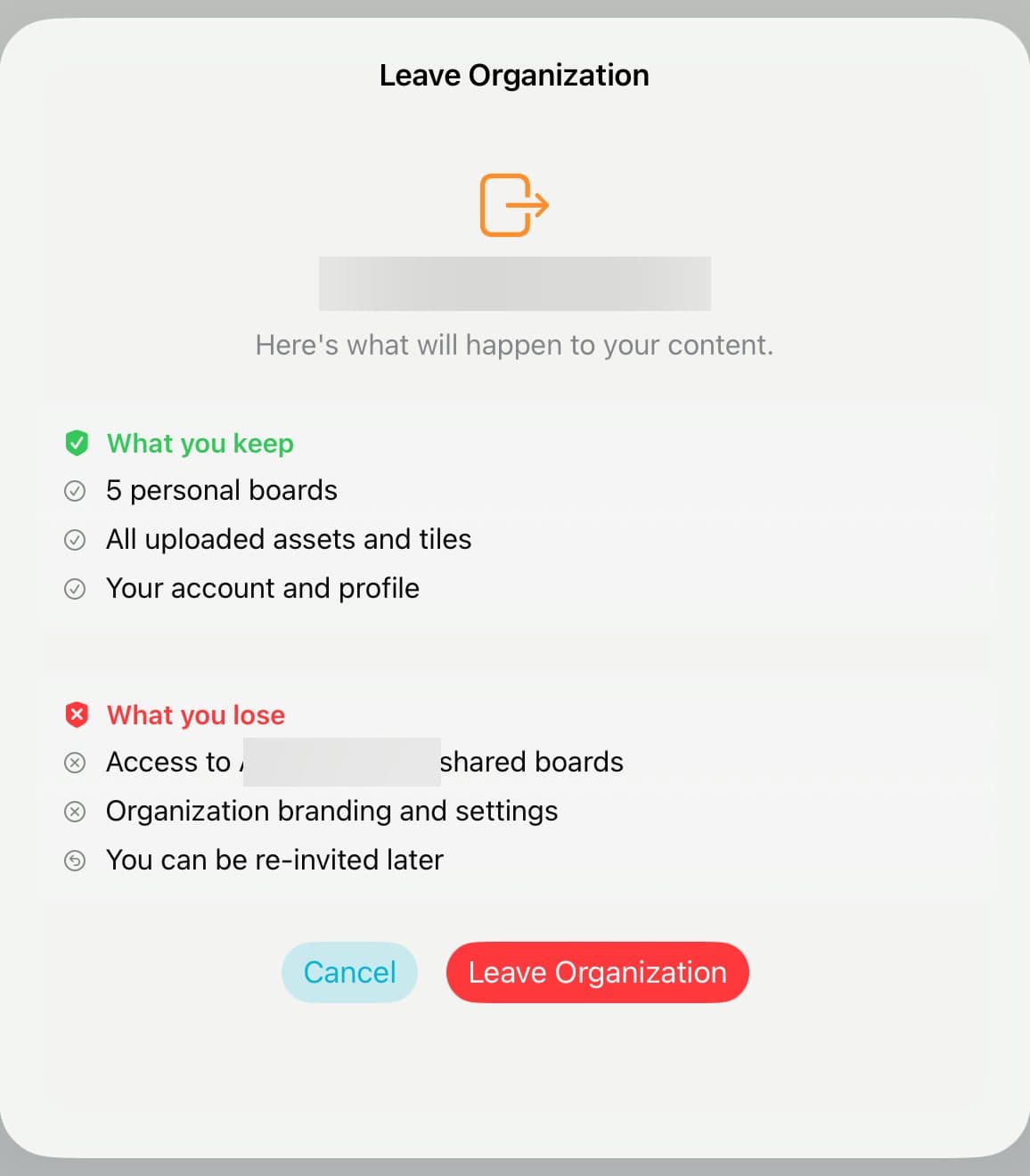
See what changes
You keep your own boards, files, tiles, and account. You lose the office's shared boards and branding.
Step 3 of 3
Leave
Tap Leave Organization. The office can invite you back later.
Good to know
If you're the only owner, you can't leave. Hand ownership to someone else first.
After you leave, your own plan applies again. On Free, only your 3 newest boards stay active. The rest lock, and nothing is deleted.