Team
Make a team that belongs to your office
Admins can make teams that belong to the organization instead of to one person. Tap Account, then Teams, then Create Team. Name it, and under Ownership set Owner to your organization. Tap Create, then add members. Teams use no seats, and you can share boards with a team.
Organization plansUpdated By Isaac Stalzer
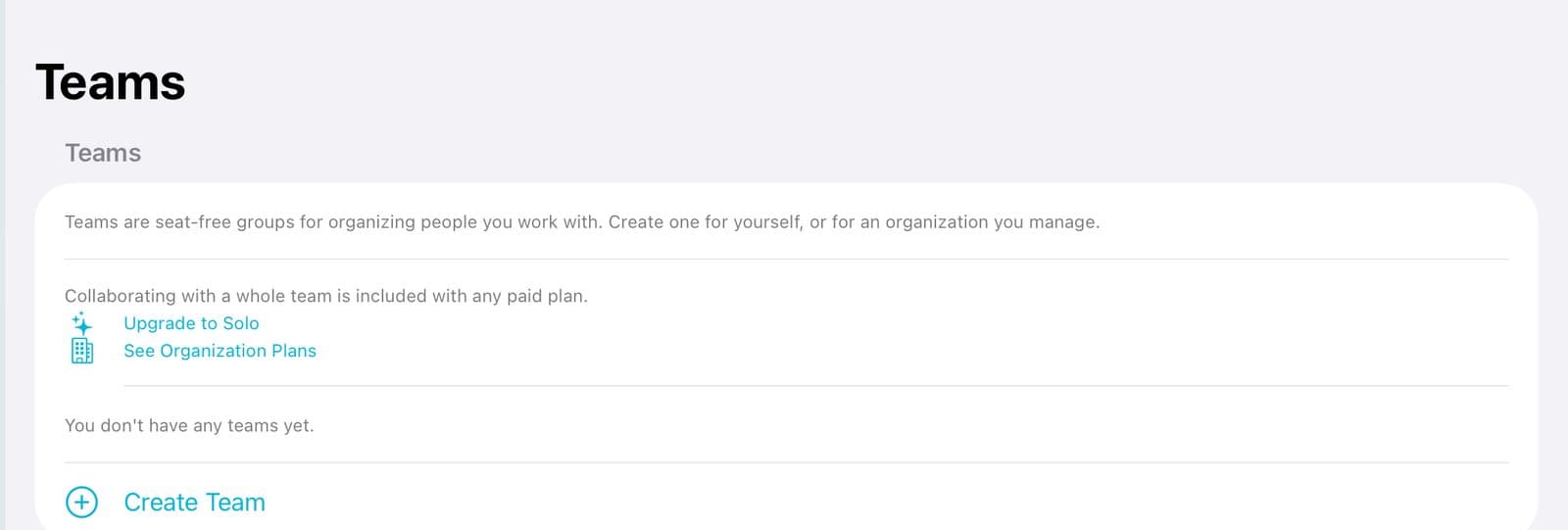
Step 1 of 4
Create a team
Tap Account, then Teams. Tap Create Team.
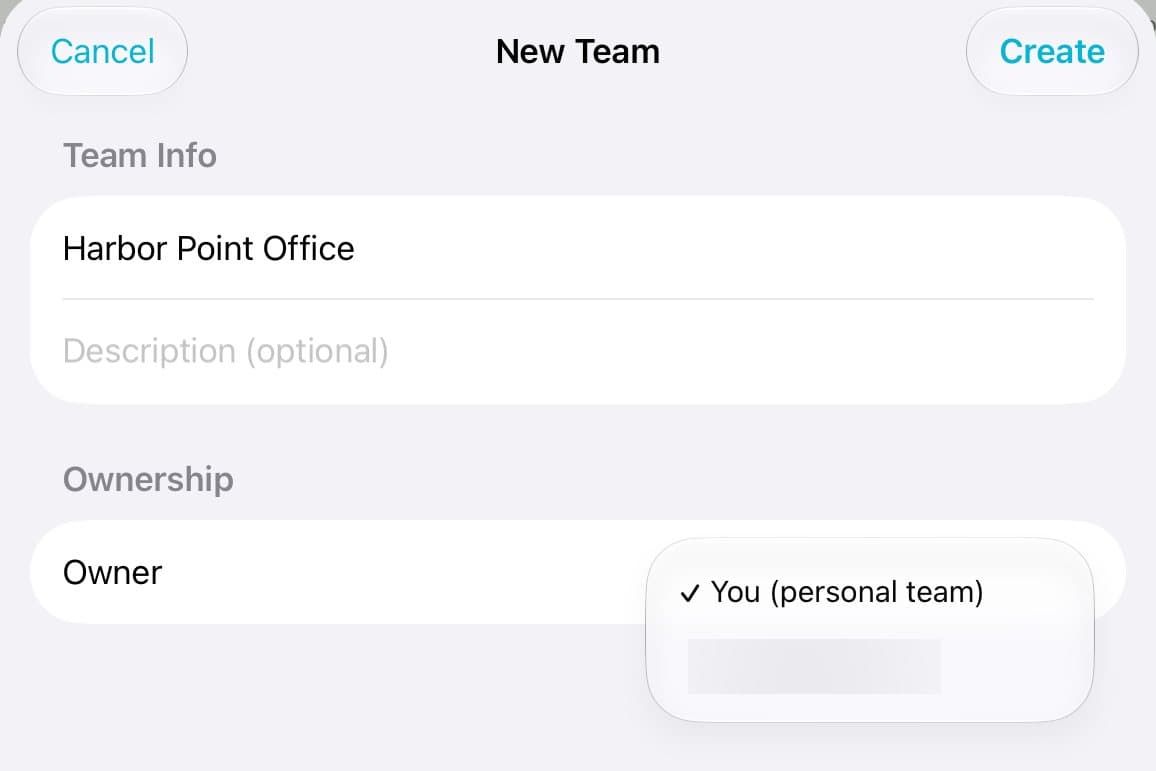
Step 2 of 4
Make the office the owner
Type a name. Under Ownership, tap Owner and pick your organization.
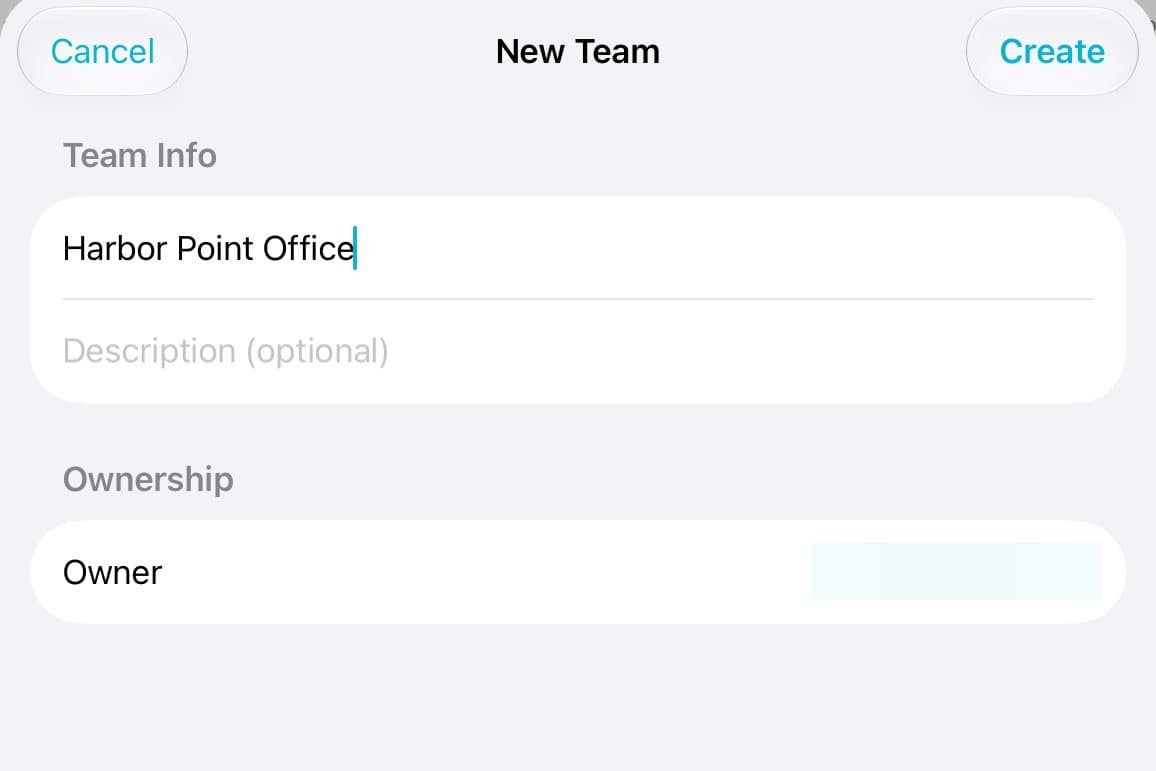
Step 3 of 4
Create it
Tap Create.
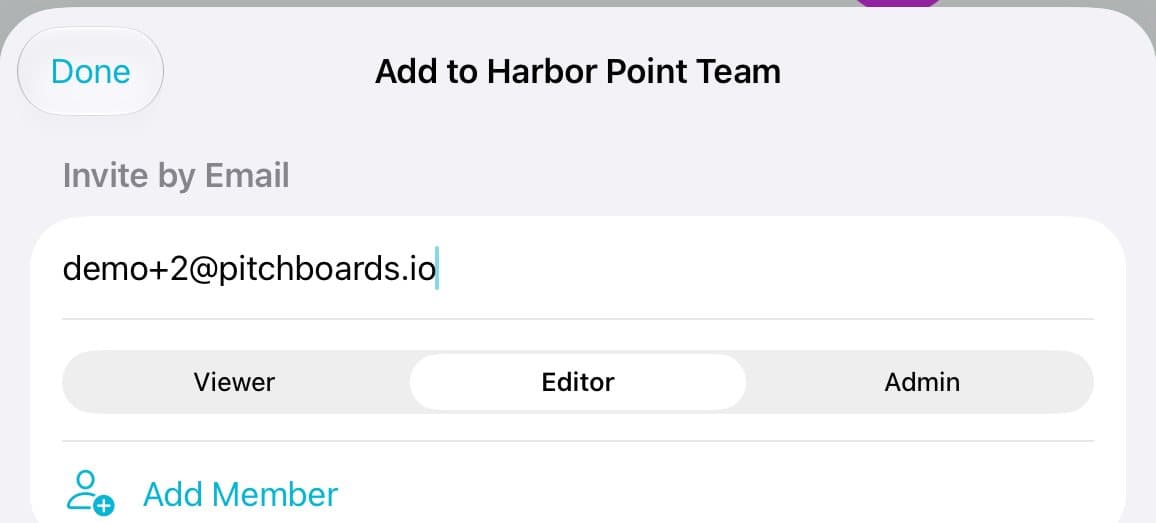
Step 4 of 4
Add people
Open the team, tap Add Member, type an email, pick a role, and tap Add Member.
Good to know
Teams use no seats.
Teams the office owns are listed on the organization's page under Org-Owned Teams.