Team
Share a board with your whole office
Share a board live with everyone in your office at once. Press and hold the board, tap Share, then Collaborate. Tap Choose a Team or Organization, pick yours, and tap Collaborate. Everyone sees it in Shared and gets your updates. People who leave the office lose access.
Organization plansUpdated By Isaac Stalzer

Step 1 of 4
Open Collaborate
Press and hold the board and tap Share. Tap Collaborate. Tap Choose a Team or Organization….
Step 2 of 4
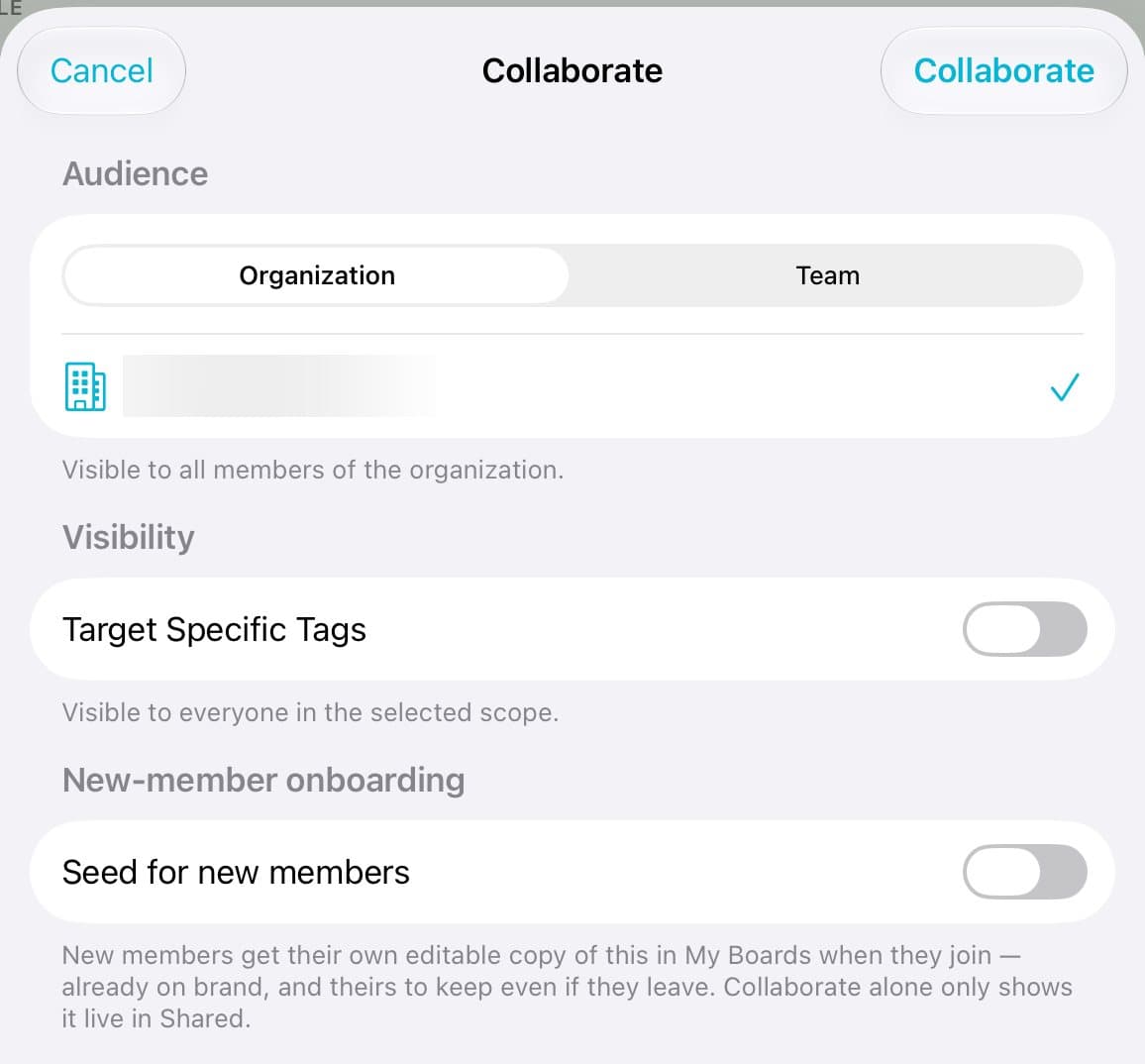
Pick who gets it
Pick Organization or Team, then pick yours.
Step 3 of 4
Include new agents
Turn on Seed for new members to give each new agent their own copy when they join.
Step 4 of 4
Share it
Tap Collaborate. Everyone sees the board in Shared, and your changes reach them.
Good to know
You need a paid plan, and you must be an admin of the organization or team.
To end it, open the same place and tap Stop Collaborating.