For the design presentation
Walk the yard. Win the install.
The past gardens, the plant palette, the stone and the phased price laid out so clearly the conversation moves from cost to install date.
No credit card needed.

Classic
Built in PitchBoards
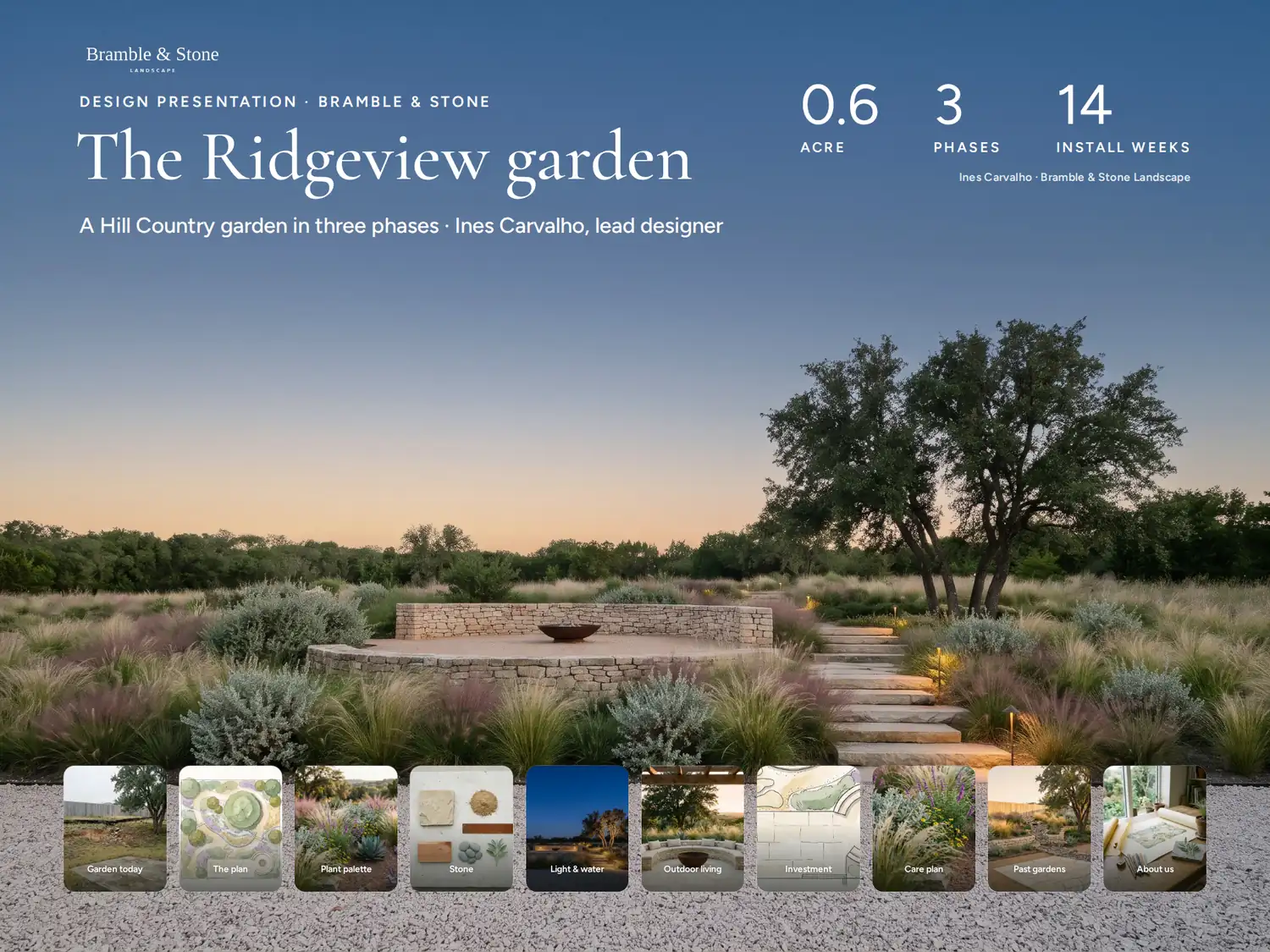
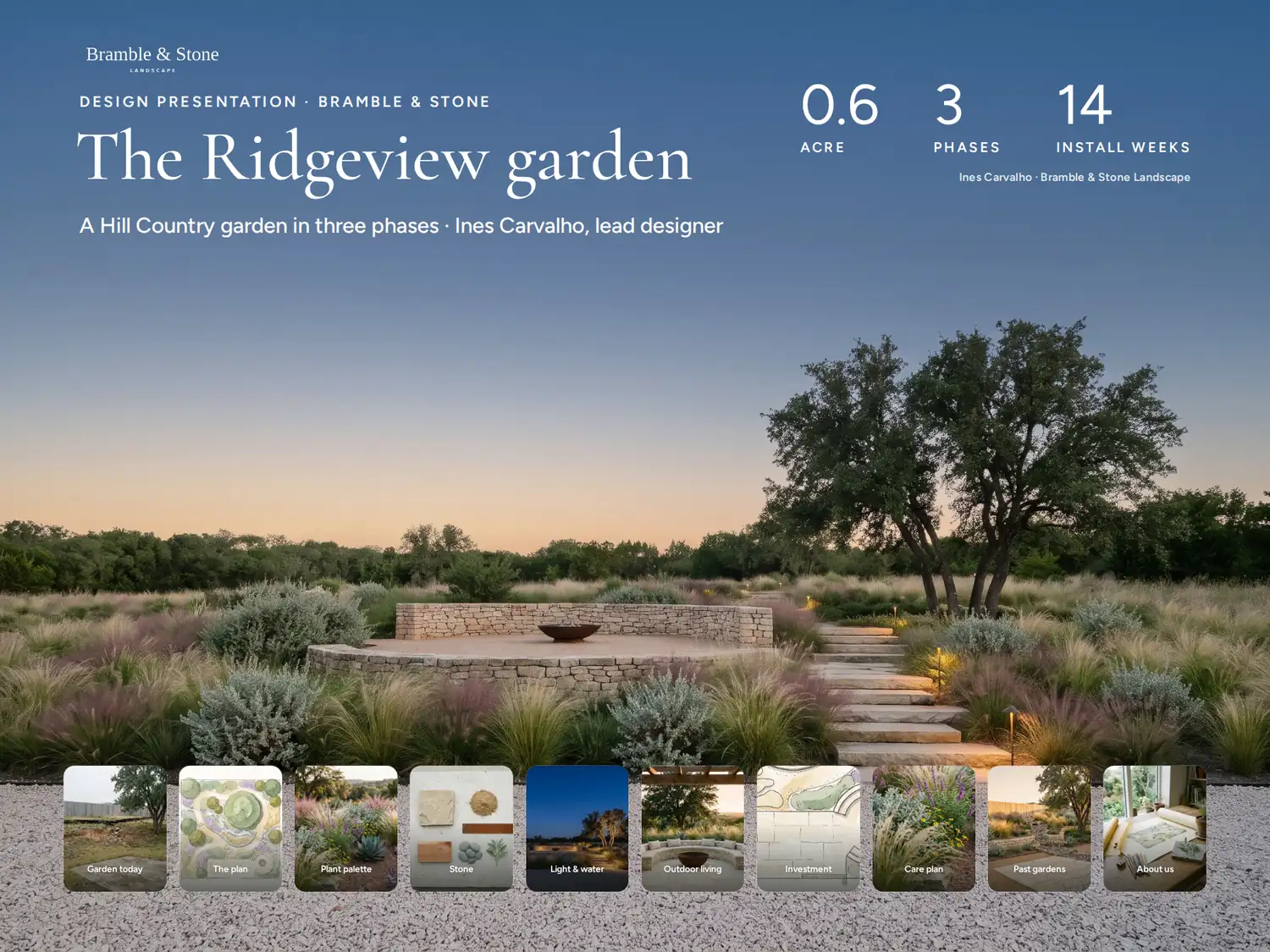
The Ridgeview garden
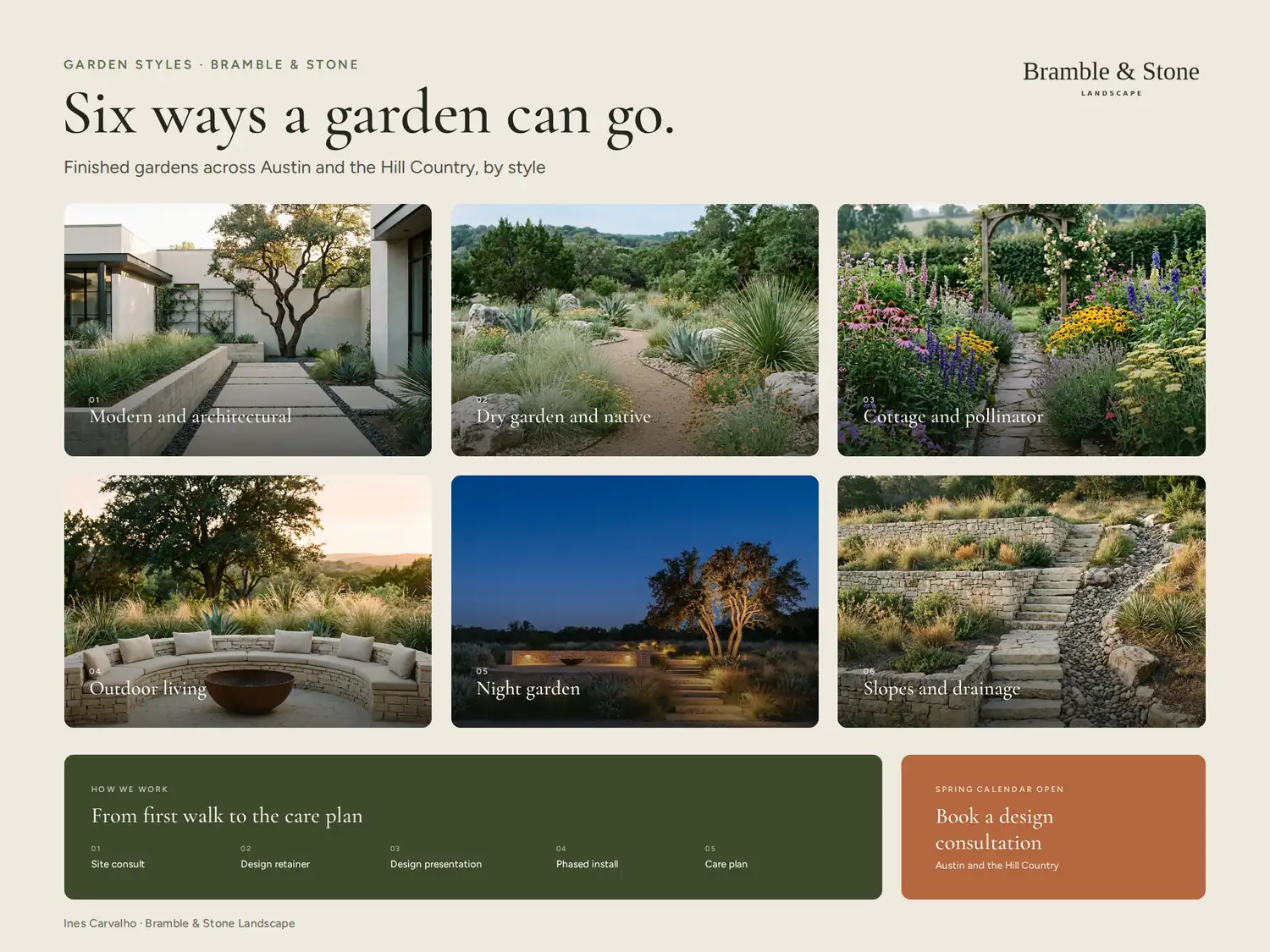
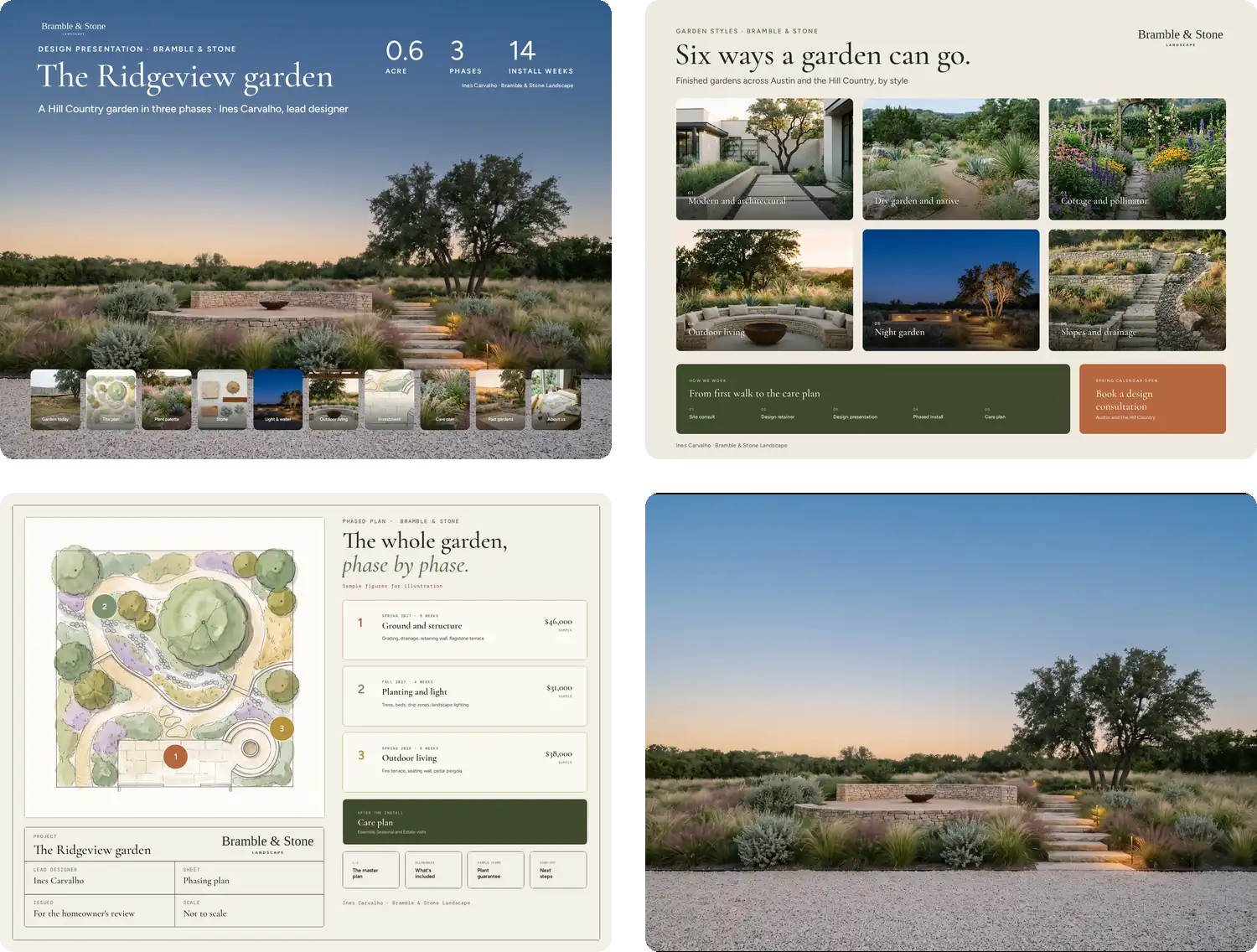
3 boards for one project, made in the same app you would use — every name and figure on them is sample content. Present them on the iPad at the design presentation. Afterward, the homeowner has it all in one place.
For the homeowner with three bids on the counter
Every story this garden needs to tell.
The garden today, the plan, the plants, the stone, the lighting, the phases and the care plan — each its own page, and the homeowner opens the one they are worried about first.
For the couple deciding what to build first
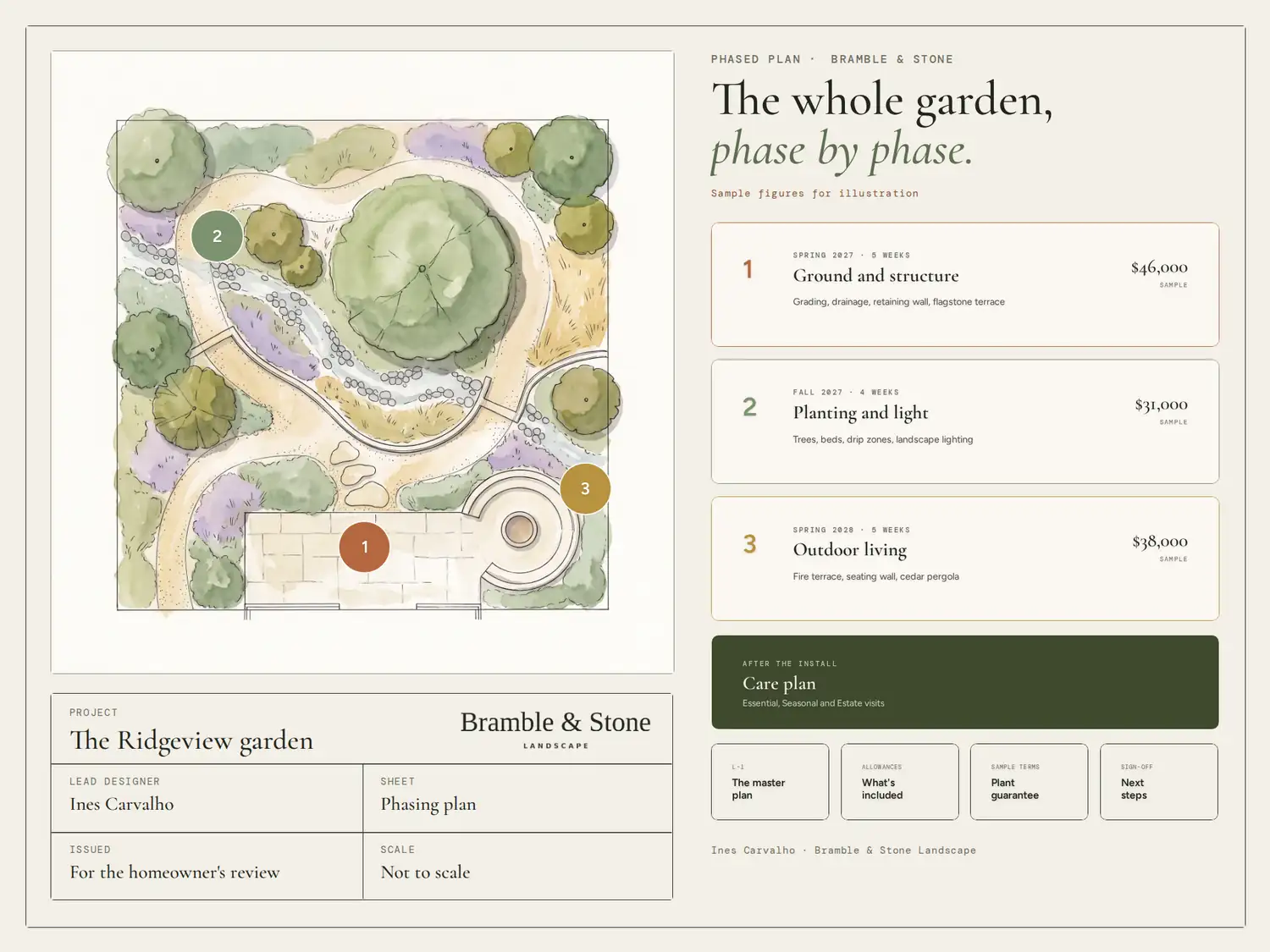
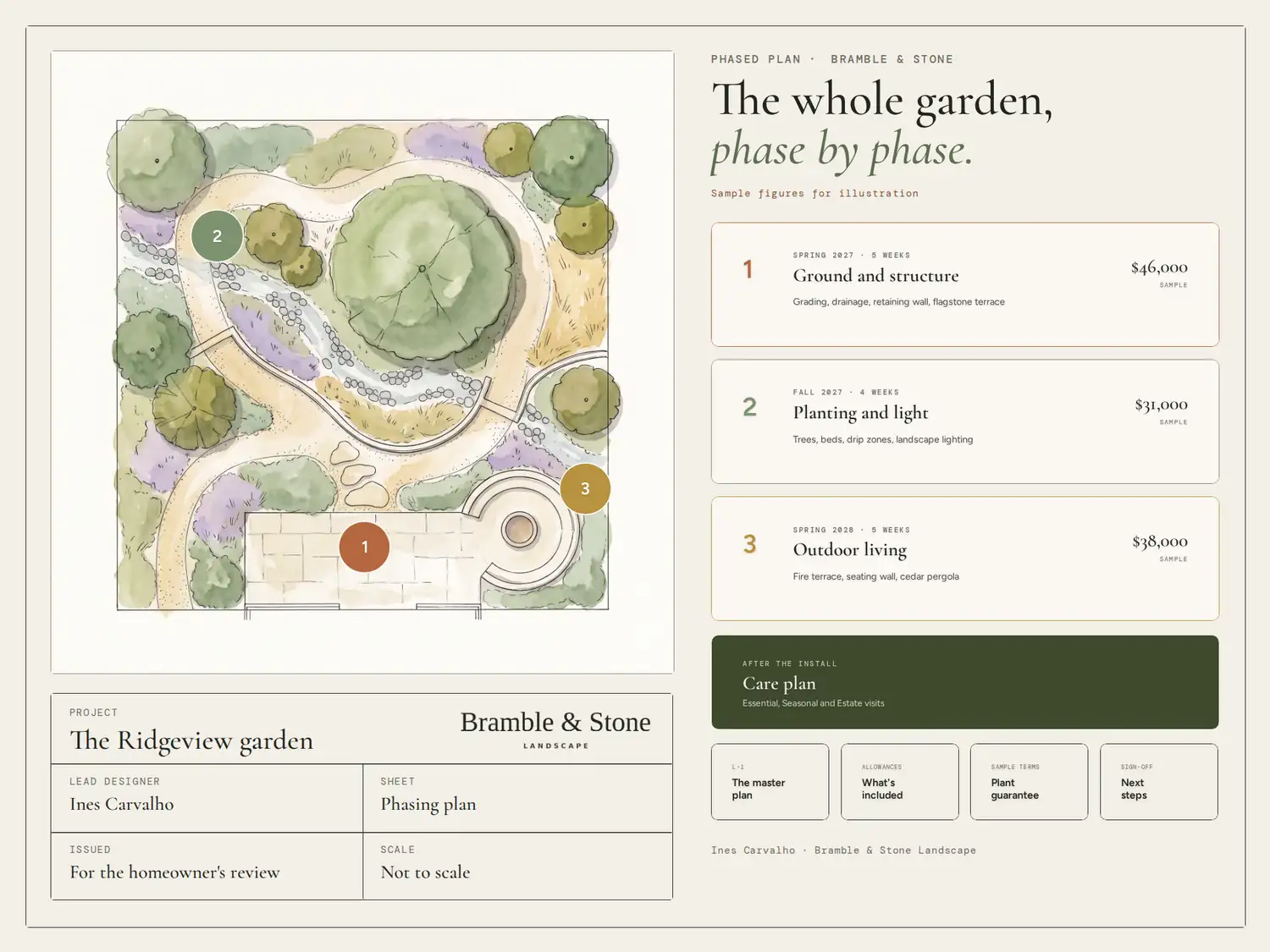
The whole garden, phase by phase.
Ground and structure this spring, planting and light in the fall, outdoor living next year — each phase with its scope, its season and its figure. Move a phase, update it in the app, and that is the plan they see.
For the whole design-build company
Every homeowner sees the same company.
Your mark, your colors, your typefaces — identical on the design presentation, the past-work gallery and the phased plan, whichever designer built them. What changes is the garden inside.
Win the next garden.
Recommended
Get the app
PitchBoards for iPad and Mac. Start free inside the app.

 For iPad and MacBest on iPad and Mac
Start in your browser
Type your website. We build your first board in your brand, and you see it before you sign up for anything.
Start freeNot sure yet?
See it before you decide.
See a real one (opens in a new tab)Built for iPad and Mac.
No credit card needed.
Other industries
- Yacht brokers
- Aircraft brokers
- Event planners
- Wedding planners
- Collector car brokers
- Business brokers
- Interior designers
- Custom home builders
- Equestrian agents
- Fine art advisors
- Commercial developers
- Commercial real estate brokers
- Mortgage brokers and loan officers
- Financial planners and advisors
- Pool builders
- Kitchen and bath remodelers
- Roofing contractors
- Residential real estate agents